
DigitalOcean Startup Credits: $5,000 in credits
Simple, developer-friendly cloud infrastructure with predictable pricing, credits for compute, databases, and Kubernetes.
Free · Opens in new tab
Already have an account? Log in
Deal Highlights
What Is DigitalOcean?
DigitalOcean is the cloud infrastructure platform built for developers and startups who want simple, predictable cloud computing without AWS-level complexity. With straightforward pricing, a clean UI, and managed services that deploy in minutes, DigitalOcean serves over 800,000 customers in 2026, from solo developers hosting side projects to startups running production workloads serving millions of users.
DigitalOcean's product line covers compute (Droplets), managed Kubernetes (DOKS), managed databases (PostgreSQL, MySQL, Redis, MongoDB), App Platform (PaaS), object storage (Spaces), and serverless functions. The platform's defining characteristic: everything is simpler and more predictably priced than equivalent AWS services.
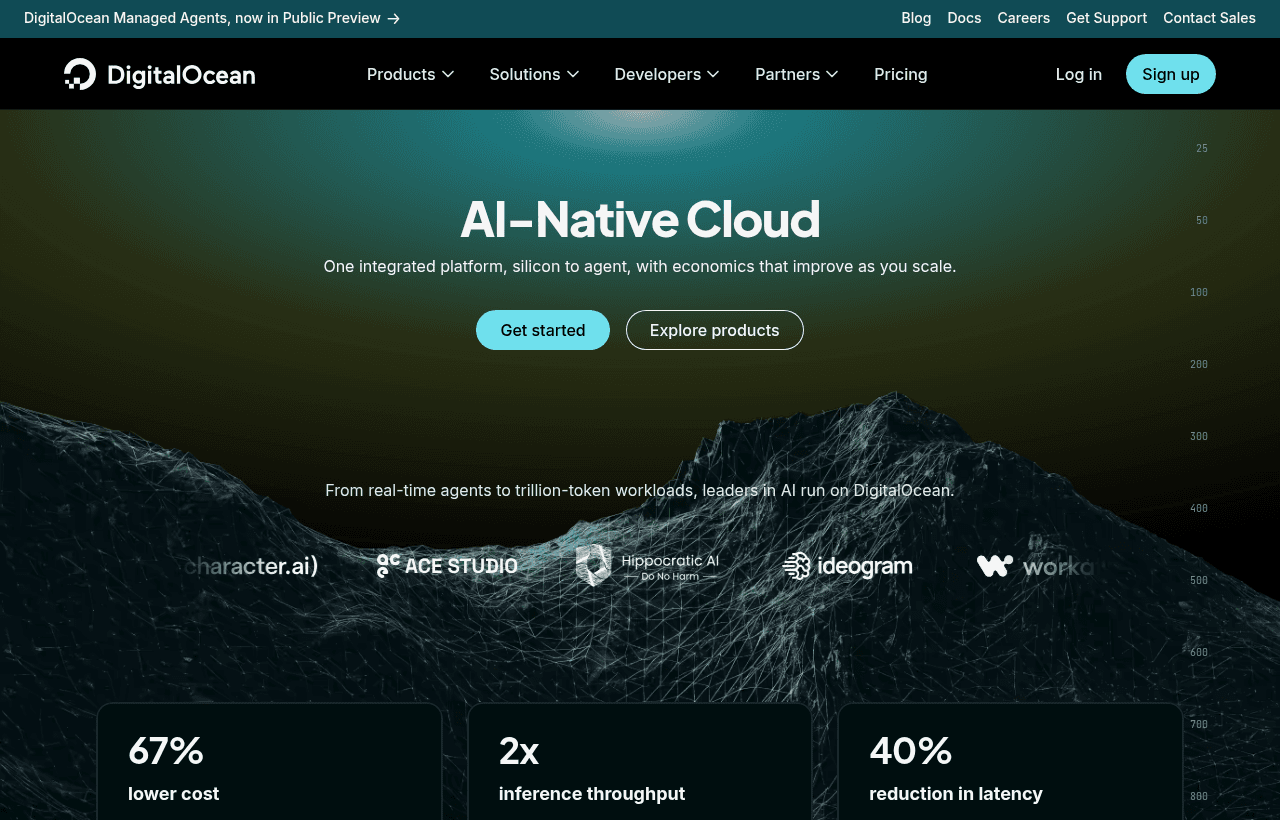
DigitalOcean, one of the tools included in this startup deal.
Why This Deal Matters for Startups
AWS is powerful but complex. A startup deploying a web application on AWS navigates EC2 instance types, VPC networking, security groups, IAM policies, and a pricing calculator that requires an engineering degree. On DigitalOcean, the same deployment is: create a Droplet, select a size, deploy your code.
The $5,000 DigitalOcean credit covers 8–20 months of production infrastructure for most early-stage startups. Combined with DigitalOcean's flat pricing (a $12/month Droplet costs $12/month. No hidden bandwidth or API fees), founders can predict their post-credit infrastructure costs with confidence.
What's Included in the DigitalOcean Startup Deal
- $5,000 in DigitalOcean credits valid for 12 months
- Droplets: Virtual machines from $4/month (1 vCPU, 512MB)
- Managed Kubernetes: One-click K8s clusters with auto-scaling
- Managed Databases: PostgreSQL, MySQL, Redis, MongoDB with automated backups
- App Platform: PaaS for Git-push deployments (like Heroku)
- Spaces: S3-compatible object storage with CDN
- Functions: Serverless compute for event-driven workloads
- Load Balancers, Firewalls, VPC: Networking infrastructure included
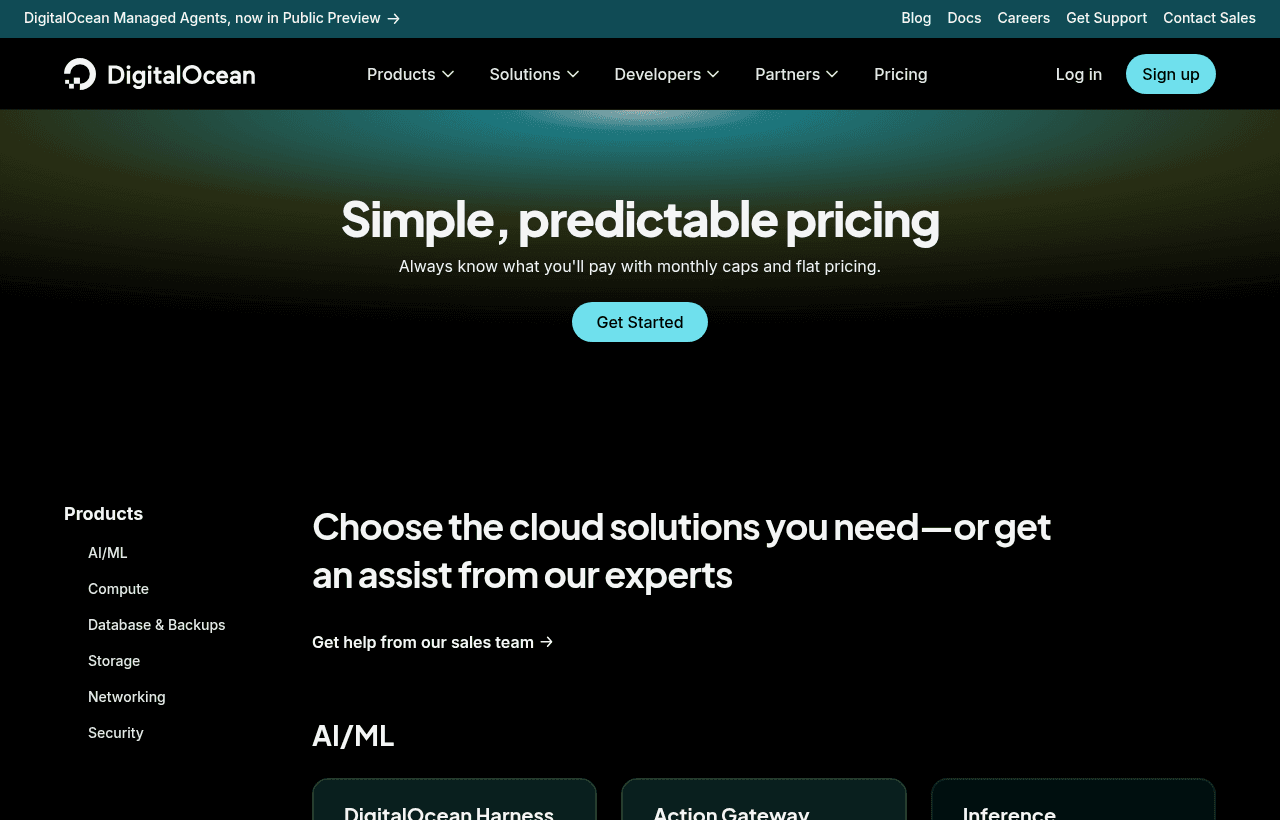
A look at DigitalOcean before the discount, so you can see what the deal saves you.
How to Claim This DigitalOcean Deal. Step by Step
Step 1: Create a free account on SaaSOffers at saasoffers.tech and access the DigitalOcean deal.
Step 2: Click "Get Deal" and follow the link to DigitalOcean's startup program (Hatch).
Step 3: Create your DigitalOcean account and provide company details for the startup program application.
Step 4: Deploy your first Droplet, select region, size (start small: $6/month for 1 vCPU, 1GB RAM), and OS image. SSH in and deploy your application.
Step 5: Alternatively, use App Platform for zero-config deployments. Connect GitHub, DigitalOcean auto-detects your framework, builds, and deploys with HTTPS and CDN.
Step 6: Add a managed PostgreSQL database ($15/month for the smallest instance) with automated daily backups.
Step 7: Set up monitoring and alerts in the DigitalOcean dashboard. CPU, memory, disk, and bandwidth alerts for every resource.
Key Features for Startups
Predictable Pricing. No Bill Shock
A DigitalOcean Droplet costs exactly what the pricing page says. $6/month means $6/month. No data transfer surcharges, no API gateway fees, no surprise line items. Bandwidth is included (generous allocation per Droplet). For startups managing cash flow carefully, pricing predictability is a genuine operational advantage.
App Platform. PaaS Without Complexity
DigitalOcean's App Platform deploys from Git with auto-build, HTTPS, and scaling, similar to Heroku or Render. Static sites are free. Dynamic apps start at $5/month. For startups that want managed deployment without configuring servers, App Platform provides the simplicity of PaaS on DigitalOcean's infrastructure.
Managed Kubernetes. Simplified K8s
DigitalOcean Kubernetes (DOKS) provides managed Kubernetes with one-click cluster creation, auto-scaling node pools, and integrated load balancers. The control plane is free. You pay only for worker nodes (Droplets). For startups ready for Kubernetes but not ready for EKS-level complexity, DOKS is the simplest managed K8s experience.
Managed Databases. Zero DBA Required
Managed PostgreSQL, MySQL, Redis, and MongoDB with automated daily backups, standby failover, connection pooling, and maintenance window configuration. No database administration required. Starting at $15/month for the smallest PostgreSQL instance.
Spaces. S3-Compatible Object Storage
DigitalOcean Spaces provides S3-compatible object storage at $5/month for 250GB with built-in CDN. Use existing S3 client libraries and tools, change the endpoint URL and credentials. For startups storing user uploads, static assets, and backups, Spaces is a cost-effective S3 alternative.
DigitalOcean Pricing and What a Real Setup Costs
DigitalOcean's appeal is predictable, readable pricing, which is the opposite of the hyperscaler experience where the bill is a monthly surprise.
| Resource | Roughly | |
|---|---|---|
| Basic Droplet | from around $4/mo | 1 vCPU, small RAM |
| Managed Postgres | from around $15/mo | single node |
| Managed Kubernetes | from around $12/mo | control plane plus node cost |
| App Platform | from around $5/mo | managed deploys |
| Load Balancer | around $12/mo |
A typical small production setup, a mid-size Droplet, a managed database, and a load balancer, lands near $40 a month. A more substantial app with a managed database and redundancy commonly runs $80 to $150 a month. Against a $5,000 credit, that is a long runway, often more than a year for an early-stage workload.
For teams needing managed Kubernetes or managed databases specifically, DigitalOcean typically runs 20% to 40% below the equivalent AWS configuration, and it is far simpler to reason about.
Where DigitalOcean Sits Between Cheap and Managed
Be clear-eyed about the trade, because DigitalOcean occupies a middle position that is right for many startups and wrong for some.
Below it on price sit the bare-VPS providers. Hetzner in particular offers dramatically more raw compute per euro, several times the CPU and RAM for the same money. If you want the cheapest capable server and are comfortable managing more yourself, Hetzner and similar providers win on price alone. What you give up is the managed services, the polished control panel, and the integrated ecosystem.
Above it sit the hyperscalers. AWS, Google Cloud, and Azure offer a vastly broader managed-service catalog, deeper regional coverage, and the enterprise SLAs large customers demand. What you pay for that is complexity and a bill that is genuinely hard to predict.
DigitalOcean's position is developer-friendly managed infrastructure at predictable prices, with a product surface small enough to understand in an afternoon. That is the right trade for a startup that wants managed databases and simple Kubernetes without a dedicated infrastructure engineer, and the wrong trade for a team that either wants rock-bottom cost or depends on a specific hyperscaler service.
Bandwidth and the Costs That Actually Bite
Two things determine whether DigitalOcean stays cheap in practice.
Bandwidth is comparatively generous. Droplets include a monthly transfer allowance, and overage is priced modestly against the hyperscalers, whose egress charges can rival compute for bandwidth-heavy applications. For anything serving media, downloads, or large API responses, this is a real structural advantage worth quantifying against the alternatives.
Managed services and snapshots are the quiet accumulators. Every managed database, every stored snapshot, and every reserved IP bills continuously. The most common source of unexpected DigitalOcean spend is not the Droplets you are using, it is the resources you provisioned, stopped using, and forgot to destroy. A monthly sweep for orphaned volumes, unused snapshots, and idle databases keeps the bill honest.
DigitalOcean vs AWS vs Render
| Factor | DigitalOcean | AWS | Render |
|---|---|---|---|
| Pricing clarity | Excellent (flat) | Complex (200+ variables) | Excellent (flat) |
| Compute options | Good (8 Droplet types) | Excellent (300+ instances) | Limited (3 tiers) |
| Managed K8s | Yes (DOKS) | Yes (EKS) | No |
| Managed databases | PostgreSQL, MySQL, Redis, MongoDB | RDS (10+ engines) | PostgreSQL, Redis |
| PaaS option | App Platform | Elastic Beanstalk | Core product |
| Object storage | Spaces ($5/250GB) | S3 ($0.023/GB) | No |
| Startup credits | $5,000 | $5,000 (Activate) | $500 |
| Learning curve | Low | High | Minimal |
DigitalOcean wins on pricing predictability and the balance between simplicity and capability. AWS wins on service breadth. Render wins on deployment simplicity for teams that need zero infrastructure management.
Who Is the DigitalOcean Deal For?
Startups that want AWS-level capability with Heroku-level simplicity: DigitalOcean provides compute, databases, Kubernetes, storage, and networking. The core services every startup needs without the configuration overhead of AWS.
Teams that need Kubernetes without EKS complexity: DOKS is the simplest managed Kubernetes experience. If your architecture requires container orchestration but your team does not have a dedicated DevOps engineer, DigitalOcean Kubernetes is the right starting point.
Cost-conscious startups with predictable workloads: When you know your infrastructure needs (2 servers, a database, and object storage), DigitalOcean's flat pricing lets you forecast costs exactly. No surprise bills from data transfer or API calls.
Real Startup Use Cases
APIHub (developer tools): APIHub runs their entire infrastructure on DigitalOcean, 3 Droplets for their API cluster, a managed PostgreSQL database, Redis for caching, and Spaces for file storage. Monthly infrastructure cost: $85. The $5,000 credit covers 58 months. Equivalent AWS setup: $140–$180/month with less predictable billing.
LearnCode (edtech platform): LearnCode deploys their Next.js application on App Platform with a managed PostgreSQL database. Git-push deployments, automatic HTTPS, and horizontal scaling handle their 5,000 daily active students. Monthly cost: $30. The simplicity means their 3-person team focuses on content and features, not infrastructure.
Tips to Maximize Your DigitalOcean Credits
- Start with the smallest Droplets and scale up when needed, $6/month Droplets handle surprising traffic for early-stage products. Vertical scaling (resizing) is a one-click operation with minimal downtime.
- Use App Platform for simple deployments. If your architecture is a web app + database, App Platform saves hours of server configuration. Reserve raw Droplets for workloads that need custom system-level configuration.
- Use Spaces instead of storing files on Droplets. Droplet disk space is expensive per GB. Spaces at $5/250GB is dramatically cheaper for file storage, backups, and static assets.
- Set up monitoring alerts immediately. DigitalOcean's built-in monitoring tracks CPU, memory, disk, and bandwidth. Set alerts at 80% utilization to catch resource constraints before they affect users.
- Use DigitalOcean's firewall instead of iptables. Cloud firewalls are managed via the dashboard and apply at the network level (before traffic reaches your Droplet). Simpler and more reliable than manual iptables rules.
DigitalOcean Alternatives
Looking for DigitalOcean alternatives? While DigitalOcean is a strong choice for cloud & infrastructure, it is not always the right fit for every team. Compare DigitalOcean against the top alternatives in our category. Each with verified startup deals and credits. See all DigitalOcean alternatives →
Many startups end up using a combination of tools, and there are no restrictions on claiming multiple deals through SaaSOffers. Whether you need a cheaper option, different features, or a better startup deal, there is an alternative worth considering.
The Managed-Services Decision
The choice that most affects both your bill and your workload is whether to run services yourself on plain Droplets or pay for managed versions.
A managed database costs more than the same database on a Droplet you administer. What the premium buys is automated backups, failover, patching, and one less thing that wakes you at night. For a small team without a database specialist, that trade is almost always worth it, because the cost of an unmanaged database failing is measured in lost data and lost days.
The general rule: pay for managed versions of the things that are painful and dangerous to run yourself, databases above all, and self-manage the things that are simple and forgiving. Running your own Postgres to save money is a false economy until you have someone whose job includes owning it.
Real Startup Use Cases
A bootstrapped SaaS launched its entire production stack on a single mid-size Droplet plus a managed database, ran comfortably for its first year on the credit, and moved to a multi-node setup only when traffic actually required it. Starting simple kept both the bill and the operational burden low during the period when neither the revenue nor the team could absorb much of either.
A data-heavy application chose DigitalOcean specifically for its bandwidth terms, having modelled that egress on a hyperscaler would have rivalled its compute cost. Serving large responses to a growing user base, the transfer allowance was the line item that made the platform meaningfully cheaper for that particular workload.
Who Is This Deal For?
Early-Stage Startups
Seed and pre-seed companies looking to move fast without overspending on tools.
Growing SaaS Teams
Series A+ companies scaling their stack and optimizing software costs.
Solo Founders
Indie hackers and bootstrapped founders who need enterprise tools at startup prices.
Get $5,000 in credits off DigitalOcean
Premium deal. Upgrade once, unlock everything.
!Eligibility Requirements
Early-stage startup, new DigitalOcean account
Frequently Asked Questions
Everything you need to know about this startup deal.
DigitalOcean is simpler and more predictably priced. AWS has broader services. For startups needing compute, databases, storage, and basic networking, DigitalOcean provides equivalent capability at lower complexity. For startups needing 20+ AWS services (ML, IoT, serverless, etc.), AWS is more appropriate. Many startups use DigitalOcean for production and AWS for specialized services.
Get the weekly deals digest
New verified startup deals every week. No spam, ever. Unsubscribe anytime.
Related Offers

Toggl Track
Used by 1,100 members
Free Plan
Simple and intuitive time tracking for teams with reporting and integrations.
View offer
Auth0
Used by 994 members
1 year of B2B Professional free
Get 1 year of the Auth0 B2B Professional plan free, with up to 100,000 monthly active users, SSO, enterprise MFA and SCIM.
View offer
Bugsnag
Used by 471 members
Free Plan
Error monitoring and stability management for web and mobile applications.
View offer
Turborepo
Used by 1,880 members
Free & Open Source
High-performance build system for JavaScript and TypeScript monorepos by Vercel.
View offer
Windmill
Used by 1,501 members
Free Plan
Open-source developer platform for building internal tools, workflows, and scripts.
View offer
Height
Used by 1,442 members
Free Plan
AI-powered project management tool with autonomous task management and workflows.
View offerDeal Summary
Looking for more startup deals?
Browse all offers