
JetBrains Promo Code: 6 months free All Products
Get JetBrains All Products Pack free for 6 months. The IDEs trusted by 12M+ developers including IntelliJ IDEA, WebStorm, and PyCharm.
Free · Opens in new tab
Already have an account? Log in
Deal Highlights
What Is JetBrains?
JetBrains is the leading developer tools company, creating the world's most intelligent and ergonomic integrated development environments (IDEs) for every major programming language. Founded in 2000 in the Czech Republic, JetBrains products are used by over 15 million developers globally, from individual freelancers to engineering teams at Google, Amazon, and thousands of startups. JetBrains IDEs are widely regarded as the best-in-class development environment for their respective languages.
In 2026, JetBrains' product suite includes IntelliJ IDEA (Java/Kotlin), PyCharm (Python), WebStorm (JavaScript/TypeScript), PhpStorm (PHP), GoLand (Go), CLion (C/C++), Rider (.NET/C#), DataGrip (databases), RustRover (Rust), and more plus the cross-platform Fleet IDE, JetBrains AI Assistant, and the collaborative Datalore notebook platform.
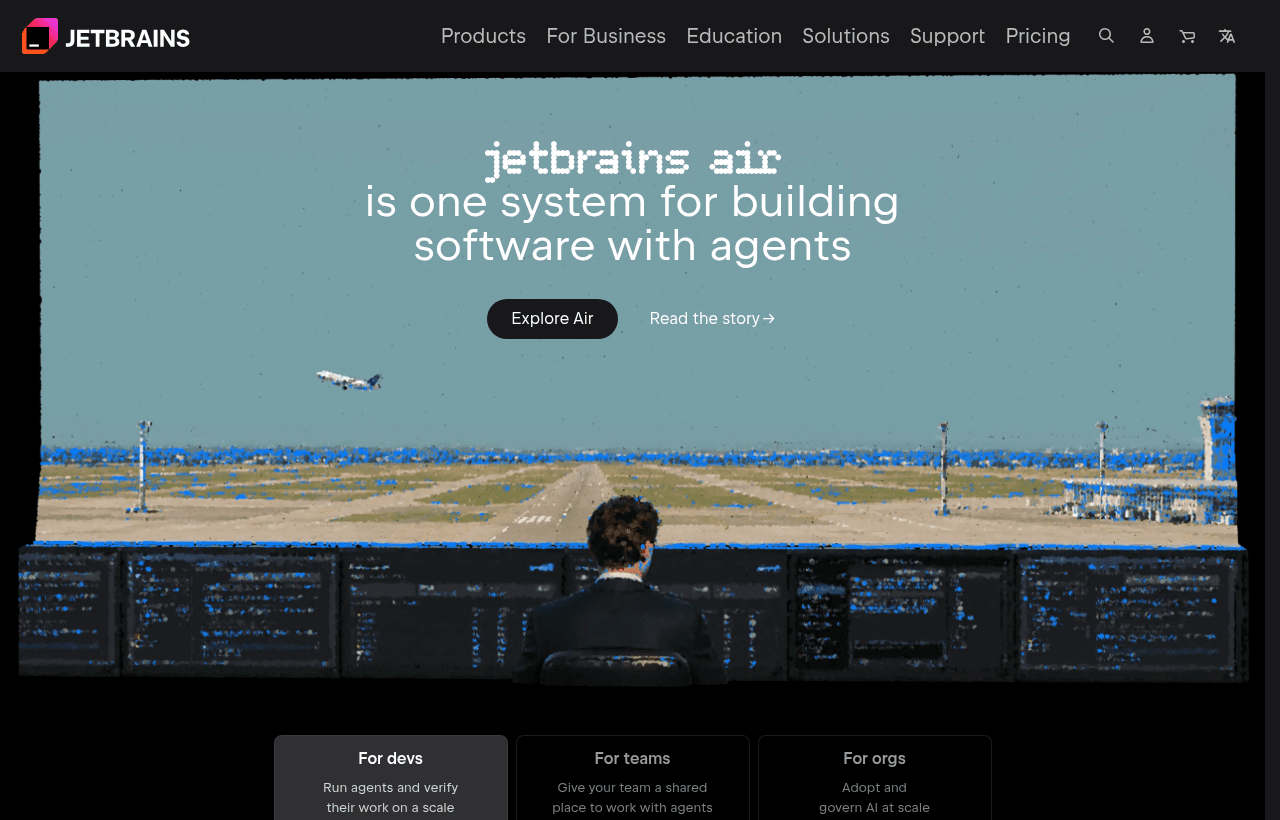
JetBrains, one of the tools included in this startup deal.
Why This Deal Matters for Engineering-Led Startups
Developer productivity is one of the most underestimated competitive advantages a startup can have. Engineers using great tools ship faster, make fewer errors, and spend less time on mechanical tasks. JetBrains IDEs provide features that junior engineers feel the difference in on day one and senior engineers can't imagine working without: intelligent code completion, instant refactoring across thousands of files, built-in debuggers, database browsers, version control integration, and live code inspection.
The JetBrains startup deal removes the per-seat cost barrier that makes it impractical for small teams to license professional IDEs. In 2026, giving every engineer on your team access to JetBrains tools is one of the highest-ROI developer experience investments available.
What's Included in the JetBrains Startup Deal
Through SaaSOffers, qualifying startups receive:
- JetBrains All Products Pack free for 12 months: All JetBrains IDEs and tools for every team member
- Up to 10 users covered: Full professional IDE access for your team
- JetBrains AI Assistant: AI-powered code completion, generation, and explanation in all IDEs
- TeamCity: CI server (on-premises or cloud) for automated build and test pipelines
- Space: Collaborative development environment (code hosting, reviews, CI, packages)
- Datalore: Collaborative data science notebooks for Python and data teams
- YouTrack: Issue tracking and agile project management
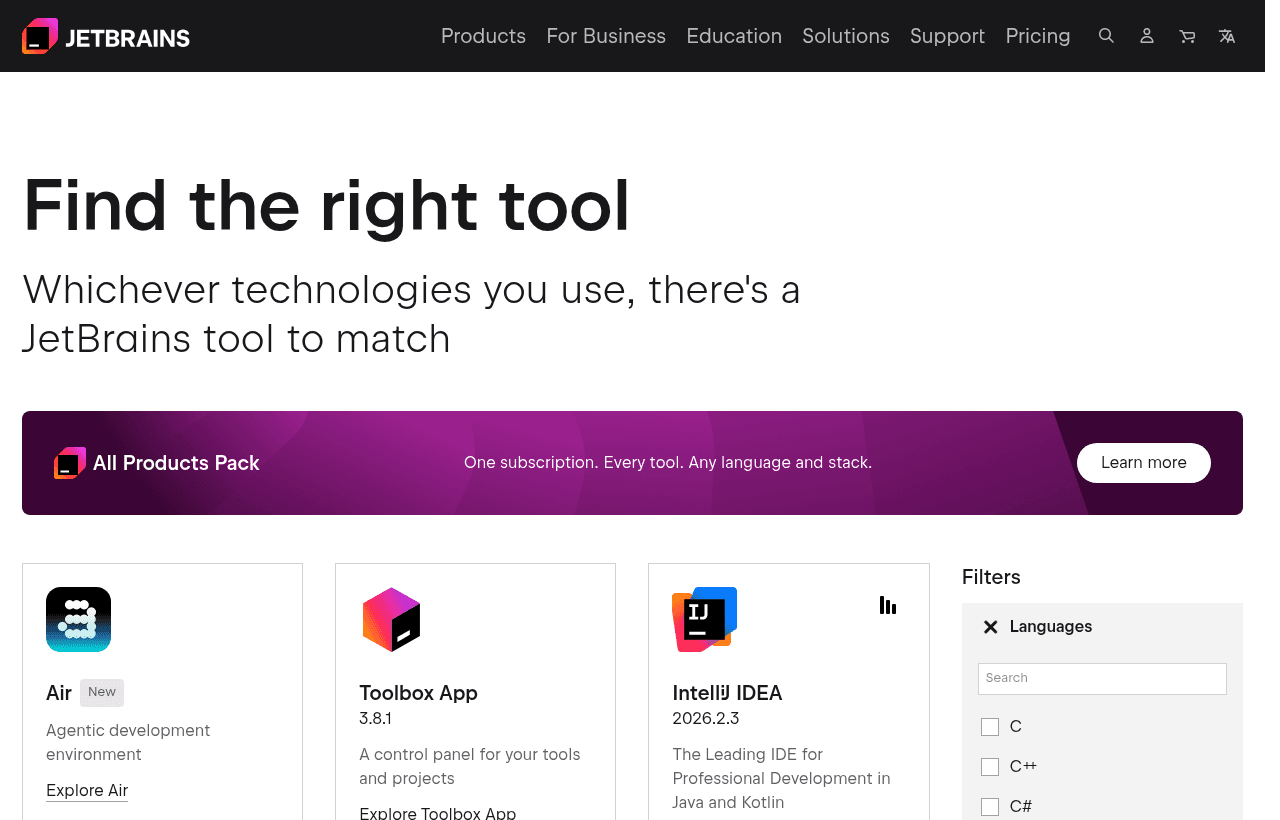
A look at JetBrains before the discount, so you can see what the deal saves you.
Eligibility Requirements
JetBrains for Startups requires:
- Less than 3 years since company founding
- Fewer than 10 employees total
- Not a current JetBrains commercial customer
- Active software development (not consulting/agency work)
Note: JetBrains has one of the more restrictive startup program eligibility windows. Apply early, within your first year of founding to maximize the benefit.
How to Claim This JetBrains Deal. Step by Step
Step 1: Create a free account on SaaSOffers at saasoffers.tech and access the JetBrains startup deal referral.
Step 2: Click "Get Deal" on the JetBrains offer page and follow the link to JetBrains' startup program application.
Step 3: Fill out the application with your company information, founding date, team size, and the programming languages your team uses.
Step 4: Once approved, you receive a JetBrains license key for the All Products Pack. Distribute the license to team members via the JetBrains License Server or individual license activation codes.
Step 5: Install the JetBrains IDE relevant to your primary language from JetBrains Toolbox App. Toolbox manages all JetBrains IDE installations and updates in one place, install, update, and switch between IDE versions without manual download.
Step 6: Configure your project settings: code style (auto-formatting), inspection profiles (which warnings to surface), and version control integration (JetBrains IDEs have excellent built-in Git support including visual merge conflict resolution).
Step 7: Enable JetBrains AI Assistant. In IDE Settings → Plugins, activate AI Assistant. Configure it with your preferred AI model backend. AI Assistant provides inline code completion, documentation generation, code explanation, and refactoring suggestions throughout the development workflow.
Key Features That Make JetBrains IDEs Superior
Deep Code Intelligence. Beyond Autocomplete
JetBrains' code intelligence isn't simple autocomplete. It understands the semantics of your entire codebase. It tracks type hierarchies, method signatures, variable scopes, import graphs, and runtime type inference to provide completions and inspections that are contextually correct across your entire project. "Find all usages" across a million-line codebase returns accurate results in milliseconds.
Refactoring at Scale
JetBrains' refactoring tools perform safe, automated code transformations: rename a variable across the entire codebase (updating all references and call sites), extract a method from a block of code, inline a function, move a class to a different package, or change a method signature. These refactors that would take hours of careful manual editing execute in seconds with 99.9% reliability.
Integrated Debugger
JetBrains' debuggers are the best in their respective language ecosystems. Set breakpoints, watch variables, step through code, evaluate expressions in the current scope, and inspect complex object graphs, all within the IDE without switching to external tools. Remote debugging (attaching to running processes in Docker containers or cloud environments) is built in.
Built-in Database Browser (DataGrip Integration)
Every JetBrains IDE includes a database browser that lets you connect to MySQL, PostgreSQL, Redis, MongoDB, and 20+ other databases, browse schemas, write and execute queries, and view results without leaving your IDE. For developers who frequently work with databases, this integration eliminates the need for a separate database management tool.
JetBrains AI Assistant. Contextual AI Coding
JetBrains AI Assistant integrates AI code generation directly into the IDE's coding workflow: complete the current line or block, generate a function from a comment description, explain selected code, find bugs in a code block, write tests for a function, and chat with an AI that has full context of your current file and project structure. In 2026, AI Assistant is one of the most contextually aware coding AI tools available.
JetBrains IDEs vs. VS Code
| Factor | JetBrains IDEs | VS Code |
|---|---|---|
| Out-of-box intelligence | Exceptional | Good (with extensions) |
| Refactoring tools | Best-in-class | Good (varies by language) |
| Debugger | Excellent, built-in | Good (with extensions) |
| Memory usage | Higher (JVM-based) | Lower |
| Cost | $24.90–$77.90/user/mo | Free |
| Plugin ecosystem | Large but smaller than VS Code | Largest ecosystem |
| AI features | JetBrains AI Assistant | GitHub Copilot, Copilot Chat |
JetBrains wins on deep code intelligence, refactoring, and debugging quality. VS Code wins on cost (free), plugin breadth, and lightweight performance. Many engineering teams use VS Code for frontend JavaScript and JetBrains IDEs for backend Java, Python, or Go.
Who Is the JetBrains Startup Deal For?
Python-heavy startups (AI, data, backend): PyCharm is widely regarded as the best Python IDE available. For Python-heavy teams building ML models, Django applications, or data pipelines, the productivity difference between PyCharm and a generic text editor is measurable in hours per week per developer.
JVM-ecosystem startups (Java, Kotlin, Scala): IntelliJ IDEA is the undisputed best IDE for Java and Kotlin development. No alternative comes close to IntelliJ's understanding of JVM codebases. If your stack includes Spring Boot, Kotlin multiplatform, or Android development, IntelliJ IDEA is non-negotiable for serious teams.
Full-stack startup engineering teams: The All Products Pack gives every engineer access to IntelliJ, WebStorm, DataGrip, and all other IDEs simultaneously. Engineers working across languages don't need to compromise, they can use the best IDE for each context.
Real Startup Use Cases
DataEngine (ML infrastructure startup, 8 engineers): DataEngine's team of Python data scientists and Java infrastructure engineers used PyCharm and IntelliJ via the JetBrains All Products Pack. The team measured that JetBrains' inline type checking and code inspection caught an average of 12 type errors per developer per week before runtime, errors that in their previous VS Code workflow appeared only during testing or production.
BlockPay (fintech startup, Kotlin backend): BlockPay's engineering team chose Kotlin for their backend (for null safety and coroutines) and used IntelliJ IDEA. The JetBrains IDE's Kotlin-specific inspections, detecting suspend function misuse, flow cancellation issues, and coroutine scope leaks, prevented multiple concurrency bugs that would have been difficult to trace in production.
AnalyticsAPI (SaaS data API, 5 engineers): AnalyticsAPI used DataGrip to manage their PostgreSQL schema evolution. The built-in migration script generator and query explanation tool reduced the time their team spent on database-related tasks by an estimated 3 hours/week across the team, time recovered and redirected to feature development.
Tips to Maximize Your JetBrains Deal
- Install JetBrains Toolbox before any IDE. Toolbox is a lightweight launcher that manages all your JetBrains IDE installations and updates. It prevents IDE version conflicts, updates automatically, and lets you maintain multiple versions for different projects. Install it first; install IDEs through it.
- Invest one hour in live template configuration. JetBrains Live Templates are code snippet shortcuts that expand common patterns instantly. Configuring templates for your team's most common code patterns (API route handlers, test fixtures, logging patterns) can save significant repetitive typing across your codebase.
- Use "Analyze Code" before every PR. JetBrains' code inspections find real bugs, null pointer risks, unused variables, threading issues. Not just style violations. Run "Analyze → Inspect Code" on changed files before creating a PR. This catches issues the reviewer would otherwise need to catch manually.
- Learn 10 keyboard shortcuts. JetBrains IDEs have hundreds of shortcuts, but 10 core shortcuts (Find Action, Go to File, Go to Symbol, Find All Usages, Refactor This, Run, Debug, Recent Files, Commit, Push) cover 80% of daily navigation and workflow. Learn these in the first week, they compound in time savings every day after.
- Share IDE settings via Settings Sync. JetBrains IDEs support settings sync via JetBrains Account or a settings repository. Configure your preferred code style, inspection profiles, and plugins once, then share the configuration across all team members' IDEs. Consistent IDE configuration eliminates code style debates.
JetBrains Alternatives
Looking for JetBrains alternatives? While JetBrains is a strong choice for developer tools, it is not always the right fit for every team. Compare JetBrains against the top alternatives in our category. Each with verified startup deals and credits. See all JetBrains alternatives →
Many startups end up using a combination of tools, and there are no restrictions on claiming multiple deals through SaaSOffers. Whether you need a cheaper option, different features, or a better startup deal, there is an alternative worth considering.
There is also a quieter benefit worth naming: consistency across a team. When developers use the same well-featured IDE, the shared conventions, refactoring tools, and code-navigation habits reduce friction in collaboration and code review, which for a growing engineering team is a real if hard-to-measure advantage. The all-products pack makes that consistency achievable across a polyglot team without forcing everyone onto one language's editor, and the free period is the low-cost way to establish whether that consistency and the underlying depth are worth building your team's tooling around.
Matching the Tool to How Your Team Works
The deeper point about developer tooling is that it is one of the few investments that pays back every single working hour, because your engineers spend their entire day in it, so even a modest improvement in how effectively they work is multiplied across all that time. That is the real case for professional IDEs: not any single feature, but the cumulative effect of better code understanding, faster navigation, and safer refactoring across every hour of development. Whether that cumulative effect justifies the cost for your team is genuinely worth evaluating rather than assuming in either direction, and the free period is exactly the low-risk way to find out, letting your developers work in the professional tools and judge from experience whether they would choose to keep them. For teams working in complex, statically-typed languages the answer is often yes; for those in lighter or more varied environments a capable free editor may serve as well, and the honest test is your own developers' experience over the free months, not a general claim about which editor is best.
Ultimately the decision about developer tooling should be made by the developers who live in it, because they are the ones who feel whether a tool makes their work meaningfully better, and a startup does well to trust that judgment rather than mandate a choice from outside it. The free period exists precisely so that judgment can be informed by real use rather than assumption: give your engineers the professional tools for the duration, let them experience the difference in their actual daily work, and let their considered preference guide whether to continue. This respects both the individuality of how developers work and the reality that the productivity effect genuinely varies by person and by codebase, and it turns a tooling decision that is often made by default or by mandate into one grounded in the experience of the people it affects, which is where such decisions are best made.
Who Is This Deal For?
Early-Stage Startups
Seed and pre-seed companies looking to move fast without overspending on tools.
Growing SaaS Teams
Series A+ companies scaling their stack and optimizing software costs.
Solo Founders
Indie hackers and bootstrapped founders who need enterprise tools at startup prices.
Get 6 months free All Products off JetBrains
Premium deal. Upgrade once, unlock everything.
Frequently Asked Questions
Everything you need to know about this startup deal.
JetBrains has a startup program providing the All Products Pack free for 12 months to qualifying companies under 3 years old with fewer than 10 employees. Outside this program, individual IDEs range from $24.90 to $77.90/user/month. The startup deal covers all JetBrains products — IntelliJ IDEA, PyCharm, WebStorm, GoLand, DataGrip, and more — for your entire team.
Get the weekly deals digest
New verified startup deals every week. No spam, ever. Unsubscribe anytime.
Related Offers

Toggl Track
Used by 1,100 members
Free Plan
Simple and intuitive time tracking for teams with reporting and integrations.
View offer
Auth0
Used by 994 members
1 year of B2B Professional free
Get 1 year of the Auth0 B2B Professional plan free, with up to 100,000 monthly active users, SSO, enterprise MFA and SCIM.
View offer
Bugsnag
Used by 471 members
Free Plan
Error monitoring and stability management for web and mobile applications.
View offer
Turborepo
Used by 1,880 members
Free & Open Source
High-performance build system for JavaScript and TypeScript monorepos by Vercel.
View offer
Windmill
Used by 1,501 members
Free Plan
Open-source developer platform for building internal tools, workflows, and scripts.
View offer
Height
Used by 1,442 members
Free Plan
AI-powered project management tool with autonomous task management and workflows.
View offerDeal Summary
Looking for more startup deals?
Browse all offers