
Jira Promo Code: 1 year free Standard
Get Jira Standard free for 1 year. The project tracking tool used by 100,000+ agile software teams to plan sprints, track bugs, and ship faster.
Free · Opens in new tab
Already have an account? Log in
Deal Highlights
What Is Jira?
Jira is Atlassian's industry-standard issue tracking and project management platform, used by over 65,000 organizations globally for software development sprint planning, bug tracking, product roadmap management, and agile team coordination. Originally built for software development, Jira now serves teams across product, IT operations, marketing, legal, and HR with configurable workflows, custom fields, and powerful reporting.
In 2026, Jira Software remains the most widely used engineering project management tool in the world. When a developer says "file a ticket," they usually mean Jira. When an engineering manager says "what's the sprint velocity?" they're looking at Jira. The tool is so embedded in software development culture that new engineering hires assume it's available on day one.
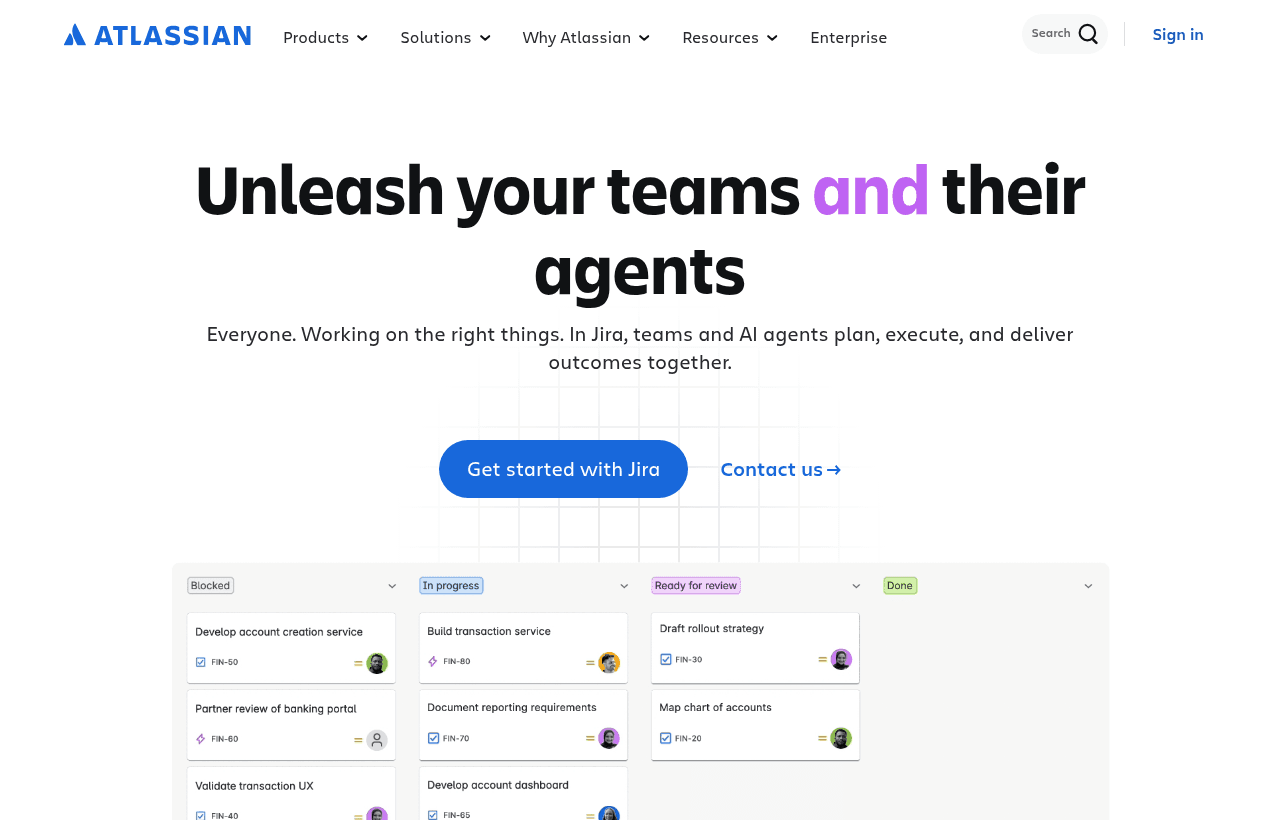
Jira, one of the tools included in this startup deal.
Why This Deal Is Foundational for Engineering Teams
Engineering project management without a structured tool creates predictable problems: unclear priorities, work done twice, production bugs with no tracking history, sprint planning done in spreadsheets, and no data to measure team velocity. Jira solves all of these problems with tooling that engineering teams already know how to use.
The Jira startup deal gives qualifying teams the full Jira Software Standard plan at no cost, including advanced roadmap planning, sprint reporting, release management, and the integrations that connect Jira to GitHub, Confluence, and the rest of your development toolchain.
What's Included in the Jira Startup Deal
Through SaaSOffers, qualifying startups receive:
- Jira Software Standard free for 12 months (value: $600–$2,400 depending on team size)
- $7.75/user/month equivalent waived for teams up to 10+
- Scrum and Kanban boards: Visual sprint and continuous flow project tracking
- Roadmaps: Cross-project timeline view for product planning
- Sprints: Full scrum ceremony support (planning, execution, retrospectives)
- Advanced workflow configuration: Custom statuses, transitions, and automation rules
- Integration with GitHub/Bitbucket/GitLab: Link commits and PRs to Jira issues
- Jira Query Language (JQL): Powerful search and filter across all issues
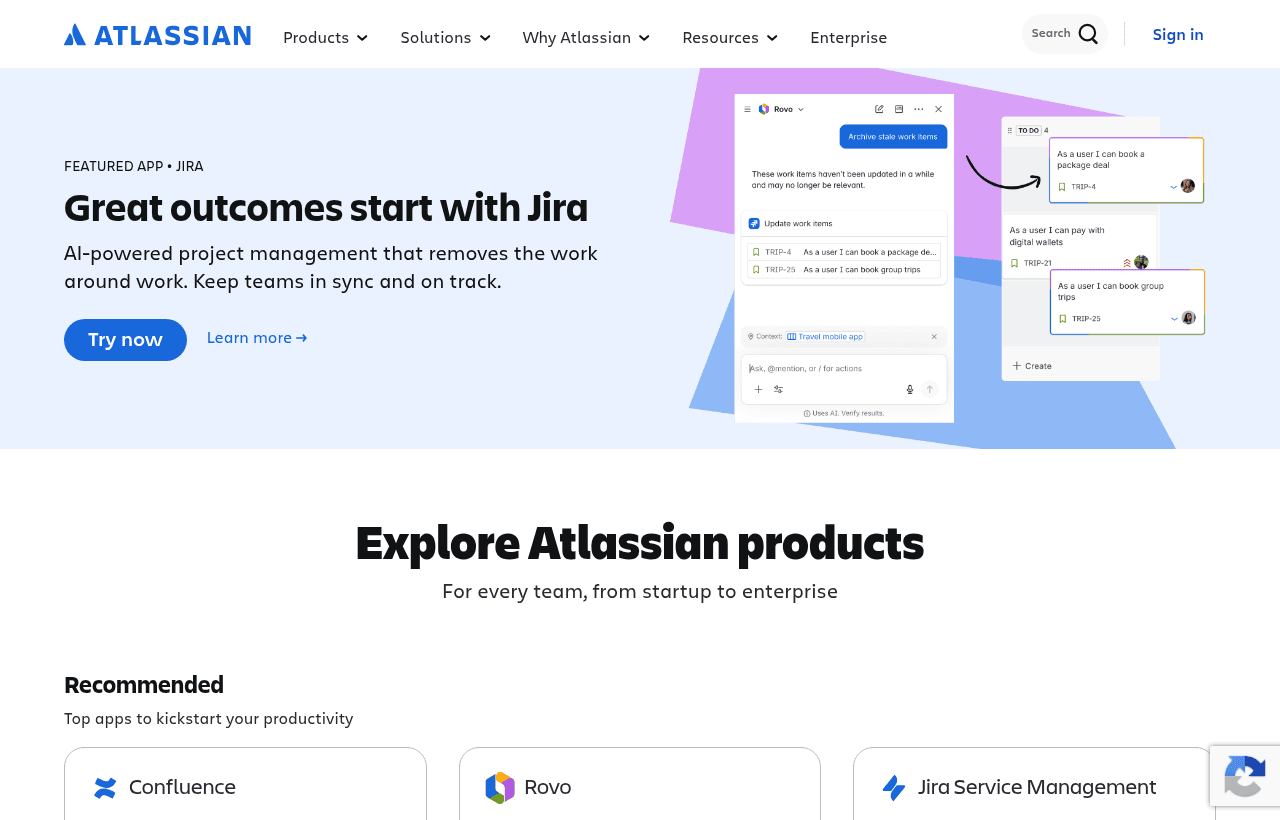
A look at Jira before the discount, so you can see what the deal saves you.
Eligibility Requirements
Atlassian startup program:
- Early-stage startup (pre-Series A or early Series A)
- Not a current Atlassian paid customer
- Startup receiving support from an Atlassian Ventures portfolio company or qualifying accelerator/VC, or through direct application
Apply through SaaSOffers for the verified program referral.
How to Claim This Jira Deal. Step by Step
Step 1: Create a free account on SaaSOffers at saasoffers.tech to access the Atlassian deal referral.
Step 2: Click "Get Deal" on the Jira offer page and follow the link to Atlassian's startup program application.
Step 3: Create your Atlassian account and set up your Jira site. Your site URL will be yourcompany.atlassian.net.
Step 4: Create your first project. Choose "Scrum" for teams working in sprints (most engineering teams), or "Kanban" for teams preferring continuous flow with no fixed sprint cycles.
Step 5: Set up your issue types and workflow. The default workflow (To Do → In Progress → Done) works for most teams. Add a "In Review" status if your team does code review as a distinct phase. Add "QA" if you have a dedicated QA stage before closing issues.
Step 6: Connect Jira to your code repository. For GitHub, install the GitHub for Jira app. For GitLab, install the GitLab.com for Jira app. These integrations show linked commits, branches, and PR status directly on Jira issues without manual updates.
Step 7: Import your backlog. If you're migrating from another tool or spreadsheet, import existing issues via CSV. Start with 30–50 prioritized items in the backlog, then run your first sprint with 10–15 items the team commits to completing.
Key Features That Make Jira Work for Engineering Teams
Scrum Board and Sprint Management
Jira's Scrum board is the standard sprint management interface: backlog refinement view, sprint planning (drag issues from backlog to sprint), active sprint board (columns for each workflow status), and burndown charts. Sprint ceremonies are built into the workflow: start sprint, review sprint progress, close sprint, run retrospective, all tracked and reportable.
Advanced Roadmaps. Cross-Project Planning
Jira Advanced Roadmaps (included in Standard and above) provides a Gantt-style timeline view across multiple projects and teams. Epics, features, and releases are visualized with dependencies, assigned teams, and date ranges. For startups managing engineering, product, and release planning simultaneously, Roadmaps makes the dependency web visible.
Automation. No-Code Workflow Rules
Jira Automation lets you create trigger → condition → action rules without code. Common automations: when a PR is merged in GitHub, transition the linked Jira issue to "Done"; when an issue is created with priority Critical, assign it to the engineering lead; when a sprint ends, automatically move unfinished issues to the backlog. These rules reduce manual workflow maintenance significantly.
JQL. Powerful Issue Search
Jira Query Language (JQL) is a search syntax for finding issues by any combination of fields: assignee, status, label, component, priority, creation date, sprint, and custom fields. JQL-based filters power dashboards, reports, and saved searches. Learning 10 basic JQL patterns gives engineering managers the query power to answer any project status question in seconds.
GitHub/GitLab Integration. Development Panel
Jira's development panel shows linked branches, commits, pull requests, and build status directly on each issue. Developers reference Jira issue keys in commit messages ("ABC-123: Fix null pointer in payment handler") and the association is automatic. This connects project tracking to code changes without requiring developers to update Jira manually for every commit.
Jira vs. Alternative Project Management Tools
| Tool | Best For | Scrum Support | Developer Integrations | Complexity |
|---|---|---|---|---|
| Jira | Engineering sprint tracking | Excellent | Best-in-class | High |
| Linear | Modern engineering UX | Good | GitHub/GitLab | Low |
| Asana | Cross-functional projects | Limited | Good | Medium |
| GitHub Projects | GitHub-native tracking | Basic | Native | Low |
| Shortcut | Mid-size engineering teams | Good | Good | Medium |
| Trello | Simple kanban | No | Limited | Very Low |
Jira wins on depth, reporting, and integrations for engineering teams. Linear wins on UI simplicity and speed for teams who find Jira overwhelming. GitHub Projects wins for teams who want tracking embedded directly in their code repository.
Who Is the Jira Startup Deal For?
Engineering teams that need audit trails: When your startup's engineering discipline is tested, by a security audit, an enterprise customer's procurement questionnaire, or a Series A investor asking about your development process. Jira provides the documentation. Every issue has a full history of who worked on it, when, and what changed.
Product teams managing a roadmap: Jira's Roadmaps feature connects product planning (features, releases, milestones) to the engineering tickets that implement them. For startups where product and engineering need to stay aligned on priority and timeline, this connection prevents the constant "when is Feature X shipping?" conversation.
Startups scaling from 5 to 20+ engineers: The pain of no project management tool hits hardest as engineering teams grow past 5–7 people. Jira's structure scales from a 3-person engineering team to a 200-person organization without changing tools. Starting on Jira early prevents the disruptive migration from a casual tracking tool as you scale.
Real Startup Use Cases
PayFlow (fintech startup, 12 engineers): PayFlow's engineering team migrated from GitHub Projects to Jira when they scaled from 5 to 12 engineers and sprint discipline became essential. Jira's burndown charts revealed that the team was consistently committing to 40% more sprint work than they completed. The visibility led to better sprint planning and a 60% improvement in sprint completion rate within two quarters.
SyncDev (developer tools SaaS, Series A): SyncDev used Jira's GitHub integration to track the time from PR creation to production deployment as part of their DORA metrics. The data revealed a 3-day average review-to-merge delay, which the team addressed by implementing pair programming for complex PRs. Cycle time dropped by 40%.
ClinicalOS (health tech startup, SOC 2 in progress): ClinicalOS used Jira's issue history and audit logs during their SOC 2 Type II audit as evidence of their change management process. The auditor required proof that all production changes were tracked, reviewed, and approved. Every deployment was linked to a Jira issue with the developer, reviewer, and approval timestamp, making the audit evidence trivial to compile.
Tips to Maximize Your Jira Deal
- Keep the workflow simple, don't add statuses you don't use. Jira's default flexibility makes it tempting to add many workflow stages. Resist this. To Do → In Progress → In Review → Done covers 95% of engineering workflows. Every extra status adds overhead without value unless your team actually uses the distinction.
- Use components to categorize your work area. Jira components (frontend, backend, infra, mobile, API) allow filtering issues by technical area. This helps engineering leads see where work is concentrated, identify single points of failure in who works on what component, and report on area-specific velocity.
- Require Jira issue references in commit messages. Ask developers to include the Jira issue key in every commit message. This is the one practice that makes the GitHub/Jira integration actually useful, linking commits to issues automatically, creating the audit trail that connects code changes to their business context.
- Use Epic-level tracking for quarterly planning. Create Epics (groups of related stories) for each significant product initiative. This gives you a higher-level view than individual tickets, useful for reporting progress to non-engineering stakeholders and planning quarterly roadmaps.
- Review sprint retrospective data in Jira Reports. After each sprint, review the Burndown Chart, Sprint Report, and Velocity Chart. These three reports answer the most important sprint planning questions: Did we complete what we committed? Where did the estimate slip? Are we getting faster or slower? Use this data to improve planning fidelity each sprint.
Jira Alternatives
Looking for Jira alternatives? While Jira is a strong choice for developer tools, it is not always the right fit for every team. Compare Jira against the top alternatives in our category. Each with verified startup deals and credits. See all Jira alternatives →
Many startups end up using a combination of tools, and there are no restrictions on claiming multiple deals through SaaSOffers. Whether you need a cheaper option, different features, or a better startup deal, there is an alternative worth considering.
When Jira Is the Right Tool
Jira is a powerful, highly configurable project and issue tracker built for software teams, and its power is precisely what determines when it fits and when it is more than a team needs. Where a tool like Jira earns its place is in software teams with real process: multiple people, a backlog to manage, sprints or a defined workflow, and the need to track issues through stages with the reporting that engineering leaders want. At that scale, the structure and configurability Jira provides are genuinely useful, and its integration with the rest of the Atlassian tooling many teams use makes it a natural center for engineering work.
The flip side of that power is that Jira can be more configurable and more complex than a small team needs, and it is possible to build an elaborate process that becomes its own overhead. The discipline is to keep the workflow as simple as the team actually requires, a manageable set of statuses, a clear board, sensible automation, and to add complexity only when a specific need justifies it, because a process heavier than the team needs is friction that slows the work it was meant to organize.
Tracking Work Without Bureaucracy
The genuine value of an issue tracker is that it makes engineering work visible and manageable: what is planned, what is in progress, what is blocked, and what is done, which is exactly the information that gets lost as an engineering team grows past the point where everyone can hold it in their heads. That visibility helps the team coordinate and helps leadership understand progress, and it is worth the tool even for a small team once the work exceeds what a simple list can hold.
The practical approach is to use Jira for what it is good at, tracking software work through a clear process, without importing bureaucracy the team does not need, and to keep the board an honest reflection of reality rather than an aspirational plan nobody updates, because an issue tracker is only as useful as the team's discipline in keeping it current. The free year is the window to establish that discipline and to configure the workflow to fit how your engineering team actually works, and a team that gets the balance right, structured enough to coordinate, light enough not to slow down, turns Jira into genuine leverage rather than the process overhead it can become when over-configured.
Who Is This Deal For?
Early-Stage Startups
Seed and pre-seed companies looking to move fast without overspending on tools.
Growing SaaS Teams
Series A+ companies scaling their stack and optimizing software costs.
Solo Founders
Indie hackers and bootstrapped founders who need enterprise tools at startup prices.
Get 1 year free Standard off Jira
Premium deal. Upgrade once, unlock everything.
Frequently Asked Questions
Everything you need to know about this startup deal.
Jira has a free plan for up to 10 users with unlimited projects, basic roadmaps, and 2GB storage. The startup deal provides Jira Software Standard free for 12 months, unlocking advanced roadmaps, audit logs, project-level permissions, release management, and expanded storage. For teams of 1–10 people, the free plan covers basic engineering tracking needs.
Get the weekly deals digest
New verified startup deals every week. No spam, ever. Unsubscribe anytime.
Related Offers

Toggl Track
Used by 1,100 members
Free Plan
Simple and intuitive time tracking for teams with reporting and integrations.
View offer
Auth0
Used by 994 members
1 year of B2B Professional free
Get 1 year of the Auth0 B2B Professional plan free, with up to 100,000 monthly active users, SSO, enterprise MFA and SCIM.
View offer
Bugsnag
Used by 471 members
Free Plan
Error monitoring and stability management for web and mobile applications.
View offer
Turborepo
Used by 1,880 members
Free & Open Source
High-performance build system for JavaScript and TypeScript monorepos by Vercel.
View offer
Windmill
Used by 1,501 members
Free Plan
Open-source developer platform for building internal tools, workflows, and scripts.
View offer
Height
Used by 1,442 members
Free Plan
AI-powered project management tool with autonomous task management and workflows.
View offerDeal Summary
Looking for more startup deals?
Browse all offers