
Render Startup Credits: $500 in credits
Deploy web services, databases, and cron jobs with zero DevOps, modern cloud hosting for startups.
Free · Opens in new tab
Already have an account? Log in
Deal Highlights
What Render Gives a Startup
Render is modern cloud hosting that lets a team deploy web services, databases, and cron jobs with zero DevOps. The deal is $500 in credits, available to early-stage startups opening a new Render account, which gives a young team real hosting to run its product without the bill arriving before there is revenue. For a startup, that is runway applied directly to infrastructure, and infrastructure the team does not have to hire a specialist to operate.
The core idea behind Render is that a small team should not need a dedicated operations engineer to run its application in the cloud. Deploying a service, attaching a database, and scheduling background jobs are things Render aims to make straightforward, so the people building the product can also ship and run it. The $500 in credits lets a startup do exactly that from day one, covering the hosting costs while the team validates the product and the traffic is still small.
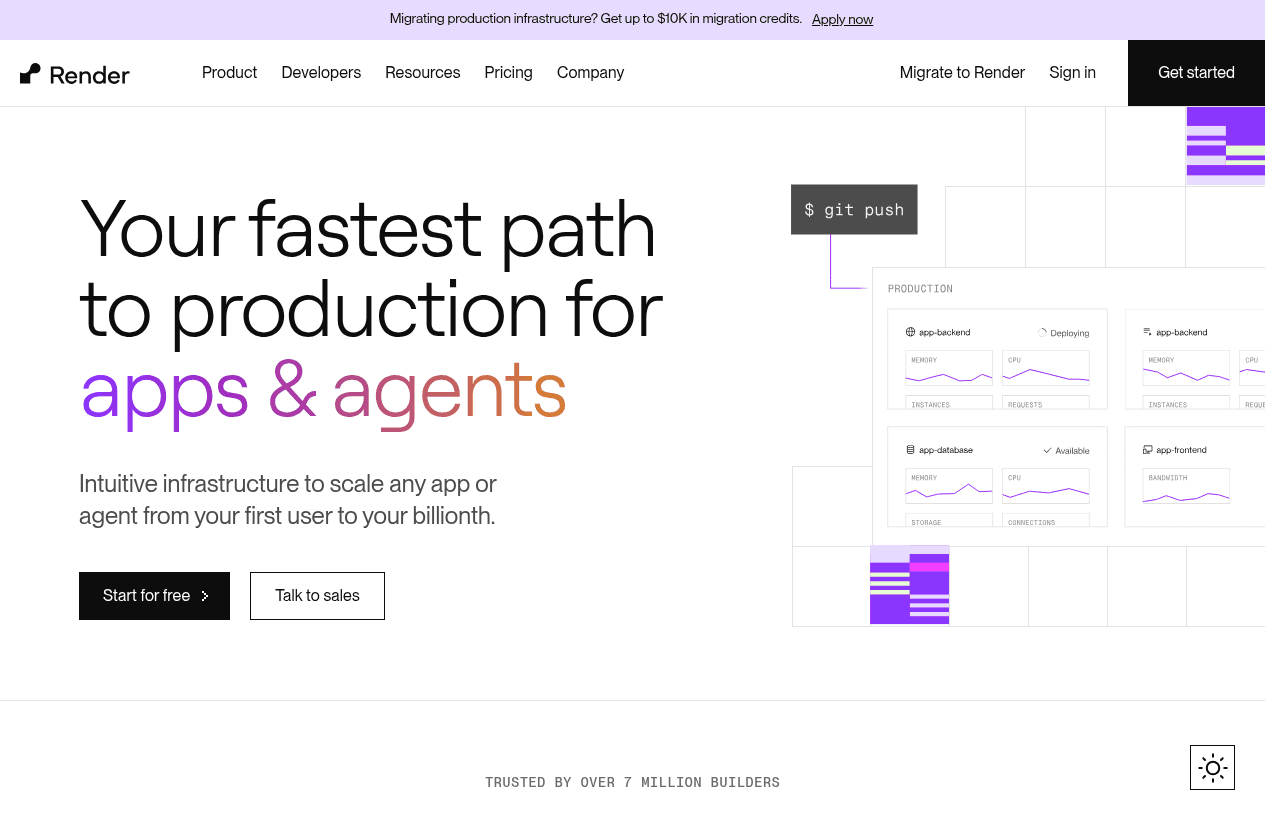
Render, one of the tools included in this startup deal.
Deploying Web Services Without DevOps
The headline promise of Render is deploying web services without DevOps, and for a startup that promise is worth taking literally. Standing up a web application in the cloud traditionally involves provisioning servers, configuring the runtime, setting up load balancing, wiring in TLS, and building a deployment pipeline. That is real specialist work, and it is work that has nothing to do with the product the team is trying to build. Render's aim is to collapse that into connecting a repository and letting the platform handle the rest.
For an early team, this removes a barrier that otherwise sits between writing code and having users. Instead of an engineer spending days on infrastructure setup before anything is live, the team deploys a service and Render manages the underlying machinery: building the app, running it, handling TLS, and keeping it serving. The team's attention stays on the product rather than the plumbing, which is exactly where a startup's limited engineering time should go.
The deeper value is repeatability. Because deployment is a defined path rather than a hand-built pipeline, shipping updates is routine rather than risky. A team that can deploy easily deploys often, and deploying often is how a startup learns whether it is building the right thing. Render lowering the friction of getting code live turns shipping from an event into a habit, which is one of the most valuable things a small team can have.
Databases, Cron Jobs, and the Whole Backend
A web application rarely stands alone. It needs a database to store data and often needs background jobs that run on a schedule. Render covers these alongside web services, so a startup can run its whole backend on one platform rather than stitching together separate providers for hosting, data, and scheduled work. The application, its database, and its cron jobs all live in the same place and are managed the same way.
For a small team, this consolidation is a real simplification. Each additional provider is another account, another integration, another bill, and another system to understand when something breaks. Getting web services, managed databases, and scheduled jobs from one platform keeps the operational surface small, which matters enormously when the team has no dedicated operations people. Fewer moving parts means fewer things to go wrong and fewer contexts to hold in mind.
Cron jobs deserve specific mention because scheduled work is easy to underestimate. Sending a daily digest, cleaning up stale data, running a nightly report, syncing with an external system, these are common needs, and building reliable scheduling from scratch is more work than it looks. Render offering cron jobs as a first-class part of the platform means the team gets dependable scheduled execution without building its own scheduler. Having the database and the scheduled jobs sit next to the web service, all managed together, is exactly the kind of coherence a startup wants from its infrastructure.
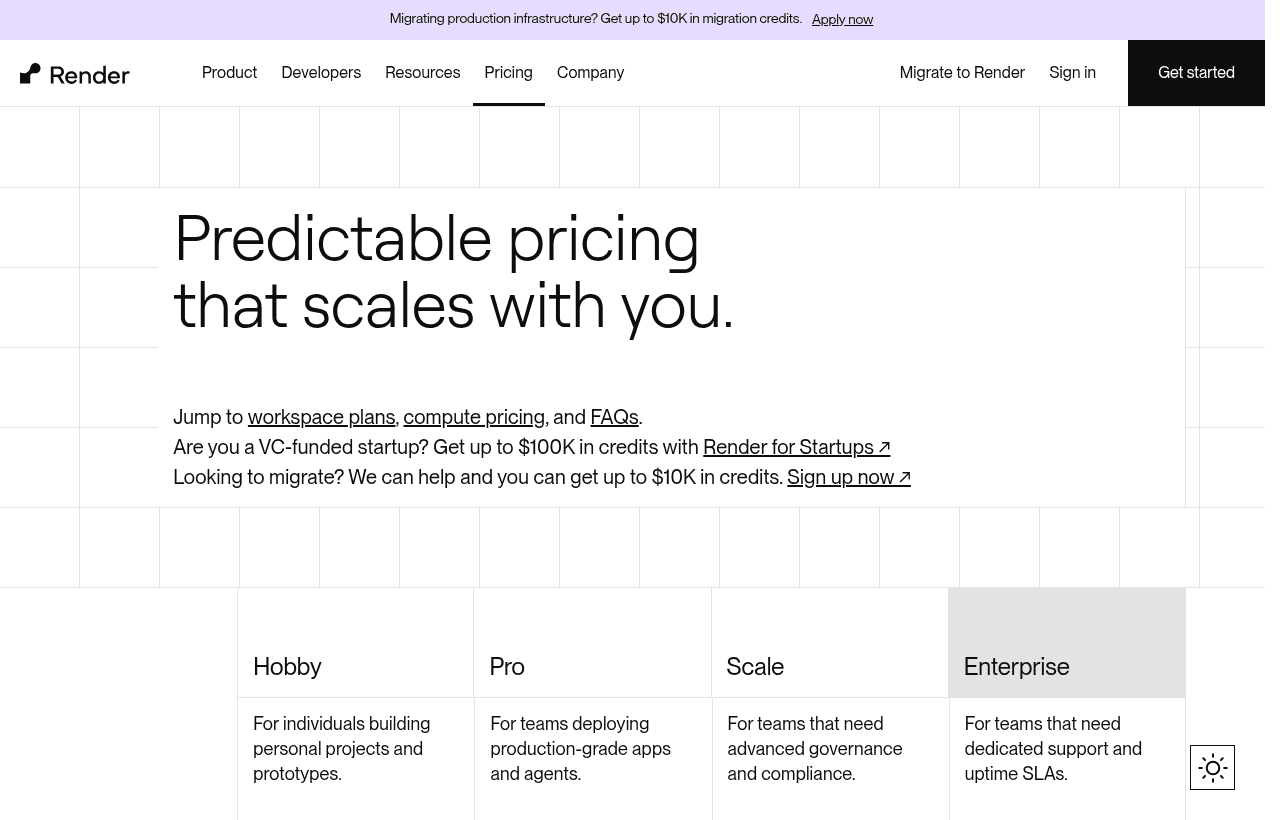
A look at Render before the discount, so you can see what the deal saves you.
Zero DevOps as a Real Advantage
Zero DevOps is Render's central pitch, and for an early-stage startup it is more than a convenience, it is a staffing decision the team gets to avoid making. DevOps and infrastructure engineering are specialized skills, and hiring for them early means spending scarce budget and headcount on running the product rather than building it. Render's model lets a small team skip that hire, at least for a while, by handling the operational work the platform is built to absorb.
The value here is about where the team's finite capacity goes. Every hour an engineer spends configuring infrastructure, debugging a deployment pipeline, or managing servers is an hour not spent on the product that customers actually pay for. When the platform handles building, deploying, TLS, and the operational basics, that time comes back to the team. For a startup where a handful of people are doing everything, reclaiming that time is a meaningful multiplier on how much the team can build.
There is also a reliability angle. A small team running its own infrastructure owns every failure mode, and those failures tend to arrive at bad times, under load, when the product most needs to stay up. Letting a managed platform handle the operational layer means the team leans on infrastructure designed to be reliable rather than on a setup one engineer cobbled together and hopes holds. For a company without operations specialists, that is a safer foundation than doing it all in-house.
The $500 in Credits and What They Buy
The $500 in credits is the concrete substance of this deal, and its value is in timing. Early on, a startup is spending money before it is making any, and every cost that can be deferred extends the runway. Applying $500 to hosting means the web services, databases, and cron jobs that run the product are covered while the team is still validating the idea and traffic is light. The infrastructure gets to exist before it has to be paid for.
This matters because the early period is exactly when a startup most needs to spend without hosting costs weighing on the decision. The team should be free to deploy the product, run experiments, spin up services, and iterate without watching an infrastructure meter. The credits remove that pressure during the phase when the product is finding its footing, which is precisely when the freedom to experiment is most valuable.
The requirement, an early-stage startup with a new Render account, matches the credits to the teams they are meant for: young companies at the start of their journey, deploying on Render for the first time. For a team that fits, the credits are a straightforward way to run real infrastructure at no cost while the product proves itself. That is runway the team gets to keep for everything else it needs to spend on.
Scaling on the Same Platform
Infrastructure decisions are sticky, so it matters that Render is not just an easy place to start but a place a startup can grow. The same platform that hosts the first small deployment is built to run the application as traffic increases, which means the team's early setup keeps working as the product scales rather than needing to be rebuilt. Growth becomes a matter of scaling services up on Render rather than migrating to an entirely new provider.
This continuity is valuable because migrating infrastructure later is one of the more painful projects a team can face. Choosing a platform that starts simple and scales cleanly means the decisions made while running on credits keep paying off well after the credits are gone. The application deployed on day one is the same application that serves a much larger user base, running on the same platform the team already understands.
For a startup, that predictability lets the team match its infrastructure spend to actual growth. It starts on credits, keeps costs aligned with real usage as it scales, and never faces a forced migration just because it outgrew a tool meant only for the earliest stage. Render being built to carry a product from first deploy through growth is exactly the kind of long-horizon fit a team wants from a platform it is going to depend on.
Render Compared to Building on Raw Cloud Infrastructure
The main alternative to Render is building directly on a raw cloud provider: provisioning virtual machines or containers, configuring networking, setting up databases, wiring in load balancing and TLS, and building the deployment pipeline yourself. This route offers maximum control and can be cost-efficient at large scale, but for an early-stage startup it usually means committing scarce engineering time to infrastructure the platform could handle instead.
The hidden cost of raw cloud is the expertise and time it demands. Configuring cloud infrastructure correctly and securely is specialist work, and maintaining it is ongoing. A small team that goes this route often finds an engineer becoming a part-time operations person, which is capacity pulled straight out of product development. The flexibility of raw cloud is real, but early on the team rarely needs that flexibility as much as it needs to move fast and stay focused.
Render's case is that a managed platform gives a startup most of what it needs from the cloud without the operational burden. The team deploys services, databases, and cron jobs and lets Render handle the layer underneath, trading some low-level control for a large gain in speed and simplicity. For a young team weighing where its limited engineering hours should go, offloading infrastructure to Render is usually the better call, and the $500 in credits makes trying that trade essentially free.
Making the $500 in Credits Count
Credits are most valuable when they fund real progress rather than idle experimentation, so the way to use them well is to run the actual product on Render, not just kick the tires. The goal during the credit period is to get the product deployed, serving real users, and running its full backend on the platform, so the team learns how Render fits its real workload.
Start by deploying the core web service and attaching the database the product needs, then set up any scheduled jobs the application relies on. Getting the whole backend running on Render, not just a test service, is what shows the team how the platform handles its real application. From there, use the credits to run real traffic through it, iterate on the product, and see how deployment, databases, and cron jobs behave under actual use.
While doing this, an engineer should get a feel for the deployment workflow and how updates ship, since that is the loop the team will live in. The credits also give room to test how the setup handles growth, so the team can gauge whether Render scales the way the product will need. By the time the credits are spent, the team should have a real, running product on Render and a clear read on whether the platform is the right long-term home, which is exactly what the credits are for.
Who Should Claim This Deal
This deal is built for early-stage startups that need to get a product hosted and running without hiring for DevOps or spending on infrastructure before there is revenue. If the team is building a web application that needs services, a database, and scheduled jobs, and wants to deploy without becoming infrastructure experts, Render's model plus $500 in credits fits that need directly. The requirements, an early-stage startup with a new Render account, point the deal at exactly those teams.
It is especially valuable for small teams without operations specialists, which describes most early startups. Because Render aims to handle the operational layer, the people building the product can also deploy and run it, and the credits cover the hosting while the product is still proving itself. That combination lets a lean team run real infrastructure it would otherwise need extra hands and budget to manage.
Teams that already run on another cloud they are committed to, or that have specialized infrastructure needs demanding low-level control, may find Render's managed approach less suited to them. But for an early-stage startup that wants to ship fast, run its whole backend simply, and keep hosting costs off the books while it finds its footing, this deal is a strong fit. Claim the credits, deploy the real product, and let the platform prove whether it is the right place to grow.
Who Is This Deal For?
Early-Stage Startups
Seed and pre-seed companies looking to move fast without overspending on tools.
Growing SaaS Teams
Series A+ companies scaling their stack and optimizing software costs.
Solo Founders
Indie hackers and bootstrapped founders who need enterprise tools at startup prices.
Get $500 in credits off Render
Premium deal. Upgrade once, unlock everything.
!Eligibility Requirements
Early-stage startup, new Render account
Frequently Asked Questions
Everything you need to know about this startup deal.
Render provides a simpler deployment experience — Git push instead of configuring ECS, load balancers, and CI/CD pipelines. AWS provides broader services and more flexibility. For startups with 2–10 engineers and standard web application architectures, Render saves weeks of DevOps configuration. For complex architectures requiring 10+ AWS services, AWS is more appropriate.
Get the weekly deals digest
New verified startup deals every week. No spam, ever. Unsubscribe anytime.
Related Offers

Toggl Track
Used by 1,100 members
Free Plan
Simple and intuitive time tracking for teams with reporting and integrations.
View offer
Auth0
Used by 994 members
1 year of B2B Professional free
Get 1 year of the Auth0 B2B Professional plan free, with up to 100,000 monthly active users, SSO, enterprise MFA and SCIM.
View offer
Bugsnag
Used by 471 members
Free Plan
Error monitoring and stability management for web and mobile applications.
View offer
Turborepo
Used by 1,880 members
Free & Open Source
High-performance build system for JavaScript and TypeScript monorepos by Vercel.
View offer
Windmill
Used by 1,501 members
Free Plan
Open-source developer platform for building internal tools, workflows, and scripts.
View offer
Height
Used by 1,442 members
Free Plan
AI-powered project management tool with autonomous task management and workflows.
View offerDeal Summary
Looking for more startup deals?
Browse all offers