
ClickUp vs Trello for Startups in 2026
Choosing between ClickUp (6 months free Business) and Trello (Free Plan) for your startup? This side-by-side comparison covers features, startup deals, pricing, and which tool fits your stack, with verified deals you can claim through SaaSOffers.
Quick Answer
ClickUp offers 6 months free Business and is best for startups needing operations & productivity. Trello offers Free Plan and is best for developer & it. ClickUp provides a higher-value startup deal, but Trello may be the better fit depending on your stack. You can claim both through SaaSOffers, there are no restrictions on using multiple startup deals.

ClickUp
Get 6 months free on ClickUp Business, the all-in-one productivity platform that consolidates tasks, docs, goals, whiteboards, chat, and time tracking into a single workspace.

Trello
Visual project management with boards, lists, and cards, simple and flexible.
What Is ClickUp?
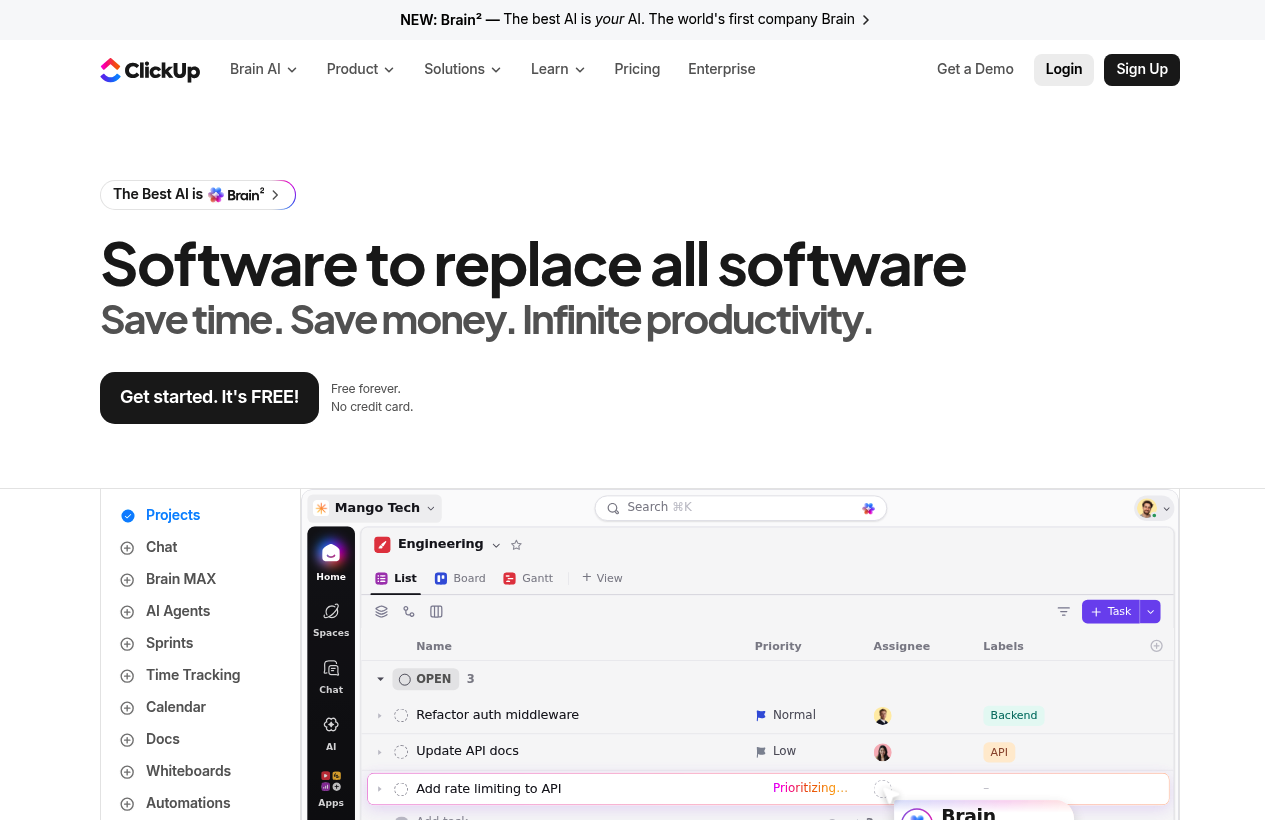
*ClickUp, one of the tools included in this startup deal.*
What Is Trello?
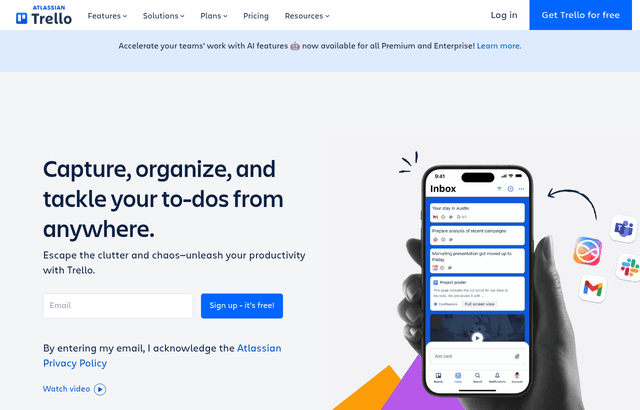
Trello is visual project management built around boards, lists, and cards, an approach that is simple, flexible, and immediately understandable, letting a team organize its work visually without a learning curve. Work is represented as cards that move across lists on a board, so the state of everything is visible at a glance, and the simplicity means anyone can pick it up and use it right away. The startup deal is a free plan, which covers a small team organizing its work in Trello during the stage when getting some structure around the team's work matters but a heavy tool would be overkill.
The reason this matters is that a startup needs to organize its work, but a small team is often best served by something simple and flexible rather than a heavy, complex project management system that takes effort to set up and use. Trello's visual, card-based approach provides just enough structure to organize work clearly without the overhead of a complicated tool, which fits a small team that wants coordination without complexity. For many startups, especially early on and for lighter coordination needs, this simplicity is exactly right, because it gives the team the visibility and organization it needs while staying easy and fast to use, which is what keeps a team actually using it.
ClickUp vs Trello, Detailed Comparison
What's Included in Each Startup Deal
Here is exactly what you get when claiming each deal through SaaSOffers:
CClickUp
- 6 months of ClickUp Business
- Unlimited tasks and members
- Goals and OKR tracking
- Automations
- Time tracking and dashboards
TTrello
- Benefits details available on the deal page
Who Should Use ClickUp vs Trello?
The right tool depends on what your startup actually needs day-to-day. Both ClickUp and Trello serve different use cases, and many startups use tools from the same category for different purposes. Here is when each makes sense:
Choose ClickUp if:
- You need operations & productivity as a core part of your product or operations
- 6 months free Business in credits covers your usage for 6–12 months
- Your team has experience with ClickUp or similar tools in its category
- You want a free, no-application deal
Choose Trello if:
- You need developer & it as a core part of your product or operations
- Free Plan in credits covers your usage for 6–12 months
- Your team has experience with Trello or similar tools in its category
- You want a premium-tier deal with SaaSOffers Premium
Can you use both? Yes, there are no restrictions on claiming multiple startup deals. Many startups use ClickUp and Trello simultaneously for different needs. Claim both through SaaSOffers.
Startup Deal Comparison: Which Saves More?
Both ClickUp and Trello offer startup deals through SaaSOffers. Here is how the deals compare for a typical early-stage startup in 2026:
Frequently Asked Questions
Common questions about ClickUp vs Trello for startups.
What is the difference between ClickUp and Trello?
ClickUp offers 6 months free Business and is categorized as Operations & Productivity. Trello offers Free Plan and is categorized as Developer & IT. Both offer startup deals through SaaSOffers. The right choice depends on your specific needs, ClickUp is best for teams needing operations & productivity, while Trello excels at developer & it.
Can I use both ClickUp and Trello together?
Yes. There are no restrictions on claiming startup deals from multiple tools. Many startups use both ClickUp and Trello simultaneously, each serving different needs. Claim both through SaaSOffers for maximum savings.
Which has a better startup deal, ClickUp or Trello?
ClickUp offers 6 months free Business, while Trello offers Free Plan. However, the "better" deal depends on which tool you actually need, a larger credit on a tool you won't use is worth less than a smaller credit on a tool that's essential to your stack.
Is ClickUp free for startups?
ClickUp offers 6 months free Business through its startup program on SaaSOffers. The deal type is "free", available to all users for free. Early-stage startup team
Is Trello free for startups?
Trello offers Free Plan through its startup program on SaaSOffers. The deal type is "premium", available to SaaSOffers Premium members ($79/year).
How does ClickUp compare to Asana?
Both are general-purpose task management platforms, but ClickUp is significantly broader in scope. Asana focuses on task management with strong polish; ClickUp adds docs, whiteboards, chat, time tracking, goals, and AI as built-in features rather than add-ons. The trade-off: Asana is easier to learn and lighter-weight; ClickUp has a steeper learning curve but covers more use cases in a single tool. For teams using only task management, Asana is often a better fit. For teams running 3-5 different productivity tools, ClickUp's consolidation tends to win on total cost and reduced context-switching.
What is included in the 6-months-free Business plan?
Everything in the Business tier: unlimited storage, advanced automations, advanced time tracking, workload management, advanced reporting and dashboards, ClickUp AI access, Google SSO, custom exporting, and increased automation execution limits. There are no feature gates during the 6-month trial — you get the full Business experience to evaluate fit before paying.
Can ClickUp really replace Notion for documents?
Honest answer: ClickUp Docs is decent but not at Notion's level for pure docs/wiki use cases. If your primary work is collaborative documents, knowledge management, or content publishing, Notion is the more polished tool. ClickUp Docs is best when documents are tightly linked to tasks and projects (meeting notes, SOPs, project briefs) and consolidation matters more than absolute polish. Many teams keep Notion for company wiki and use ClickUp Docs for project-adjacent docs.
Is Trello free?
Yes. The free plan includes unlimited cards, up to 10 boards per workspace, and basic Power-Ups.
Does Trello support automation?
Yes. Butler automation lets you create rules, buttons, and scheduled commands to automate repetitive tasks.
Can I use Trello with Slack?
Yes. The Slack Power-Up sends notifications to channels and lets you create cards from Slack messages.
The Bottom Line: ClickUp vs Trello
Both ClickUp and Trello offer genuine value for early-stage startups in 2026. The decision comes down to your specific needs:
ClickUp provides 6 months free Business and is the stronger choice for startups that need operations & productivity. The deal is accessible as a free offer through SaaSOffers.
Trello provides Free Plan and is the stronger choice for startups that need developer & it. The deal is accessible as a premium offer through SaaSOffers.
The best approach for most startups is to claim both deals, there are no restrictions, and each tool serves a different part of your stack. Start by claiming the tool you need first, then add the second when you need it.
We've helped 10,000+ startup founders unlock $500,000+ in SaaS credits and discounts. Every comparison is based on real deal data from our platform.