

Notion vs Monday.com for Startups in 2026
Choosing between Notion (3 months free Business) and Monday.com (30 days free) for your startup? This side-by-side comparison covers features, startup deals, pricing, and which tool fits your stack, with verified deals you can claim through SaaSOffers.
Quick Answer
Notion: 3 months free Business. Monday.com: 30 days free (New monday.com account).

Notion
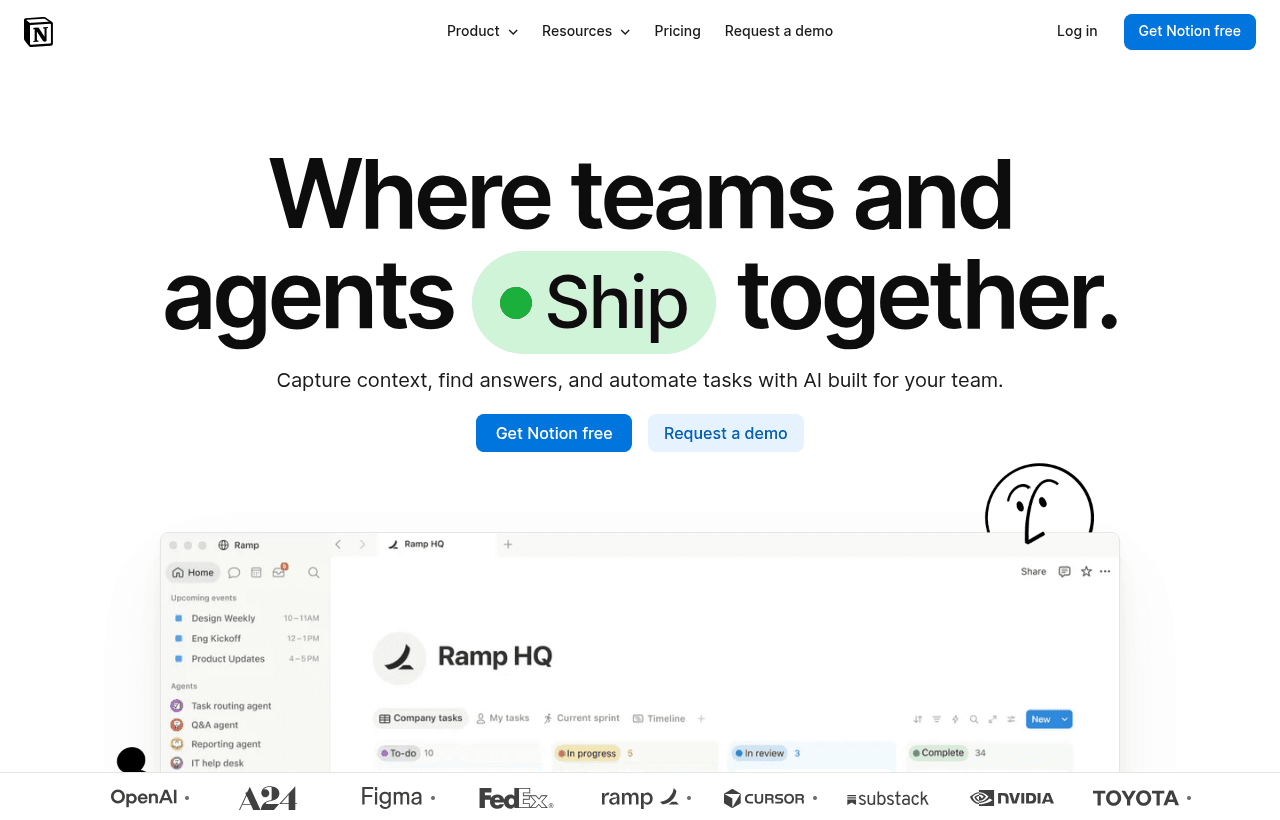
Get Notion Business free for up to 3 months. The all-in-one workspace for notes, docs, wikis, and project management that 20M+ teams love.

Monday.com
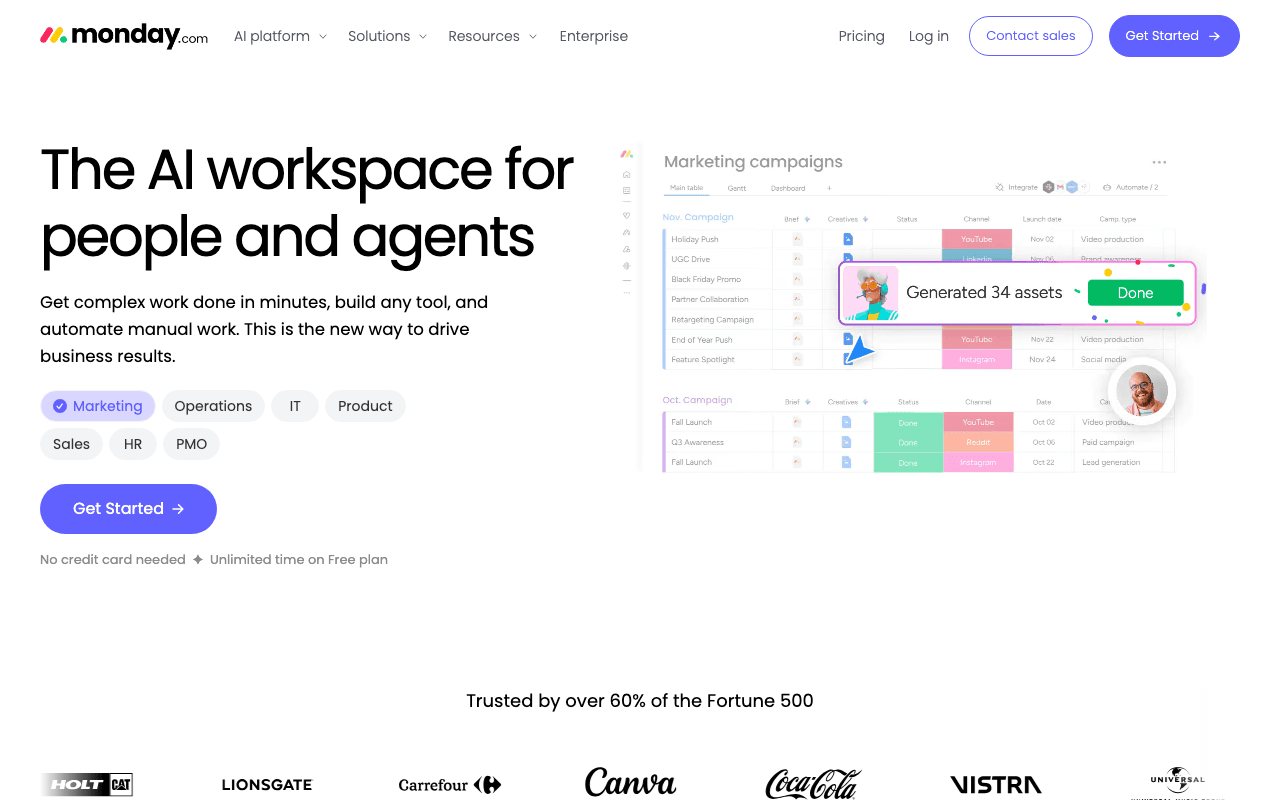
Get 30 days free on monday.com, the visual Work OS for project management, CRM, dev sprints, and team workflows.
Notion vs Monday.com, Detailed Comparison
What's Included in Each Startup Deal
Here is exactly what you get when claiming each deal through SaaSOffers:
NNotion
- 3 months of Notion Business free
- Unlimited blocks for teams
- Unlimited file uploads
- Version history (30 days)
- 5 guests per page
MMonday.com
- 30 days free
- Visual boards and dashboards
- Automations and integrations
- Project, CRM, and dev workflows
- Team collaboration
The short verdict
Pick Notion if your team mostly writes: specs, wikis, meeting notes, hiring docs, and light task tracking that lives next to them. Pick monday.com if your team mostly runs work: boards with owners, statuses, deadlines, Gantt timelines and automations that move items without anyone touching them. The biggest difference is the unit of work. In Notion the unit is a page, and a database is a collection of pages. In monday.com the unit is an item on a board, and docs are an add-on to the board. Cost is close for small teams: Notion Business is $20 per member a month billed yearly, monday.com Pro is $19 per seat, but monday.com sells seats in buckets, so a team of 6 pays for 10.
Startups with fewer than 50 people can get 3 months of Notion Business free through SaaSOffers.
Our deals for Notion and monday.com
- Notion deal: 3 months free Business. Requirement: startup with fewer than 50 employees.
- Monday.com deal: 30 days free. Requirement: new monday.com account.
Neither deal needs a promo code. We checked both tools' plans and prices against their official pricing and help pages in November 2026.
To be straight about what you could get without us: Notion runs its own startup page that lists 3 months of Business free for non-paying customers with under 100 employees, a business website and a company email address, and 6 months for startups tied to one of its partners. monday.com gives every new account a 14-day trial of its Pro plan, with no credit card. Our listing gives 30 days, about twice the standard trial; the length is set on our sign-up link, not on monday.com's own pages.
Notion vs monday.com at a glance
| Dimension | Notion | monday.com |
|---|---|---|
| Core building block | Pages and databases | Boards, items and columns |
| Free plan size | Unlimited blocks for 1 person, 1,000 blocks once 2+ people share a workspace | Up to 2 seats, 3 boards, 200 items |
| Cheapest paid plan (billed yearly) | Plus, $10 per member a month | Basic, $9 per seat a month |
| Mid-tier most startups land on | Business, $20 per member a month | Pro, $19 per seat a month |
| How seats are sold | Per member, synced to your actual count | Buckets: minimum 3 seats, then multiples of 5 |
| Automations | Buttons on Free, database automations on paid plans | 250 actions a month on Standard, 25,000 on Pro |
| Gantt and timeline | Timeline view in databases | Timeline and Gantt from Standard |
| File limits | 5 MB per file on Free, 5 GB per file on paid plans | 500 MB total storage on Free, 20 GB on Standard, 100 GB on Pro |
| Content caps | No block cap on paid plans | 10,000 per board below Enterprise, 100,000 on Enterprise |
| Page history | 7 days Free, 30 days Plus, 90 days Business | Not listed on the pricing page |
| Guests | 10 on Free; guests are free | None on Free or Basic, 3 free on Standard, unlimited on Pro |
| AI | Limited trial on Free and Plus; Notion Agent and AI Meeting Notes on Business | 1,000 AI credits a month on Basic, 3,000 on Pro |
| SSO | SAML SSO on Business | Google Authentication on Pro |
Pricing side by side
| Plan | Billed yearly | Billed monthly | Key limits |
|---|---|---|---|
| Notion Free | $0 | $0 | 1,000 blocks for 2+ members, 5 MB uploads, 7-day history, 10 guests |
| Notion Plus | $10 per member/mo | $12 per member/mo | 5 GB uploads, 30-day history, custom database automations |
| Notion Business | $20 per member/mo | $24 per member/mo | 90-day history, SAML SSO, private teamspaces, Notion AI included |
| Notion Enterprise | Custom | Custom | SCIM, zero data retention with AI providers |
| monday.com Free | $0 | $0 | 2 seats, 3 boards, 200 items, 500 MB |
| monday.com Basic | $9 per seat/mo | $12 per seat/mo | Unlimited items, 5 GB, no guests, no automations |
| monday.com Standard | $12 per seat/mo | $14 per seat/mo | 250 automation + 250 integration actions, Gantt, 3 free guests |
| monday.com Pro | $19 per seat/mo | $24 per seat/mo | 25,000 + 25,000 actions, private boards, time tracking, 100 GB |
| monday.com Enterprise | Custom | Custom | 250,000 actions, portfolios, 12-month minimum |
Notion's page says yearly billing saves up to 20%. monday.com says yearly saves 18% and is paid upfront in one installment.
Worked example: a 5-person startup
Notion Business for 5 members costs 5 x $20 x 12 = $1,200 a year billed yearly, or 5 x $24 x 12 = $1,440 billed monthly. With our deal, the first 3 months are free. If you then pay monthly for the remaining 9 months, year one costs 5 x $24 x 9 = $1,080. Notion Plus would be 5 x $10 x 12 = $600 a year if you skip Business.
monday.com sells 5 seats as one bucket, so no seats are wasted. Standard costs 5 x $12 x 12 = $720 a year, Pro costs 5 x $19 x 12 = $1,140. With our 30-day offer and monthly billing for the other 11 months, Standard costs 5 x $14 x 11 = $770 and Pro costs 5 x $24 x 11 = $1,320 in year one. For monday.com, yearly billing without the trial is cheaper than the deal plus monthly billing, so take the 30 days to test, then switch to yearly.
Worked example: a 15-person startup
Notion Business: 15 x $20 x 12 = $3,600 a year billed yearly, $4,320 billed monthly. With 3 free months and 9 paid months at the monthly rate: 15 x $24 x 9 = $3,240.
monday.com: 15 seats is an exact bucket. Standard yearly is 15 x $12 x 12 = $2,160; Pro yearly is 15 x $19 x 12 = $3,420. With 30 free days and 11 months billed monthly: Standard 15 x $14 x 11 = $2,310, Pro 15 x $24 x 11 = $3,960.
Where the bucket model hurts: a team of 16 on monday.com must buy 20 seats. On Pro yearly that is 20 x $19 x 12 = $4,560, while Notion Business for 16 members is 16 x $20 x 12 = $3,840.
Docs first or boards first
Notion starts from a blank page. You type, nest pages, embed a database, and the database can show as a table, board, timeline, calendar or list. A product spec and the tasks that ship it can sit on the same page. That flexibility is the point and the cost: someone on your team has to design the structure, and two teams will build two different task databases unless you set a template.
monday.com starts from a board. Each row is an item with typed columns: status, person, date, number, timeline. You get structure on day one, and reporting works because every board shares the same column types. Writing is the weak side. monday Docs exist, and the Free plan allows 3 of them, but nobody moves their company wiki into monday.com. Most teams that pick monday.com keep a separate doc tool.
If your week is mostly decisions written down, Notion fits. If your week is mostly handoffs between people with dates attached, monday.com fits.
Automations and how they are metered
Notion's Free plan has buttons only. Plus and Business add database automations: when a property changes, set another property, send a notification, or add a page. Notion does not publish a monthly action quota for these. Its Custom Agents run on Notion credits, which cost $10 per 1,000 after the free trial.
monday.com meters everything. Standard gives 250 automation actions and 250 integration actions a month. Pro gives 25,000 of each. One trigger that notifies 6 board subscribers counts as 6 actions. At 100% you get a 72-hour grace period, then automations pause until the quota resets. Only Enterprise can buy extra actions. A 10-person team that automates status changes across a few busy boards can burn 250 actions in the first week, which is why many teams that start on Standard move to Pro.
Seats, guests and the bucket problem
Notion bills per member and recounts paid seats at each renewal. Guests are free, but they only see the pages they are invited to. The Free plan caps you at 10 guests. That works for an agency sharing a client portal or an investor update page.
monday.com sells seats in buckets: 3, 5, 10, 15 and up in steps of 5. A team of 4 pays for 5, a team of 6 pays for 10. You cannot pick fewer seats than active users. Guests depend on the plan: none on Free or Basic, 3 free on Standard (every 4 guests count as 1 seat), unlimited on Pro. Guests must use a different email domain from the account owner. If you bring clients onto boards, plan for Pro.
Limits that bite early
Notion's Free plan is unlimited for one person, but a shared workspace with 2 or more members stops at 1,000 blocks. Every paragraph, checkbox and bullet is a block, and deleting them does not lower the count. A small team writing real docs hits that in weeks, which is why the 3 free months of Business matter.
monday.com's Free plan stops at 2 seats, 3 boards and 200 items. Basic removes the item cap but has no Timeline, Gantt or Calendar views, no guests and no automations. Every board caps out at 10,000 items on every plan below Enterprise, where the cap is 100,000. API calls are capped per day: 1,000 on Standard, 10,000 on Pro.
AI included in each plan
Notion puts its AI in Business. Notion Agent (chat, generate, autofill, translate), AI Meeting Notes and Enterprise Search are part of the $20 plan. Free and Plus get a limited trial. So the 3 months of Business in our deal also give your team Notion AI for that period.
monday.com uses credits. Basic includes 1,000 AI credits a month, Standard 2,000 and Pro 3,000, and every account gets a one-time trial of 6,000 credits. monday.com says a typical 3-person team uses about 800 to 1,200 credits a month.
Pick Notion if
- Your team writes more than it tracks: specs, a wiki, onboarding, meeting notes.
- You want docs and tasks on the same page, linked by relations.
- Your headcount is not a multiple of 5 and you do not want to pay for empty seats.
- You need SAML SSO and 90-day page history at $20 per member.
- You qualify for the 3 free months of Business with fewer than 50 employees.
Pick monday.com if
- You manage delivery: client projects, launches, hiring pipelines with owners and due dates.
- You need Gantt, timeline and calendar views (from Standard) without building them yourself.
- You want automations that move items between boards and notify people at volume.
- Non-technical teams such as sales or ops need structure on day one.
- Your team is exactly 5, 10 or 15 people, so buckets cost you nothing extra.
Switching between them
Notion has a built-in monday.com importer. Go to Settings, then Import, then Third party imports, then Monday.com, and paste your monday.com API token. It imports all board types, groups, items, updates and comments. It does not import automations, formulas, dependencies, integrations or files, and monday Docs come over as links. Notion recommends imports of up to about 8,000 tasks and 100 projects at a time.
Going the other way, monday.com has no Notion importer. Export your Notion database as CSV, open it in Excel, and use Import Data, then Excel, in monday.com. The sheet needs at least 2 columns and dates in ISO format such as 2026-11-02. Columns come in as Number, Status, Email, Date or Text.
If you are also weighing a dedicated project tool, see Asana vs monday.com.
Final take
For a startup under 10 people that mostly writes and plans, Notion Business is the better first tool, and 3 free months cover the stretch where you would otherwise hit the Free plan's block cap. For a team that runs projects with dates, owners and handoffs, monday.com Pro does more out of the box, as long as your headcount fits its 5-seat buckets. Many teams end up with Notion for docs and monday.com for delivery; at 5 people that pair costs $1,200 plus $1,140 a year on yearly billing.
Frequently Asked Questions
Common questions about Notion vs Monday.com for startups.
Can I use both Notion and Monday.com together?
Yes. There are no restrictions on claiming startup deals from multiple tools. Many startups use both Notion and Monday.com simultaneously, each serving different needs. Claim both through SaaSOffers for maximum savings.
Which has a better startup deal, Notion or Monday.com?
Notion offers 3 months free Business, while Monday.com offers 30 days free. However, the "better" deal depends on which tool you actually need, a larger credit on a tool you won't use is worth less than a smaller credit on a tool that's essential to your stack.
Is Notion free for startups?
Notion offers 3 months free Business through its startup program on SaaSOffers. The deal type is "free", available to all users for free.
Is Monday.com free for startups?
Monday.com offers 30 days free through its startup program on SaaSOffers. The deal type is "free", available to all users for free. New monday.com account
Is the SaaSOffers Notion deal better than Notion's own startup program?
It matches Notion's public tier, not its partner tier. Our 3 months free Business equals the 3-month tier Notion publishes for non-partner startups. Notion's partner tier gives 6 months if your VC or accelerator is a Notion partner.
Will a startup with fewer than 10 employees get 3 months?
Our listing says 3 months, but Notion's startup FAQ says companies under 10 employees receive a 1 month trial. Its help page says this typically applies when a company misses its startup criteria or cannot be verified. We could not confirm which rule applies here, so check the length in Notion's approval email. For 3 people on monthly billing, that is $72 of free Business instead of $216.
Is Notion AI included in the free period?
Notion's startup pages say its offers include Notion AI and monthly AI credits on the Business plan. Business seats get 1,500 Standard and 500 Select credits per member a month. Extra credits cost $10 per 1,000 monthly, and they cannot be bought during a trial.
What is the SaaSOffers monday.com deal?
30 days free on monday.com. The only requirement is a new monday.com account. There is no promo code: sign up through the SaaSOffers link and the offer applies to the new account.
How much does monday.com cost per seat?
On monday.com's pricing page in November 2026, work management costs $9 per seat a month on Basic, $12 on Standard and $19 on Pro when billed yearly. Billed monthly, the same plans cost $12, $14 and $24. Enterprise is custom priced. The Free plan is $0 for up to 2 seats.
Can I buy monday.com for exactly 4 or 6 people?
No. monday.com uses bucket pricing. Paid plans start at 3 seats and then go up in multiples of 5, so a team of 4 buys 5 seats and a team of 6 buys 10. A team of 6 on Pro billed yearly pays $19 x 10 x 12 = $2,280 a year.
We've helped 10,000+ startup founders unlock $500,000+ in SaaS credits and discounts. Every comparison is based on real deal data from our platform.