
Notion vs Trello for Startups in 2026
Choosing between Notion (3 months free Business) and Trello (Free Plan) for your startup? This side-by-side comparison covers features, startup deals, pricing, and which tool fits your stack, with verified deals you can claim through SaaSOffers.
Quick Answer
Notion: 3 months free Business. Trello: Free Plan.

Notion
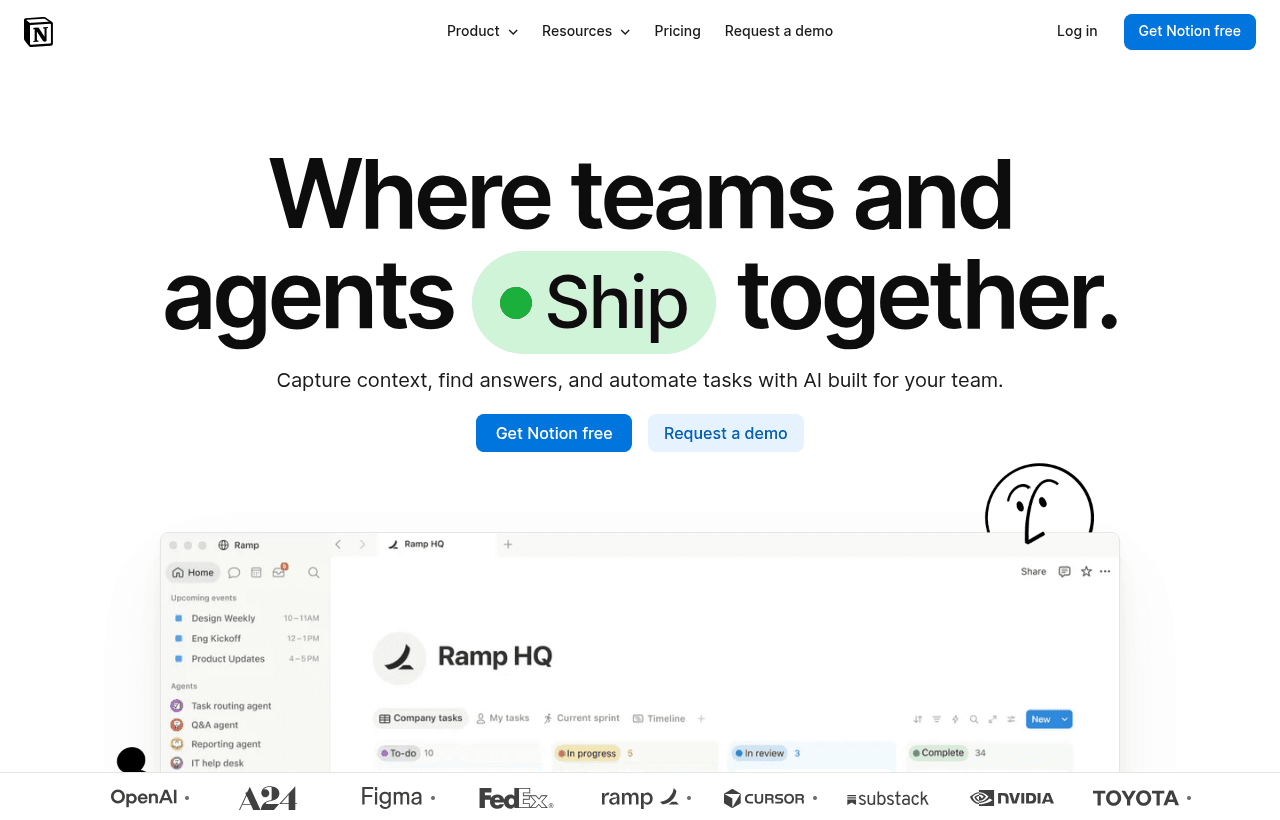
Get Notion Business free for up to 3 months. The all-in-one workspace for notes, docs, wikis, and project management that 20M+ teams love.

Trello
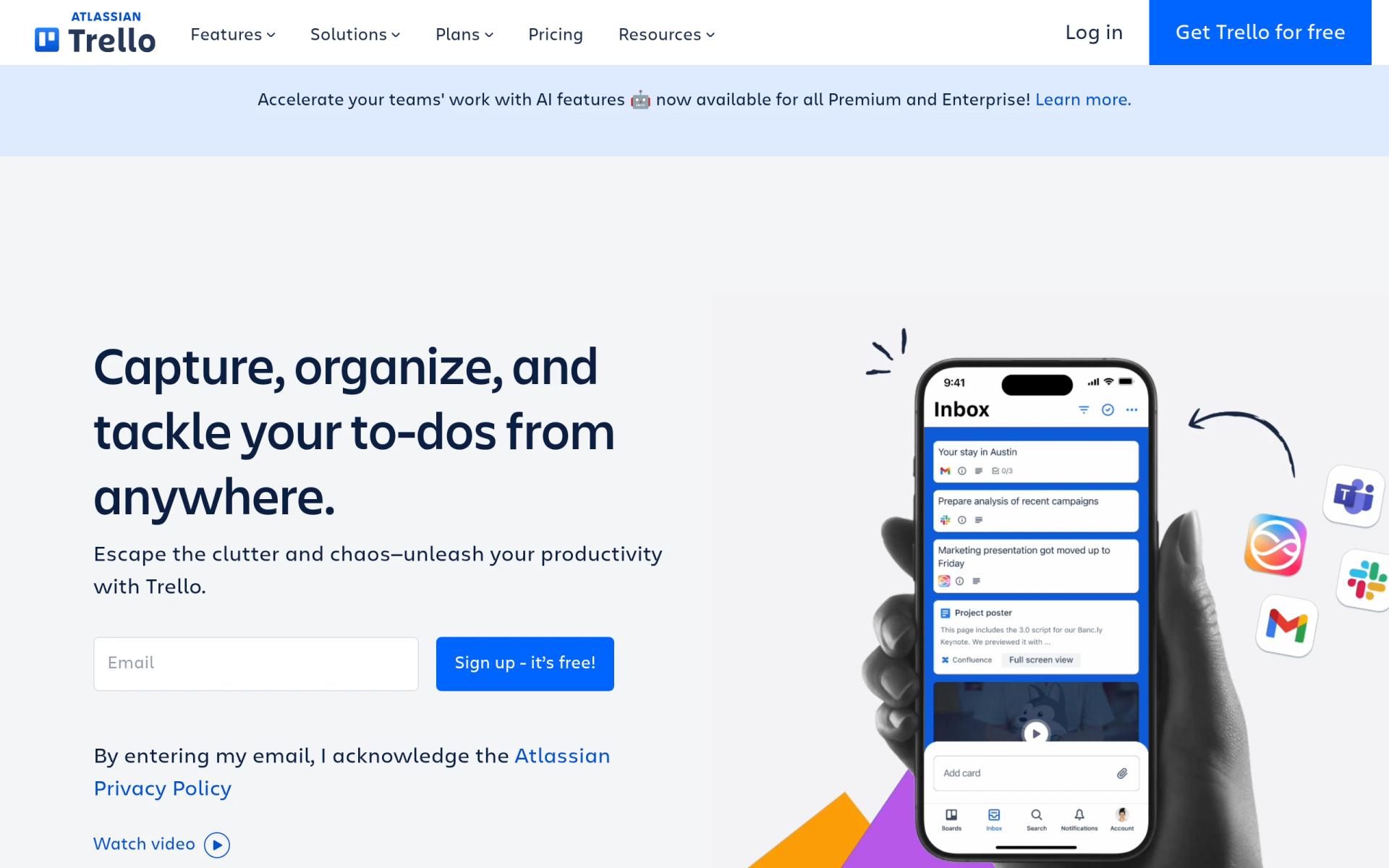
Visual project management with boards, lists, and cards, simple and flexible.
Notion vs Trello, Detailed Comparison
What's Included in Each Startup Deal
Here is exactly what you get when claiming each deal through SaaSOffers:
NNotion
- 3 months of Notion Business free
- Unlimited blocks for teams
- Unlimited file uploads
- Version history (30 days)
- 5 guests per page
TTrello
- Benefits details available on the deal page
The short verdict
Pick Trello if your team needs a task board and nothing else: up to 10 collaborators can use it free, with 10 boards and unlimited cards. Pick Notion if you want docs, a wiki and task databases in one workspace, and you are ready to pay once more than one person writes in it. Notion's free plan caps a workspace with 2 or more members at 1,000 blocks, so a team outgrows it within weeks. Trello's free plan limits boards and collaborators instead, so a small team can stay on it for a long time. Notion Plus costs $10 per member a month billed yearly, twice Trello Standard at $5 and the same as Trello Premium.
Startups with fewer than 50 people can get 3 months of Notion Business free through SaaSOffers.
Our deals for Notion and Trello
- Notion deal: 3 months free Business. Requirement: startup with fewer than 50 employees.
- Trello deal: Free Plan. No requirements listed.
Neither deal uses a promo code. We checked both tools' plans and prices against their official pricing and help pages in November 2026.
The Trello listing is Trello's own Free plan, which anyone can sign up for at $0. Notion runs a public startup page too. It offers 3 months of Business with Notion AI to non-paying startups with fewer than 100 employees, a business website and a company email domain, and 6 months through select startup partners. Companies that already received a Notion promotion are not eligible. Our listing gives 3 months of Business to startups under 50 employees, so treat it as a direct route to an offer Notion also runs itself.
Notion vs Trello at a glance
| Dimension | Notion | Trello |
|---|---|---|
| Core object | Page, which can hold a database of items | Card inside a list on a board |
| Free plan team limit | 1,000 blocks per workspace once 2+ members join | Up to 10 collaborators and 10 boards per Workspace |
| Entry paid plan (billed yearly) | Plus, $10 per member a month | Standard, $5 per user a month |
| Monthly billing | $12 Plus, $24 Business | $6 Standard, $12.50 Premium |
| File size limit | 5 MB per file Free, 5 GB paid | 10 MB per file Free, 250 MB Standard |
| Version history | 7 days Free, 30 days Plus, 90 days Business | Not listed on the pricing page |
| Automations | Buttons only on Free; database automations from Plus | 250 command runs a month Free, 1,000 Standard, unlimited Premium |
| Calendar and timeline | Database views on every plan | Calendar and Timeline views on Premium |
| Guests | 10 external guests on Free, guests free of charge | Single-board guests on Standard; multi-board guests billed at the member rate |
| AI | Trial on Free and Plus; Notion Agent and AI Meeting Notes on Business | AI features listed on Standard and Premium |
| SAML SSO | Business ($20) | Enterprise, or Atlassian Guard from $4 per user a month |
| Import from the other tool | Built-in Trello importer, about 5,000 cards per board | No Notion importer; JSON and CSV cannot re-create a board |
Pricing side by side
| Plan | Billed yearly | Billed monthly | Key limits |
|---|---|---|---|
| Notion Free | $0 | $0 | 1,000 blocks for 2+ members, 5 MB files, 7-day history, 10 guests |
| Notion Plus | $10 per member/mo | $12 per member/mo | 5 GB files, 30-day history, database automations |
| Notion Business | $20 per member/mo | $24 per member/mo | 90-day history, SAML SSO, Notion Agent, AI Meeting Notes |
| Notion Enterprise | Custom | Custom | Custom history, SCIM, zero data retention with LLM providers |
| Trello Free | $0 | $0 | 10 collaborators, 10 boards, 10 MB files, 250 command runs |
| Trello Standard | $5 per user/mo | $6 per user/mo | Unlimited boards, 250 MB files, 1,000 command runs, single-board guests |
| Trello Premium | $10 per user/mo | $12.50 per user/mo | Calendar, Timeline, Table, Dashboard and Map views, unlimited runs |
| Trello Enterprise | $17.50 per user/mo (estimate) | Not listed | Atlassian Guard Standard, multi-board guests |
Notion says yearly billing saves up to 20%. Trello offers a 14-day Premium trial with no credit card. Notion refunds within 3 days on monthly plans and 30 days on annual plans; Trello's pricing page states no refund terms.
Worked example: a 5-person startup
Trello Free holds 5 people at $0 as long as 10 boards and 250 automation runs a month are enough. Standard costs 5 x $5 x 12 = $300 a year billed yearly, or 5 x $6 x 12 = $360 monthly. Premium costs 5 x $10 x 12 = $600 yearly, or 5 x $12.50 x 12 = $750 monthly.
Notion Free stops at 1,000 blocks once a second member joins, so a team of 5 needs a paid plan. Plus costs 5 x $10 x 12 = $600 a year yearly, or 5 x $12 x 12 = $720 monthly. Business costs 5 x $20 x 12 = $1,200 yearly, or 5 x $24 x 12 = $1,440 monthly. With our 3 free months of Business, the other 9 months at the monthly rate cost 5 x $24 x 9 = $1,080 in year one.
Trello Premium and Notion Plus cost the same $600 a year for 5 people. Trello Premium buys board views and unlimited automation; Notion Plus buys docs, a wiki and databases as well.
Worked example: a 15-person startup
Trello Free stops at 10 collaborators per Workspace, so 15 people pay. Standard costs 15 x $5 x 12 = $900 a year yearly, or 15 x $6 x 12 = $1,080 monthly. Premium costs 15 x $10 x 12 = $1,800 yearly, or 15 x $12.50 x 12 = $2,250 monthly.
Notion Plus costs 15 x $10 x 12 = $1,800 a year yearly, or 15 x $12 x 12 = $2,160 monthly. Business costs 15 x $20 x 12 = $3,600 yearly, or 15 x $24 x 12 = $4,320 monthly. With our deal, 9 paid months of Business at the monthly rate cost 15 x $24 x 9 = $3,240.
Many teams run both: Trello Standard for 15 people at $900 plus Notion Plus for the 5 people who write specs at $600 comes to $1,500 a year. Notion bills members, and guests are free, so readers outside the company do not add seats.
Blocks versus boards: what each free plan really limits
Trello's free plan limits structure. You get 10 boards per Workspace and up to 10 collaborators, but cards are unlimited and storage is unlimited with a 10 MB cap per file. A 6-person team with one product board, one hiring board and one marketing board can stay on Free indefinitely.
Notion's free plan limits volume. A workspace with one member has unlimited blocks. Add a second member and the whole workspace shares 1,000 blocks. Every paragraph, to-do and heading is a block, and each row in a task database is a block too. Deleting content does not reduce the count, according to Notion's help center. In practice, Notion Free is for one person, and teams of 2 or more should budget for Plus from the start.
Docs and wiki versus a task board
Trello does one job. A card has a title, description, checklists, labels, due date, attachments and comments. There is no page for a product spec, an onboarding wiki or a meeting log outside the card format. Teams that pick Trello usually keep docs in Google Docs or Confluence, which Atlassian also sells.
Notion starts from the page. A task list is a database on a page, and each task opens as its own page that can hold a full spec. The same database shows as a board, table, timeline, calendar, list, gallery or chart, and relations link tasks to projects or customers. A Notion board view looks like Trello, with cards grouped by status, but each card is a document. The cost is setup: someone has to design the databases and properties that Trello gives you ready-made.
Automation and views on paid plans
Trello counts automation in command runs per Workspace each month: 250 on Free, 1,000 on Standard and unlimited on Premium. One rule that fires on 10 cards a day uses about 300 runs in a 30-day month, which is over the Free allowance. Calendar, Timeline, Table, Dashboard and Map views also wait for Premium at $10 per user.
Notion gives board, table, timeline, calendar, list and gallery views on every plan, including Free; charts are limited to 1 on Free. Automation is the gate: Free has buttons only, and database automations that act when a property changes start on Plus. Notion's pricing page does not publish a run count for database automations. If you need a timeline view on a budget, Notion Plus has it at $10, the same yearly price as Trello Premium.
Files, guests and security
Notion Free caps uploads at 5 MB per file, smaller than Trello Free's 10 MB. On paid plans the order flips: Notion Plus allows 5 GB per file, Trello Standard 250 MB. Design and video teams attaching large files are better served by Notion Plus.
Notion guests are free and only see pages they are invited to; Free allows 10 external guests. Trello Standard adds single-board guests, and multi-board guests are billed at the Standard or Premium rate.
Notion includes SAML SSO on Business at $20 per member yearly. Trello puts SAML on Enterprise, or sells Atlassian Guard as a separate subscription from $4 per user a month on other plans. A 15-person team on Trello Standard plus Guard pays at least $9 per user a month for SSO.
Pick Notion if
- You want specs, a wiki, meeting notes and tasks in one tool instead of a board plus a docs app.
- Tasks need to link to projects, customers or documents through database relations.
- You want timeline and calendar views without paying for Trello Premium.
- Your team attaches files larger than 250 MB.
- You need SAML SSO and can pay $20 per member on Business.
- You are a startup under 50 employees that can use our 3 months free of Business.
Pick Trello if
- Your team is 10 people or fewer and your work fits on 10 boards, so Free costs $0.
- You want a ready-made board with lists and cards instead of designing database properties first.
- The lowest paid entry matters: $5 per user a month on Standard yearly, or $6 monthly.
- You already use Jira or Confluence and want an Atlassian account across tools.
- You want to test Premium views for 14 days without entering a card.
Switching between them
Moving from Trello to Notion is documented. Go to Settings, then Import, then Third party imports, and choose Trello, or type /Trello on a page. You log in to Trello, pick boards (up to 10 at a time) and choose a teamspace, a private space or an existing database. Each board becomes a Notion database, each card a database item, and each list a database group. Notion says the importer is reliable up to about 5,000 cards per board and recommends staying under about 5,000 comments per board, since more can cause comment loss. Power-Ups, automations and permissions do not carry over and must be rebuilt.
Moving from Notion to Trello is harder. Trello's help center says it has no generic import tool and that JSON and CSV files cannot be imported to re-create a Trello board. Its documented routes are pasting text, where each new line becomes a card, the Trello API, or a third-party Power-Up. We found no Notion importer in Trello's documentation. Atlassian's Notion importer lives in Confluence instead, which helps if your Notion pages are mostly docs.
For a board tool with more project structure than Trello, see Asana vs Trello.
Final take
A team of 10 or fewer that only needs a board should start on Trello Free and move to Standard at $300 a year for 5 people when boards run out. Once you want documents and tasks in one place, Notion Plus at $600 a year for 5 people does both, and our 3 free months of Business let a non-paying startup under 50 employees try the top self-serve tier before paying $24 per member a month; Notion checks for a business website and company email when you redeem.
Frequently Asked Questions
Common questions about Notion vs Trello for startups.
Can I use both Notion and Trello together?
Yes. There are no restrictions on claiming startup deals from multiple tools. Many startups use both Notion and Trello simultaneously, each serving different needs. Claim both through SaaSOffers for maximum savings.
Which has a better startup deal, Notion or Trello?
Notion offers 3 months free Business, while Trello offers Free Plan. However, the "better" deal depends on which tool you actually need, a larger credit on a tool you won't use is worth less than a smaller credit on a tool that's essential to your stack.
Is Notion free for startups?
Notion offers 3 months free Business through its startup program on SaaSOffers. The deal type is "free", available to all users for free.
Is Trello free for startups?
Trello offers Free Plan through its startup program on SaaSOffers. The deal type is "free", available to all users for free.
Is the SaaSOffers Notion deal better than Notion's own startup program?
It matches Notion's public tier, not its partner tier. Our 3 months free Business equals the 3-month tier Notion publishes for non-partner startups. Notion's partner tier gives 6 months if your VC or accelerator is a Notion partner.
Will a startup with fewer than 10 employees get 3 months?
Our listing says 3 months, but Notion's startup FAQ says companies under 10 employees receive a 1 month trial. Its help page says this typically applies when a company misses its startup criteria or cannot be verified. We could not confirm which rule applies here, so check the length in Notion's approval email. For 3 people on monthly billing, that is $72 of free Business instead of $216.
Is Notion AI included in the free period?
Notion's startup pages say its offers include Notion AI and monthly AI credits on the Business plan. Business seats get 1,500 Standard and 500 Select credits per member a month. Extra credits cost $10 per 1,000 monthly, and they cannot be bought during a trial.
Is Trello free?
Yes. The Free plan costs $0 and includes unlimited cards, up to 10 boards per Workspace, unlimited Power-Ups per board and 250 automation runs a month. Free Workspaces are limited to 10 collaborators, including guests.
How many people can use a free Trello Workspace?
Up to 10 collaborators. Members, single-board and multi-board guests, and pending invites all count. Over the limit, the Workspace's boards become view-only and automations stop. Standard and Premium have no such cap.
How much do Trello's paid plans cost?
Standard is $5 per user a month billed yearly or $6 billed monthly. Premium is $10 yearly or $12.50 monthly per user. Enterprise is $17.50 per user a month billed yearly. These are the list prices on Trello's pricing page.
We've helped 10,000+ startup founders unlock $500,000+ in SaaS credits and discounts. Every comparison is based on real deal data from our platform.