

Airtable vs ClickUp for Startups in 2026
Choosing between Airtable ($1,000 in credits) and ClickUp (Up to $3,000 in credits) for your startup? This side-by-side comparison covers features, startup deals, pricing, and which tool fits your stack, with verified deals you can claim through SaaSOffers.
Quick Answer
Airtable: $1,000 in credits (Early-stage startup, new Airtable workspace). ClickUp: Up to $3,000 in credits (Startups affiliated with an approved funding partner, up to Series B).

Airtable
Build custom apps and workflows with the relational database platform, free credits for startup teams.

ClickUp
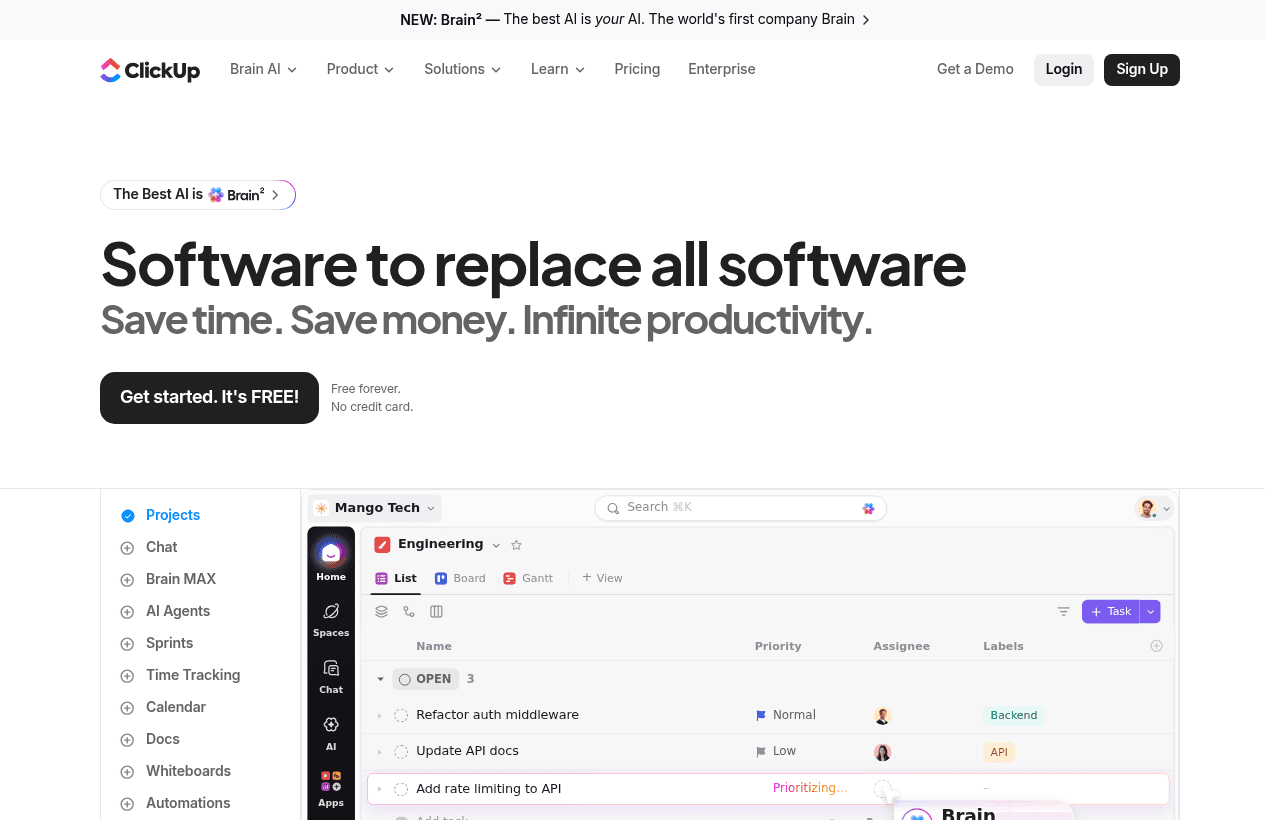
Up to $3,000 in ClickUp credits plus an upgraded workspace via an approved funding partner. ClickUp puts tasks, docs, goals, whiteboards, chat, and time tracking in one workspace.
Airtable vs ClickUp, Detailed Comparison
What's Included in Each Startup Deal
Here is exactly what you get when claiming each deal through SaaSOffers:
AAirtable
- $1,000 in Airtable credits
- Pro plan with 50,000 records per base
- Automations and interface designer
- Sync and API access
- Team collaboration features
CClickUp
- Up to $3,000 in ClickUp credits
- Upgraded workspace
- Unlimited tasks and members
- Goals, OKR tracking and automations
- Time tracking and dashboards
Short verdict
Pick Airtable if your work is structured data: records with linked tables, typed fields and views on top, such as a content pipeline, a product catalog, an applicant tracker or a lightweight CRM. Pick ClickUp if your work is tasks and projects with owners, due dates, docs, chat and time tracking, shared across the whole company. The biggest difference is the core object. Airtable is a relational database that can track tasks, and ClickUp is a task manager that can hold some data. ClickUp is also much cheaper per seat: $9 to $17 per user per month billed yearly, against $20 to $45 for Airtable.
Our deals for Airtable and ClickUp
- Airtable deal: $1,000 in credits. Requirements: early-stage startup, new Airtable workspace.
- ClickUp deal: Up to $3,000 in credits. Requirements: startups affiliated with an approved funding partner, up to Series B.
We checked both tools' plans and prices against their official pricing and help pages in November 2026.
ClickUp's offer is its own public startup program. ClickUp's program page says qualifying startups get $3,000 in ClickUp credit with an upgraded Enterprise workspace, if they are tied to an approved funding partner, have raised no more than a Series B, were incorporated less than 5 years ago, and are new to ClickUp or on the Free Forever plan. Airtable does not publish a startup program page we could find on airtable.com, so the Airtable terms above come from our listing, not from a public Airtable page.
Head-to-head
| Dimension | Airtable | ClickUp |
|---|---|---|
| Core object | Records in tables, linked across tables | Tasks in Lists, Folders and Spaces |
| Free plan users | Up to 5 editors or creators | Unlimited free members |
| Free plan data cap | 1,000 records per base, 1GB attachments per base | Unlimited tasks, 60MB total storage |
| Cheapest paid plan (billed yearly) | Team, $20 per seat/month | Core, $9 per user/month |
| Mid plan (billed yearly) | Business, $45 per seat/month | Business, $17 per user/month |
| Who you pay for | Users with edit rights; read-only users are free | Each paid member; guests have separate seat limits |
| Records or tasks per base/workspace | 50,000 (Team), 125,000 (Business), 500,000 (Enterprise Scale) | No task cap on any plan |
| Automations per month | 100 (Free), 25,000 (Team), 100,000 (Business) | 100 (Free), 1,000 (Core), 10,000 (Business) |
| API limits | 5 requests/second per base; 1,000 calls/month on Free, 100,000 on Team, unlimited on Business | 100 requests/minute per token on Free to Business, 10,000 on Enterprise |
| Native time tracking | No dedicated time tracker | Included from Core; timesheets on Business |
| Docs and chat | No built-in docs editor or team chat | Docs, Chat and Whiteboards built in |
| SAML SSO | Business and Enterprise Scale | Enterprise and MAX; Business gets Google SSO |
Pricing side by side
| Plan | Billed yearly | Billed monthly | Key limits |
|---|---|---|---|
| Airtable Free | $0 | $0 | 5 editors, 1,000 records/base, 100 automation runs/month, 2 weeks revision history |
| Airtable Team | $20 per seat/month | $24 per seat/month | 50,000 records/base, 20GB attachments/base, 25,000 automation runs, 1 year history |
| Airtable Business | $45 per seat/month | $54 per seat/month | 125,000 records/base, 100GB attachments/base, 100,000 automation runs, two-way sync |
| Airtable Enterprise Scale | Custom | Custom | 500,000 records/base, unlimited workspaces |
| ClickUp Free Forever | $0 | $0 | 60MB storage, 100 automations/month, 5 Spaces |
| ClickUp Core | $9 per user/month | Regular price listed as $12 | 1,000 automations/month, unlimited storage |
| ClickUp Business | $17 per user/month | Regular price listed as $25 | 10,000 automations/month, Google SSO, timesheets |
| ClickUp Enterprise | Custom | Custom | 1M automations/month, SAML, HIPAA with BAA |
ClickUp prints a "regular price" next to each yearly price and says "save up to 33% with yearly"; its exact monthly figures are not in the page text we could read. Airtable's monthly prices come from its plans help article.
Worked example: 5 people, all editing
A team of 5 where everyone edits, 12 months, yearly billing.
- Airtable Team: 5 × $20 × 12 = $1,200 a year. Airtable Business: 5 × $45 × 12 = $2,700.
- ClickUp Core: 5 × $9 × 12 = $540 a year. ClickUp Business: 5 × $17 × 12 = $1,020.
With our deals, the $1,000 Airtable credit brings Team year one to $1,200 minus $1,000, or $200. ClickUp's credit, at its full $3,000, covers the whole $1,020 Business bill, so year one is $0. On monthly billing, Airtable Team would be 5 × $24 × 12 = $1,440, or $440 after the credit.
Worked example: 15 people, 4 of them editing Airtable
This is where Airtable's billing rule matters. Airtable charges only for users with edit rights, so a team of 15 where 4 people build and maintain the bases and 11 only view them pays for 4 seats.
- Airtable Team, 4 editors: 4 × $20 × 12 = $960 a year. With the $1,000 credit, year one is $0, with $40 of credit left over.
- Airtable Team, all 15 editing: 15 × $20 × 12 = $3,600, or $2,600 after the credit.
- ClickUp Core, 15 users: 15 × $9 × 12 = $1,620. ClickUp Business, 15 users: 15 × $17 × 12 = $3,060, or $60 after the full $3,000 credit.
If only a few people maintain the data, Airtable can cost less than ClickUp. If everyone needs to update records, ClickUp is cheaper at every size we tested. Neither vendor publishes an expiry date for these credits, so ask before you plan a full year around them.
Data model: tables and records vs. tasks and lists
Airtable is a database. Each base holds tables, each table has typed fields (numbers, currency, dates, selects, attachments, formulas, rollups), and linked record fields connect rows across tables on every plan. One table of customers can link to orders, invoices and support tickets, and rollups total them up. You then put views on top: grid, form, calendar, gallery, kanban, timeline, list and Gantt. Interfaces let you build a simple app screen on that data for people who should not touch the raw tables.
ClickUp is a task manager. Work lives in a hierarchy of Workspace, Spaces, Folders and Lists, and every item is a task with an assignee, status, due date, subtasks and dependencies. Custom fields exist (included from Core, trial on Free), and ClickUp added a Sheets feature, but there is no real linked-table model with rollups across tables. If your question is "who is doing what by Friday," ClickUp fits. If your question is "which 40 customers on the annual plan have an open ticket," Airtable fits.
Limits that bite at startup scale
Airtable's limits are per base and per workspace. Free stops at 1,000 records per base, 1,000 API calls a month and 100 automation runs. Team raises that to 50,000 records, 100,000 API calls and 25,000 runs. A product catalog or event log can pass 50,000 rows, which forces the jump to Business at $45 per seat. The API is capped at 5 requests per second per base on every plan, and requests over the limit return a 429 error with a 30-second wait.
ClickUp's walls are elsewhere. There is no task cap, but Free Forever has 60MB of total storage, 5 Spaces, 3 Whiteboards and 90 days of chat history, and Dashboards, Gantt charts and time tracking show up only as trials. ClickUp's automation allowance is smaller at every paid tier: 1,000 actions a month on Core against 25,000 runs on Airtable Team. Teams that automate heavily will feel that first.
Who does the work in each tool
Airtable rewards one or two people who like building systems. They design the base, set up automations triggered by record changes, and publish interfaces or forms. Everyone else views or submits data, and on Team and Business those read-only users and form submitters cost nothing. AI is metered: Airtable Team includes 15,000 AI credits per billable collaborator a month, and Business includes 20,000.
ClickUp expects everyone to work inside it every day. Core includes Docs, unlimited Forms, ClickUp Chat, Goals and Gantt charts, and Business adds timesheets, resource management, Time in Status reports and private Docs. Each member gets a pooled AI allowance: 1,000 credits per user a month on Core, 1,500 on Business. For a company that wants to retire a separate chat tool, wiki and time tracker, ClickUp does more per dollar. For a company that needs a shared source of truth for structured records, ClickUp's task model will feel forced.
Security and admin
Airtable puts SAML SSO on Business and Enterprise Scale. ClickUp gives Business plans Google SSO and keeps SAML, SCIM, audit logs and HIPAA support with a BAA for Enterprise and MAX. A startup selling to enterprise buyers that ask for SAML reaches it at $45 per seat on Airtable, and has to talk to ClickUp sales for Enterprise pricing.
Pick Airtable if
- Your core asset is a dataset: leads, inventory, content, applicants, vendors or grants.
- You need linked tables, rollups and formulas across them.
- Only a few people edit and many people view, so you pay for a handful of seats.
- You want 25,000 automation runs a month on the entry paid plan.
- You plan to feed the data to other apps through the REST API, with Team's 100,000 calls a month.
Pick ClickUp if
- Your core asset is a project plan with owners, deadlines and dependencies.
- Everyone on the team will update work daily, so per-seat price matters more than edit rules.
- You want docs, chat, whiteboards and time tracking in the same tool.
- You run sprints, client projects or agency work and need timesheets.
- Your accelerator or VC is an approved ClickUp funding partner and you have raised no more than a Series B.
Switching between them
Neither vendor has a direct importer for the other. ClickUp's native importers cover Asana, Basecamp, Confluence, Jira, Monday, Notion, Todoist, Teamwork, Trello, Slack and Wrike, and Airtable is not on that list. To move from Airtable, download each table as a CSV and load it with ClickUp's Spreadsheets Importer, which accepts .csv, .xlsx, .json, .tsv and .txt files and needs only a Task Name column. Linked records arrive as plain text, so rebuild relationships as task links or custom fields. ClickUp can also embed a live Airtable view if you want to keep both for a while.
To move into Airtable, export ClickUp tasks to CSV (ClickUp's pricing table lists Table View Exports on Business and above, and List View Exports as a trial on Core) and import the file into a new or existing table. Airtable caps native CSV imports at 100MB and Excel imports at 5MB, and its CSV import extension handles up to 25,000 rows when you need to merge with existing records. Take a base snapshot before any large import.
Many teams end up running both: ClickUp for tasks and Airtable for the dataset the tasks act on. If you are weighing other task managers too, see Asana vs Monday.
Final take
Airtable is the better buy when the job is a structured database that a few people build and many people read, and the $1,000 credit covers about 10 months of Team for 5 editors at yearly rates. ClickUp is the better buy when the whole team manages tasks in one place, and at $9 to $17 per user it costs less per seat, with a credit of up to $3,000 if you come through a funding partner. Decide which object your team works on all day, records or tasks, and the choice follows.
Frequently Asked Questions
Common questions about Airtable vs ClickUp for startups.
Can I use both Airtable and ClickUp together?
Yes. There are no restrictions on claiming startup deals from multiple tools. Many startups use both Airtable and ClickUp simultaneously, each serving different needs. Claim both through SaaSOffers for maximum savings.
Which has a better startup deal, Airtable or ClickUp?
ClickUp offers Up to $3,000 in credits, while Airtable offers $1,000 in credits. However, the "better" deal depends on which tool you actually need, a larger credit on a tool you won't use is worth less than a smaller credit on a tool that's essential to your stack.
Is Airtable free for startups?
Airtable offers $1,000 in credits through its startup program on SaaSOffers. The deal type is "premium", available to SaaSOffers Premium members ($79/year). Early-stage startup, new Airtable workspace
Is ClickUp free for startups?
ClickUp offers Up to $3,000 in credits through its startup program on SaaSOffers. The deal type is "free", available to all users for free. Startups affiliated with an approved funding partner, up to Series B
How much does Airtable Team cost?
Team is $20 per collaborator per month billed annually and $24 billed monthly, according to Airtable's plans help page. Only users with edit permission on at least one base are charged. Read-only collaborators, form submissions and share links are free.
How many records can an Airtable base hold?
Free allows 1,000 records per base, Team 50,000 and self-serve Business 125,000. Airtable does not list a number for Enterprise Scale. At the limit, new records are blocked until you upgrade, but existing data stays.
What does the ClickUp startup program include?
ClickUp's program page lists $3,000 in ClickUp credit, an upgraded Enterprise workspace and onboarding resources. Our listing shows it as up to $3,000 in credits. ClickUp approves each application.
Who qualifies for ClickUp for Startups?
ClickUp lists four rules: affiliated with an approved funding partner, raised a maximum of a Series B round, incorporated less than 5 years ago, and new to ClickUp or currently on the Free Forever plan.
How much does ClickUp cost without the credit?
Free Forever is $0. Core is $9 per user a month billed yearly (regular price $12). Business is $17 billed yearly (regular price $25). MAX is $100 billed yearly. Enterprise is custom priced. ClickUp says yearly billing saves up to 33%.
We've helped 10,000+ startup founders unlock $500,000+ in SaaS credits and discounts. Every comparison is based on real deal data from our platform.