

GitHub vs GitLab for Startups in 2026
Choosing between GitHub (Free Team plan (1 year)) and GitLab (1 year free Ultimate) for your startup? This side-by-side comparison covers features, startup deals, pricing, and which tool fits your stack, with verified deals you can claim through SaaSOffers.
Quick Answer
GitHub offers Free Team plan (1 year) and is best for startups needing developer & it. GitLab offers 1 year free Ultimate and is best for developer & it. Both offer comparable deal values, choose based on which tool your team actually needs. You can claim both through SaaSOffers, there are no restrictions on using multiple startup deals.
GitHub
Get GitHub Team free for your startup. The world's leading code hosting platform used by 100M+ developers and 90% of Fortune 100 companies.

GitLab
Get GitLab Ultimate free for 1 year. The complete DevSecOps platform with source code, CI/CD, security scanning, and more in one application.
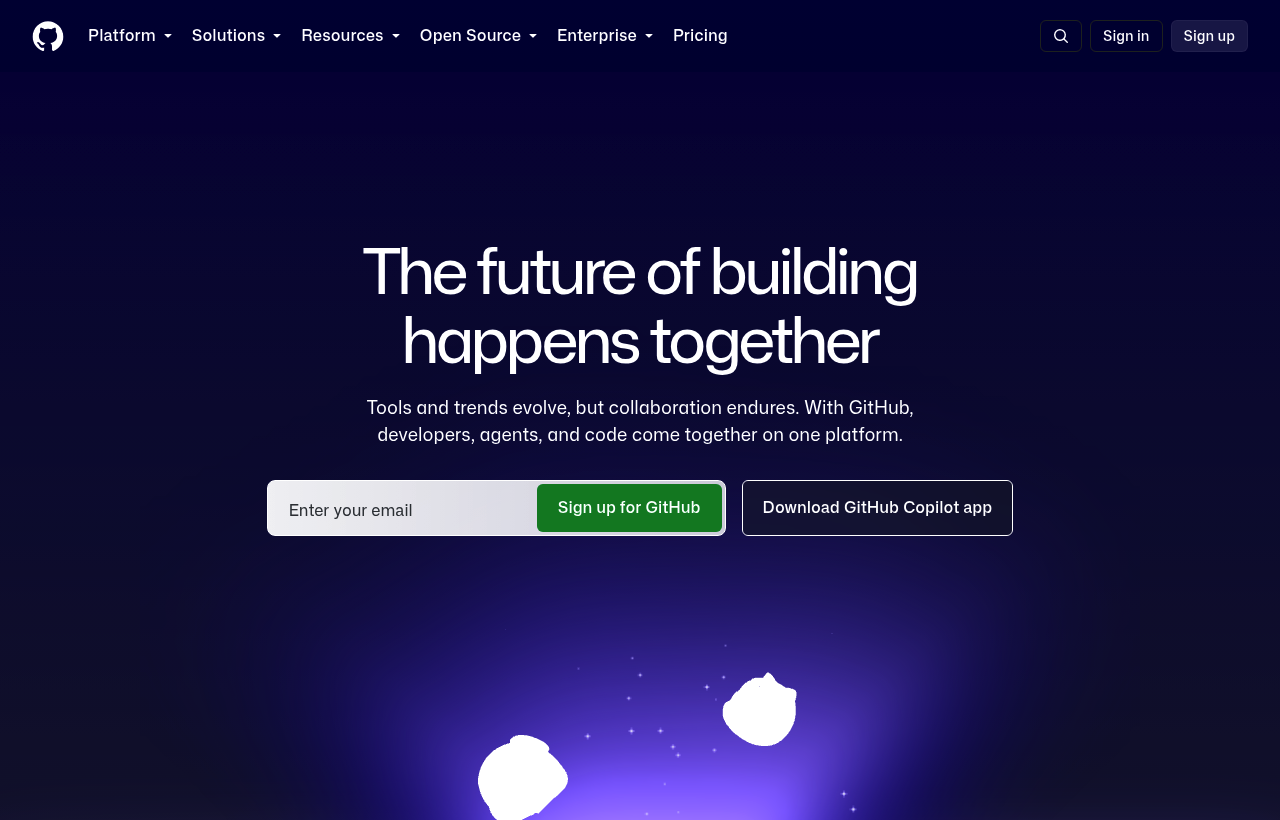
What Is GitHub?
GitHub is the world's largest software development platform, hosting over 420 million repositories and used by over 100 million developers globally. Owned by Microsoft since 2018, GitHub is the de facto standard for version control, code collaboration, CI/CD, code review, project management, and software supply chain security. Every serious software team in 2026 uses GitHub or a direct competitor and GitHub retains dominant market share across startups, enterprises, and open-source projects.
In 2026, GitHub has expanded well beyond code hosting into a full DevSecOps platform: GitHub Actions for CI/CD automation, GitHub Copilot for AI-assisted coding, GitHub Advanced Security for vulnerability scanning, GitHub Packages for artifact registry, and GitHub Projects for engineering team management, all integrated into a single workflow.
Key Features
- Branch Protection and Required Reviews
- GitHub Actions. CI/CD Automation
- Code Review Workflow
- GitHub Copilot. AI Pair Programming
- Security Scanning and Dependabot
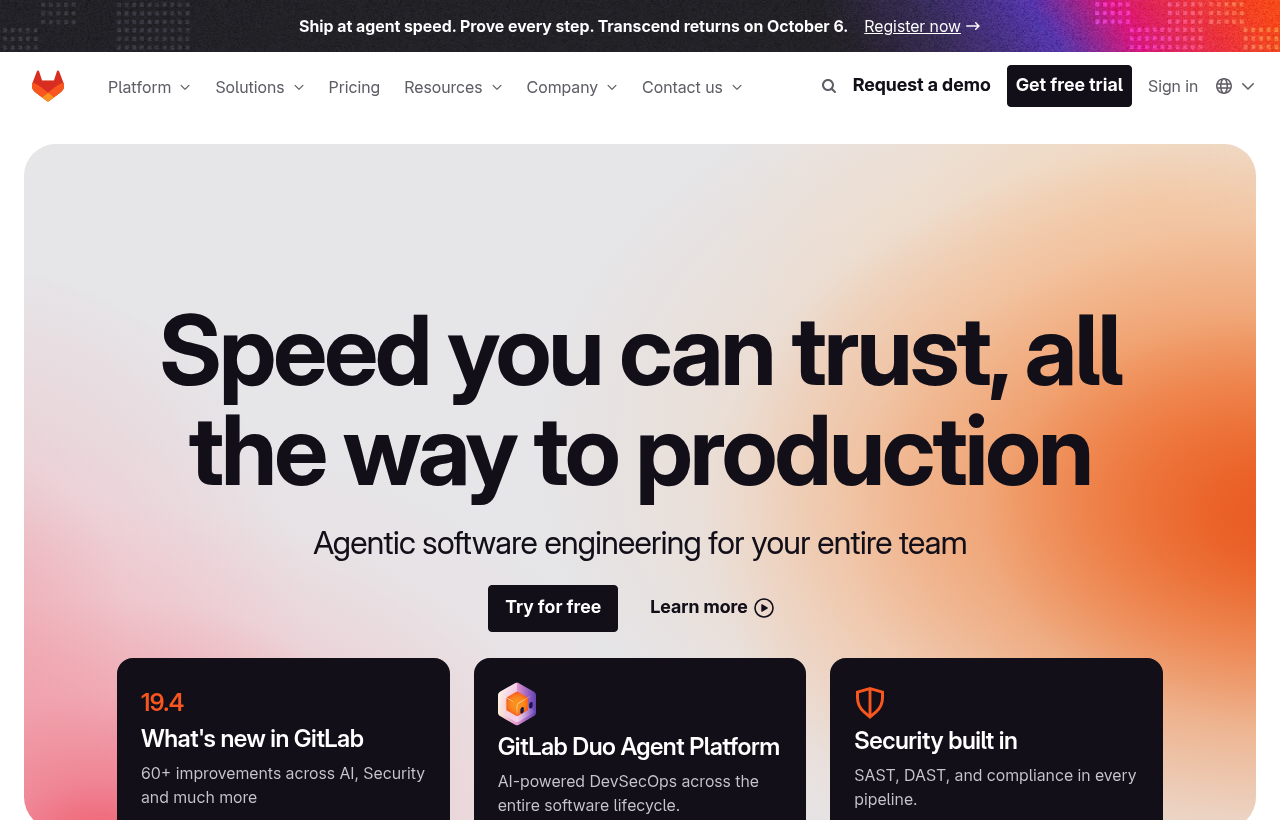
What Is GitLab?
GitLab is the most complete DevSecOps platform in the market. A single application covering the entire software development lifecycle from planning and source control to CI/CD, security scanning, deployment, and monitoring. Unlike GitHub (which assembles these capabilities from multiple services), GitLab provides everything in one platform, self-hosted or SaaS, under one license.
In 2026, GitLab serves over 30 million registered users and 1 million organizations including Goldman Sachs, Siemens, T-Mobile, and thousands of startups. Its most distinctive advantage is the depth of its built-in DevSecOps capabilities: every GitLab instance includes container registry, artifact storage, security scanning (SAST, DAST, dependency scanning), and observability, features that require multiple paid integrations on GitHub.
Key Features
- Built-in Complete Security Scanning
- GitLab CI. Mature, Powerful Pipeline Engine
- Feature Flags. Native Code-to-Deployment Bridge
- Value Stream Analytics
- Self-Hosted Option. Data Sovereignty
GitHub vs GitLab, Detailed Comparison
What's Included in Each Startup Deal
Here is exactly what you get when claiming each deal through SaaSOffers:
GGitHub
- GitHub Team free for 12 months
- Unlimited private repositories
- Advanced code review tools
- 2,000 GitHub Actions minutes/month
- Wiki, Issues, and Projects included
GGitLab
- GitLab Ultimate free for 12 months
- Unlimited private repositories
- 50,000 CI/CD minutes/month
- Security scanning (SAST, DAST, SCA)
- Compliance management features
Who Should Use GitHub vs GitLab?
The right tool depends on what your startup actually needs day-to-day. Both GitHub and GitLab serve different use cases, and many startups use tools from the same category for different purposes. Here is when each makes sense:
Choose GitHub if:
- You need developer & it as a core part of your product or operations
- Free Team plan (1 year) in credits covers your usage for 6–12 months
- Your team has experience with GitHub or similar tools in its category
- You want a premium-tier deal with SaaSOffers Premium
Choose GitLab if:
- You need developer & it as a core part of your product or operations
- 1 year free Ultimate in credits covers your usage for 6–12 months
- Your team has experience with GitLab or similar tools in its category
- You want a premium-tier deal with SaaSOffers Premium
Can you use both? Yes, there are no restrictions on claiming multiple startup deals. Many startups use GitHub and GitLab simultaneously for different needs. Claim both through SaaSOffers.
Startup Deal Comparison: Which Saves More?
Both GitHub and GitLab offer startup deals through SaaSOffers. Here is how the deals compare for a typical early-stage startup in 2026:
Frequently Asked Questions
Common questions about GitHub vs GitLab for startups.
What is the difference between GitHub and GitLab?
GitHub offers Free Team plan (1 year) and is categorized as Developer & IT. GitLab offers 1 year free Ultimate and is categorized as Developer & IT. Both offer startup deals through SaaSOffers. The right choice depends on your specific needs, GitHub is best for teams needing developer & it, while GitLab excels at developer & it.
Can I use both GitHub and GitLab together?
Yes. There are no restrictions on claiming startup deals from multiple tools. Many startups use both GitHub and GitLab simultaneously, each serving different needs. Claim both through SaaSOffers for maximum savings.
Which has a better startup deal, GitHub or GitLab?
GitLab offers 1 year free Ultimate, while GitHub offers Free Team plan (1 year). However, the "better" deal depends on which tool you actually need, a larger credit on a tool you won't use is worth less than a smaller credit on a tool that's essential to your stack.
Is GitHub free for startups?
GitHub offers Free Team plan (1 year) through its startup program on SaaSOffers. The deal type is "premium", available to SaaSOffers Premium members ($79/year). Startup registered with GitHub for Startups through an approved partner
Is GitLab free for startups?
GitLab offers 1 year free Ultimate through its startup program on SaaSOffers. The deal type is "premium", available to SaaSOffers Premium members ($79/year). Startup with fewer than 100 employees, new to GitLab Ultimate
Is GitHub free for startups?
GitHub's free plan is free forever for unlimited public repositories and up to 3 collaborators on private repositories. The GitHub for Startups deal provides the Team plan free for 12 months, adding protected branches, required code reviews, 3,000 CI/CD minutes/month, advanced audit logging, and unlimited collaborators — features critical for growing engineering teams.
What is the difference between GitHub Free and GitHub Team?
GitHub Free provides unlimited repositories and basic collaboration features. GitHub Team (normally $4/user/month) adds branch protection rules, required PR reviews, code owners, 3,000 GitHub Actions minutes/month, required status checks, advanced audit logs, and draft pull requests. For engineering teams of 3+ people, Team plan features significantly improve code quality and security.
Does the startup deal include GitHub Copilot?
GitHub Copilot is typically a separate subscription ($10/month individual, $19/user/month Business). Some GitHub for Startups deals include Copilot trial access — check the current offer terms when applying. GitHub Copilot Business, when available, integrates with your organization's codebase and provides policy controls over AI suggestions.
Is GitLab free for startups?
GitLab has a free tier (GitLab Free) with unlimited public and private repositories, 5GB storage, and 400 CI/CD minutes/month. The GitLab for Startups deal provides GitLab Ultimate free for 12 months — a $99/user/month plan that includes advanced security scanning, feature flags, compliance management, and 50,000 CI/CD minutes/month. This is one of the most valuable startup deals available for engineering teams in 2026.
What is the difference between GitLab and GitHub?
GitLab is a single application covering the entire DevSecOps lifecycle — source control, CI/CD, security scanning, container registry, and deployment management are all built in. GitHub assembles these capabilities from multiple services (GitHub Actions, GitHub Advanced Security, GitHub Packages, third-party tools). GitLab wins for all-in-one depth and self-hosting; GitHub wins for developer ecosystem size, Copilot AI, and familiarity.
Can I self-host GitLab instead of using GitLab.com?
Yes — GitLab Community Edition (CE) is free to self-host on any infrastructure. GitLab Enterprise Edition (EE) adds the advanced features in the startup deal and is available on a commercial license after the free period. For most startups, GitLab.com (SaaS) is the right starting point — self-hosting adds infrastructure management overhead that isn't worth it at early stage unless data residency is required.
The Bottom Line: GitHub vs GitLab
Both GitHub and GitLab offer genuine value for early-stage startups in 2026. The decision comes down to your specific needs:
GitHub provides Free Team plan (1 year) and is the stronger choice for startups that need developer & it. The deal is accessible as a premium offer through SaaSOffers.
GitLab provides 1 year free Ultimate and is the stronger choice for startups that need developer & it. The deal is accessible as a premium offer through SaaSOffers.
The best approach for most startups is to claim both deals, there are no restrictions, and each tool serves a different part of your stack. Start by claiming the tool you need first, then add the second when you need it.
We've helped 10,000+ startup founders unlock $500,000+ in SaaS credits and discounts. Every comparison is based on real deal data from our platform.