

HubSpot for Startups vs ClickUp for Startups in 2026
Choosing between HubSpot for Startups (Up to 90% off Year 1) and ClickUp (Up to $3,000 in credits) for your startup? This side-by-side comparison covers features, startup deals, pricing, and which tool fits your stack, with verified deals you can claim through SaaSOffers.
Quick Answer
HubSpot for Startups: Up to 90% off Year 1 (Early-stage startup, typically under 2 years old, less than $2M raised, not a current paying HubSpot customer). ClickUp: Up to $3,000 in credits (Startups affiliated with an approved funding partner, up to Series B).

HubSpot for Startups
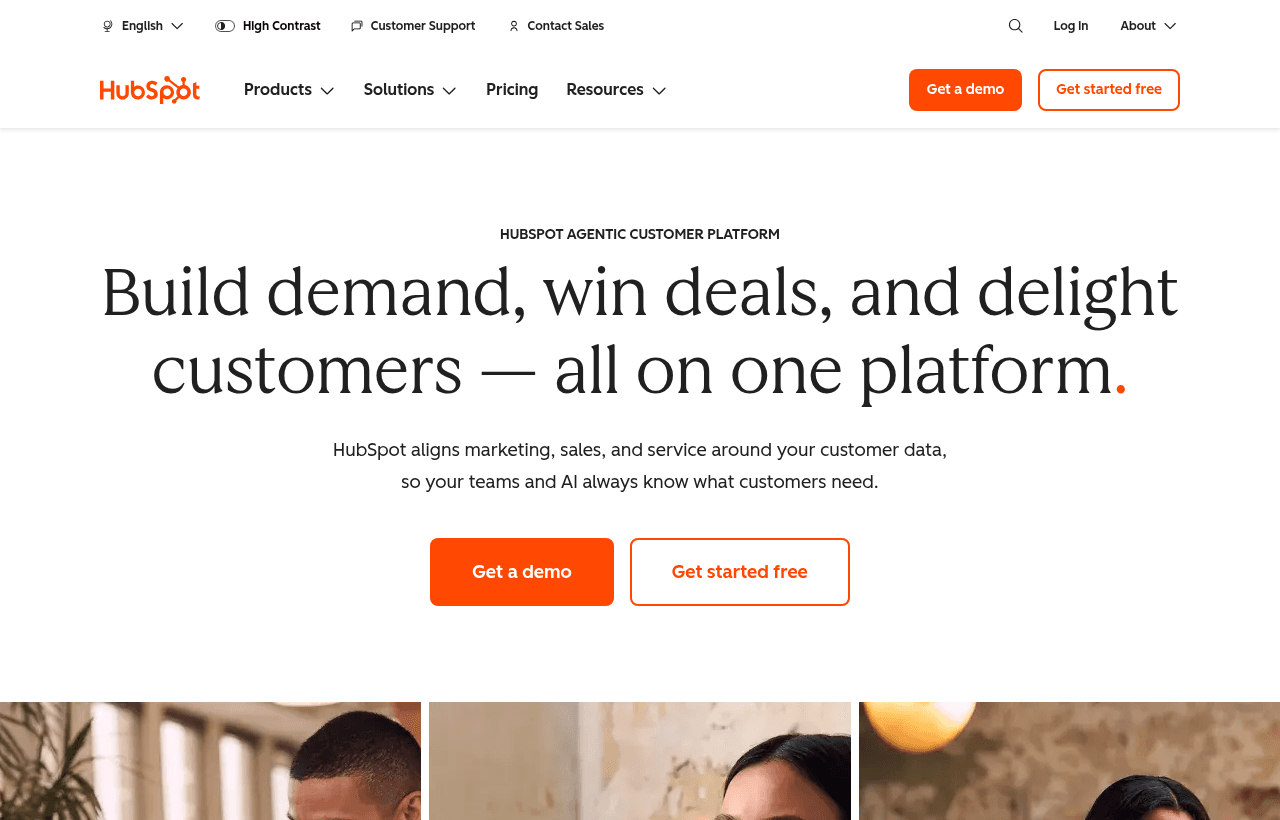
Get up to 90% off HubSpot CRM, Marketing Hub, Sales Hub, and Service Hub in Year 1, and 50% off in Year 2. One platform to replace your entire go-to-market stack.

ClickUp
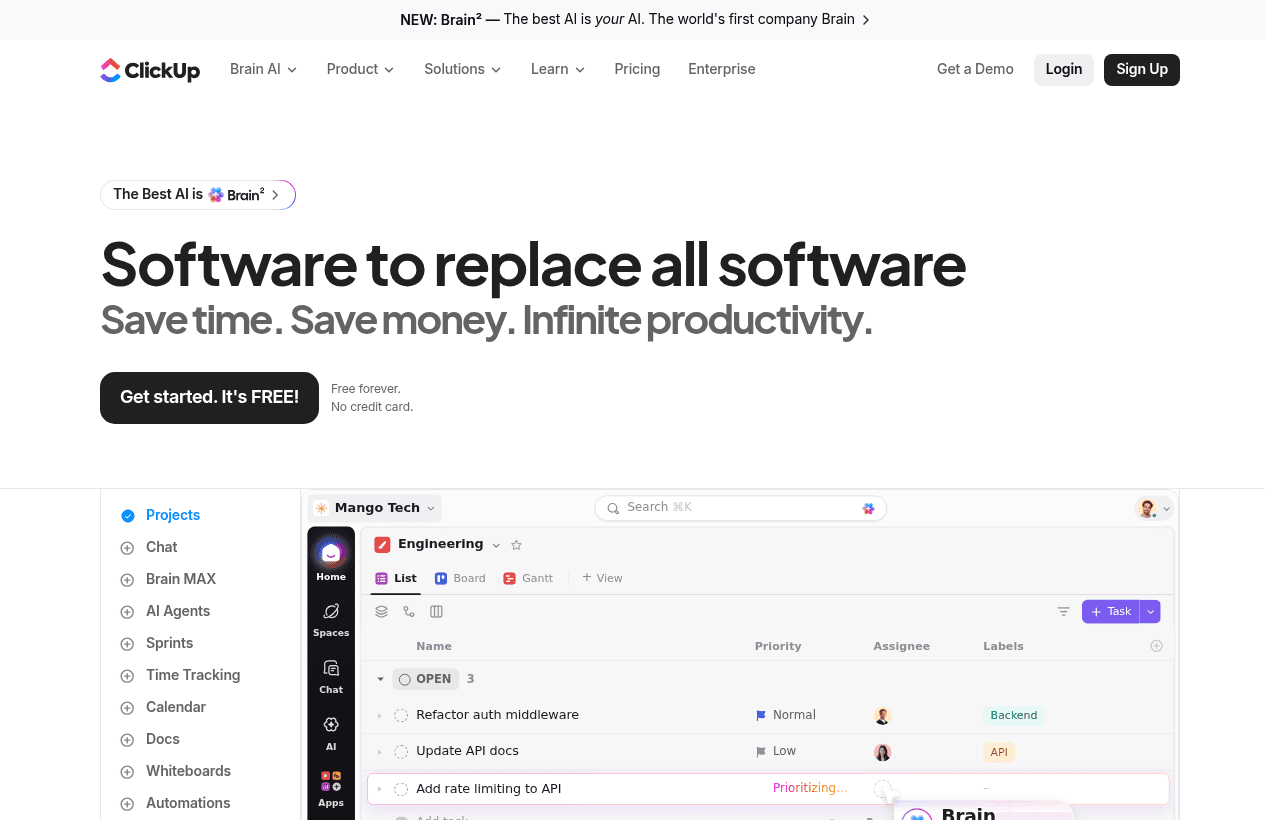
Up to $3,000 in ClickUp credits plus an upgraded workspace via an approved funding partner. ClickUp puts tasks, docs, goals, whiteboards, chat, and time tracking in one workspace.
HubSpot for Startups vs ClickUp, Detailed Comparison
What's Included in Each Startup Deal
Here is exactly what you get when claiming each deal through SaaSOffers:
HHubSpot for Startups
- Benefits details available on the deal page
CClickUp
- Up to $3,000 in ClickUp credits
- Upgraded workspace
- Unlimited tasks and members
- Goals, OKR tracking and automations
- Time tracking and dashboards
The short verdict
Pick HubSpot if your main problem is finding, tracking and closing customers, and you want contacts, deals, marketing email and support tickets on one record. Pick ClickUp if your main problem is getting work done across the team: tasks, docs, sprints, time tracking and dashboards, with a simple sales list on the side. These tools solve different jobs. HubSpot is a CRM with a contact database at its core, while ClickUp is a work management app where a "deal" is a task with custom fields. Many startups run both, and ClickUp documents a HubSpot integration that creates ClickUp work from HubSpot deals.
Our deals for HubSpot and ClickUp
HubSpot for Startups deal: Up to 90% off Year 1. Requirements: Early-stage startup, typically under 2 years old, less than $2M raised, not a current paying HubSpot customer.
ClickUp deal: Up to $3,000 in credits. Requirements: Startups affiliated with an approved funding partner, up to Series B.
We checked both tools' plans and prices against their official pricing and help pages in November 2026.
Both vendors run public startup programs, and you can apply to them directly. HubSpot's startups page lists a 90% track (90% off year one, 50% year two, 25% year three) for startups that raised pre-seed, seed or Series A and are tied to an approved partner or have verified venture funding. A second track gives 30% off year one and 15% year two to members of approved entrepreneurial organizations. HubSpot says the pricing applies to net-new Professional or Enterprise products only and needs an annual commitment. Its page does not mention the 2-year age or $2M caps in our listing, so expect HubSpot to judge eligibility by funding stage. ClickUp's startup program page offers $3,000 in ClickUp credit with an upgraded Enterprise workspace to startups affiliated with an approved funding partner, raised no more than Series B, incorporated under 5 years ago, and new to ClickUp or on Free Forever.
HubSpot vs ClickUp head to head
| Dimension | HubSpot | ClickUp |
|---|---|---|
| Core job | CRM: contacts, companies, deals, tickets | Work management: tasks, docs, chat, goals |
| Free plan users | Up to 2 users, no credit card | Unlimited free members |
| Free plan cap | 1,000 contacts, 1,000 records per other standard object | 60MB storage, 100 automation actions a month |
| Cheapest paid seat | Starter: $7 per seat (new-customer annual offer), $20 regular | Core: $9 per user per month billed yearly ($12 regular) |
| Mid tier | Sales Hub Professional: $90 per seat billed annually | Business: $17 per user per month billed yearly ($25 regular) |
| Onboarding fee | $1,500 on Sales Hub Professional, $3,500 on Enterprise | None listed |
| Automation limit | 50 workflows on Starter, 300 on Professional, 1,000 on Enterprise | 1,000 actions a month on Core, 10,000 on Business, 1M on Enterprise |
| Pipelines | 15 on Starter, 100 on Professional, 350 on Enterprise | Built from statuses on a List or Board view |
| Outbound email | Sequences on Sales Hub Professional: 5,000 per account | No sequence tool on the pricing page; email-to-task and automations |
| Time tracking | Not a HubSpot feature on the pricing pages we read | Included from Core; Timesheets on Business |
| Connection to the other tool | Smart Transfer does not list ClickUp | HubSpot integration from Core, set up by owners or admins |
| Startup program | 90% / 50% / 25% over 3 years on Professional or Enterprise | $3,000 credit plus upgraded Enterprise workspace |
Pricing side by side
| Plan | Billed yearly | Billed monthly | Key limits |
|---|---|---|---|
| HubSpot Free | $0 | $0 | 2 users, 1,000 contacts |
| HubSpot Starter | $7 per seat (new customers, paid upfront) | $10 per seat (new customers); $20 regular | 15 pipelines, 50 workflows |
| HubSpot Sales Hub Professional | $90 per seat per month | $100 per seat per month | $1,500 onboarding, 100 pipelines, 300 workflows |
| HubSpot Sales Hub Enterprise | $150 per seat per month | Not shown | $3,500 onboarding, 350 pipelines, 1,000 workflows |
| HubSpot Marketing Hub Professional | $800 a month | $890 a month | 3 core seats, 2,000 marketing contacts, $3,000 onboarding |
| ClickUp Free Forever | $0 | $0 | 60MB storage, 5 Spaces, 100 automation actions a month |
| ClickUp Core | $9 per user per month | $12 regular price shown | Unlimited storage, 1,000 automation actions a month |
| ClickUp Business | $17 per user per month | $25 regular price shown | 10,000 automation actions, Google SSO, Timesheets |
| ClickUp Enterprise | Custom | Custom | 1M automation actions, SAML and SCIM, HIPAA with BAA |
HubSpot labels the $7 and $10 Starter prices as limited-time offers for new customers. ClickUp's page says yearly billing saves up to 33% and shows the higher figure as the regular price; it does not print a separate monthly-billing number in its page text. ClickUp also sells AI Super Credits at $10 per 10,000 credits.
Worked example 1: 5 people, 2 of them selling
The whole team needs a task tool. Only the 2 founders who sell need a CRM.
- ClickUp Business for 5: 5 x $17 x 12 = $1,020 a year. ClickUp's program credit is $3,000, so if your workspace qualifies, the credit covers the year with $1,980 left. Core would be 5 x $9 x 12 = $540.
- HubSpot Free for 2: $0, within 1,000 contacts. This is enough for early founder-led sales.
- HubSpot Starter for 2: 2 x $7 x 12 = $168 at the new-customer annual price, or 2 x $20 x 12 = $480 at the regular rate. HubSpot's startup pricing covers Professional and Enterprise only, so do not count on the discount here.
- HubSpot Sales Hub Professional for 2: 2 x $90 x 12 = $2,160 plus $1,500 onboarding = $3,660. At 90% off the subscription: $216 + $1,500 = $1,716. HubSpot's page does not say the onboarding fee is discounted, so we priced it in full.
The cheapest working stack is ClickUp Business on the credit plus HubSpot Free: $0 in year one if ClickUp's program accepts you, $1,020 without the ClickUp credit.
Worked example 2: 15 people, 5 sellers and a marketing lead
- ClickUp Business for 15: 15 x $17 x 12 = $3,060. Minus the $3,000 credit, $60. Core: 15 x $9 x 12 = $1,620, fully covered by the credit.
- HubSpot Sales Hub Professional for 5: 5 x $90 x 12 = $5,400 plus $1,500 = $6,900 at list. With 90% off: $540 + $1,500 = $2,040. Year two at 50% off: $2,700.
- HubSpot Marketing Hub Professional: $800 x 12 = $9,600 plus $3,000 onboarding = $12,600 at list. With 90% off: $960 + $3,000 = $3,960.
At this size HubSpot is the larger bill by far, and its onboarding fees ($4,500 for both Professional hubs) cost more than the discounted subscriptions. ClickUp's credit stops mattering after year one: Business for 15 costs $3,060 a year from then on.
What actually decides it
Contact database or task list
HubSpot stores people and companies as records and links deals, emails, calls and tickets to them. Free accounts hold 1,000 contacts and up to 1,000 records for each other standard object. ClickUp has no contact object. Its own guides build a CRM from a List, statuses as deal stages, a Board view where each status is a column, and custom fields for deal value, email and lead source. That works for 50 to a few hundred deals tracked by a small team. It does not give you deduplication by email domain, a company record that rolls up every contact, or marketing contact tiers.
Automation counts work differently
HubSpot counts workflows: 50 on Starter (with restricted triggers and actions), 300 on Professional, 1,000 on Enterprise. HubSpot's pricing page caps the number of workflows, not how often they run. ClickUp counts actions per workspace per month: 100 on Free Forever, 1,000 on Core, 10,000 on Business. A team of 15 that moves 40 tasks a day through 2 automated steps uses about 2,400 actions a month, which is over Core's 1,000 and inside Business's 10,000. Model your monthly runs before you pick ClickUp Core.
Email and outreach
HubSpot Sales Hub Professional includes sequences, with 5,000 sequences per account and daily send caps of 500 or 1,000 per user depending on edition. Marketing Hub adds email campaigns to 2,000 marketing contacts on Professional. ClickUp's email features are about work: Email in ClickUp is listed on Core, and its guides describe turning an email into a task and triggering emails from automations. If your growth depends on outbound sequences or newsletters, ClickUp does not replace HubSpot.
Project delivery after the deal closes
ClickUp includes time tracking from Core, Timesheets and Time in Status on Business, Gantt charts, unlimited forms and goals. HubSpot's pricing pages describe pipelines, reporting dashboards and workflows, not task planning or time logs. An agency or services startup that sells a project and then delivers it will want ClickUp for the delivery side, whatever CRM it uses.
Running both together
ClickUp's help center documents a HubSpot integration, available from the Unlimited (now Core) plan, set up by Workspace owners and admins from the App Center. HubSpot deal triggers can create ClickUp Spaces, Folders, Lists or tasks from templates. ClickUp Automations can also act in HubSpot, with HubSpot fields mapped only to matching ClickUp custom fields. A common pattern: a deal moves to Closed Won in HubSpot and ClickUp creates the onboarding project.
Pick HubSpot if
- You need a real contact and company database with email logging.
- You plan to send marketing email or outbound sequences from the same tool.
- You raised pre-seed, seed or Series A and can get 90% off a Professional hub.
- Two founders can do sales on the Free plan for now.
- Support tickets and customer history should sit next to sales data.
Pick ClickUp if
- Your bottleneck is internal work: tasks, sprints, docs and handoffs.
- You bill time to clients and need Timesheets.
- Your sales pipeline is a few hundred deals that fit custom fields on a Board.
- You want the whole team, not just sellers, on one paid plan the credit can cover.
- You are tied to an approved funding partner and incorporated under 5 years ago.
Switching between them
These tools rarely replace each other, so the usual move is adding one next to the other. If you track deals in ClickUp today and want HubSpot, export the List to CSV and use HubSpot's import tool. HubSpot's Smart Transfer covers apps such as Pipedrive, Zoho CRM, Salesforce and Monday.com; ClickUp is not on its list, and only Super Admins can run it. Going the other way, ClickUp's importers cover Asana, Basecamp, Confluence, Jira, Monday, Notion, Todoist, Teamwork, Trello, Slack and Wrike, with no HubSpot importer. Its Spreadsheets Importer accepts .xls, .xlsx, .csv, .json, .tsv and .txt files, and Task Name is the only required field, so a HubSpot deal export can land as tasks.
If you are choosing between two CRMs instead, read HubSpot vs Pipedrive.
Final take
For most startups this is not either-or. ClickUp runs the team's work and HubSpot runs the customer list, and the documented integration connects them. If money is tight, ClickUp Business on the $3,000 credit plus HubSpot Free covers a 5-person team for $0 in year one, assuming ClickUp's program accepts you. Move to a paid HubSpot hub when sequences or marketing email start to matter, and budget the onboarding fee, which our math leaves undiscounted.
Frequently Asked Questions
Common questions about HubSpot for Startups vs ClickUp for startups.
Can I use both HubSpot for Startups and ClickUp together?
Yes. There are no restrictions on claiming startup deals from multiple tools. Many startups use both HubSpot for Startups and ClickUp simultaneously, each serving different needs. Claim both through SaaSOffers for maximum savings.
Which has a better startup deal, HubSpot for Startups or ClickUp?
HubSpot for Startups offers Up to 90% off Year 1, while ClickUp offers Up to $3,000 in credits. However, the "better" deal depends on which tool you actually need, a larger credit on a tool you won't use is worth less than a smaller credit on a tool that's essential to your stack.
Is HubSpot for Startups free for startups?
HubSpot for Startups offers Up to 90% off Year 1 through its startup program on SaaSOffers. The deal type is "free", available to all users for free. Early-stage startup, typically under 2 years old, less than $2M raised, not a current paying HubSpot customer.
Is ClickUp free for startups?
ClickUp offers Up to $3,000 in credits through its startup program on SaaSOffers. The deal type is "free", available to all users for free. Startups affiliated with an approved funding partner, up to Series B
How much does HubSpot for Startups take off?
HubSpot publishes two tiers. Tier 1 gives 90% off in year one, 50% off in year two and 25% off in year three. Tier 2 gives 30% off in year one and 15% off in year two. HubSpot decides your tier when it reviews your application, and the program requires an annual commitment.
Who qualifies for the 90% tier?
HubSpot's page says Tier 1 is for startups that raised Pre-seed, Seed or Series A funding, not Series B or later, and that are affiliated with an approved HubSpot for Startups partner or have raised verified venture funding. Tier 2 is for startups associated with one of HubSpot's approved entrepreneurial organizations.
What does Sales Hub Professional cost with the discount?
At list price, Sales Hub Professional is $90 per seat per month billed yearly, plus a required $1,500 one-time onboarding fee. For 3 seats at 90% off, year one software is 3 x $9 x 12 = $324. HubSpot's program page does not say onboarding is discounted, so budget $1,824 for year one if it is not.
What does the ClickUp startup program include?
ClickUp's program page lists $3,000 in ClickUp credit, an upgraded Enterprise workspace and onboarding resources. Our listing shows it as up to $3,000 in credits. ClickUp approves each application.
Who qualifies for ClickUp for Startups?
ClickUp lists four rules: affiliated with an approved funding partner, raised a maximum of a Series B round, incorporated less than 5 years ago, and new to ClickUp or currently on the Free Forever plan.
How much does ClickUp cost without the credit?
Free Forever is $0. Core is $9 per user a month billed yearly (regular price $12). Business is $17 billed yearly (regular price $25). MAX is $100 billed yearly. Enterprise is custom priced. ClickUp says yearly billing saves up to 33%.
We've helped 10,000+ startup founders unlock $500,000+ in SaaS credits and discounts. Every comparison is based on real deal data from our platform.