

Notion vs ClickUp for Startups in 2026
Choosing between Notion (3 months free Business) and ClickUp (6 months free Business) for your startup? This side-by-side comparison covers features, startup deals, pricing, and which tool fits your stack, with verified deals you can claim through SaaSOffers.
Quick Answer
Notion offers 3 months free Business and is best for startups needing operations & productivity. ClickUp offers 6 months free Business and is best for operations & productivity. ClickUp provides a higher-value startup deal, but Notion may be the better fit depending on your stack. You can claim both through SaaSOffers, there are no restrictions on using multiple startup deals.

Notion
Get Notion Business free for up to 3 months. The all-in-one workspace for notes, docs, wikis, and project management that 20M+ teams love.

ClickUp
Get 6 months free on ClickUp Business, the all-in-one productivity platform that consolidates tasks, docs, goals, whiteboards, chat, and time tracking into a single workspace.
What Is Notion?
Notion is an all-in-one workspace that replaces the pile of disconnected tools most startups cobble together in their first year. Instead of using Google Docs for writing, Trello for tasks, Confluence for wikis, and Airtable for databases, Notion puts all of that into a single platform with a unified interface.
Launched in 2016 and now used by over 30 million people, Notion has become the default workspace for startups at every stage. Companies like Figma, Duolingo, and thousands of YC-backed startups run their entire internal knowledge base on Notion. The product's strength is its flexibility. It can be a simple note-taking app for a solo founder or a sophisticated project management system for a 100-person team.
In 2026, Notion has matured into a platform that covers docs, wikis, databases, project tracking, and AI-assisted writing in one place. For a startup that needs to move quickly, consolidating on Notion removes the friction of switching between tools and ensures everyone on the team works from the same source of truth.
Key Features
- Docs and Wikis That Actually Get Used
- Databases for Everything
- Project Management Without the Overhead
- Notion AI for First Drafts
- Guest Access for External Collaboration
What Is ClickUp?
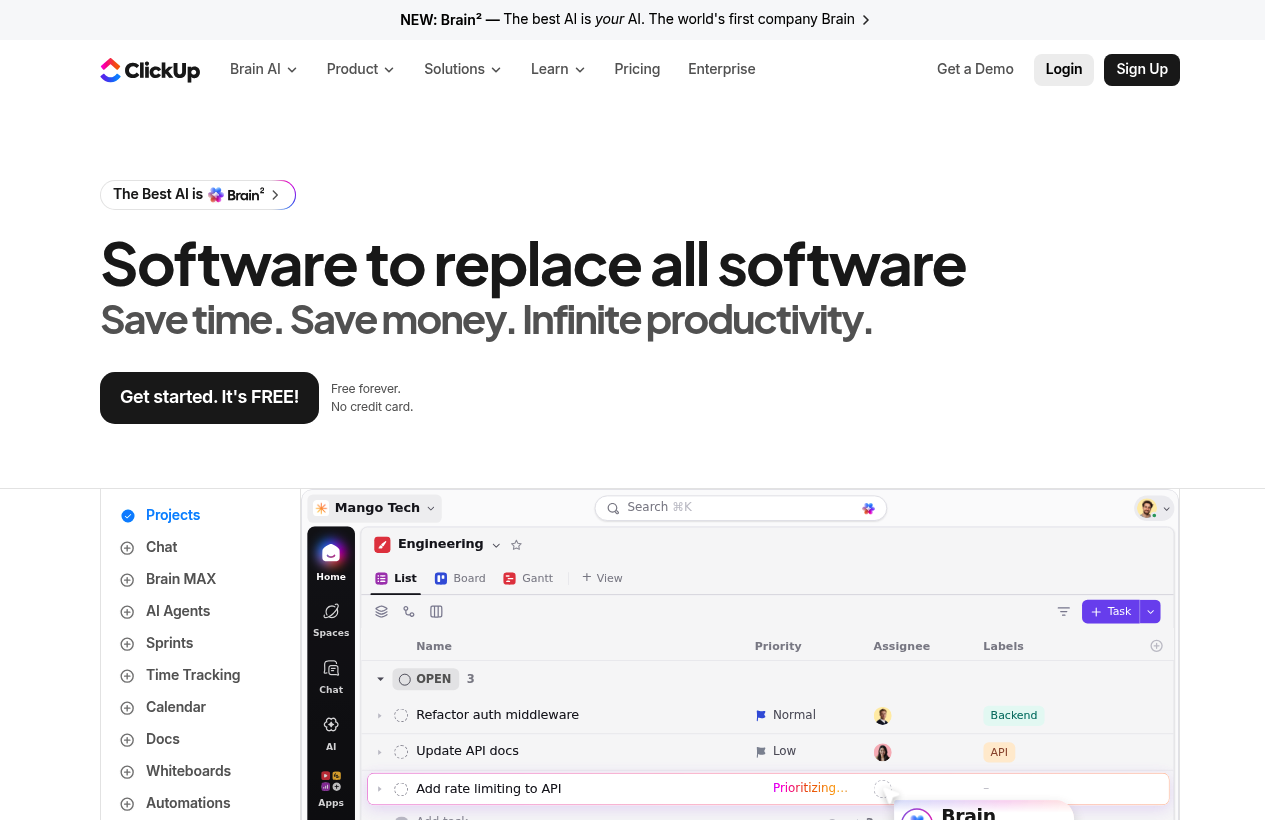
*ClickUp, one of the tools included in this startup deal.*
Notion vs ClickUp, Detailed Comparison
What's Included in Each Startup Deal
Here is exactly what you get when claiming each deal through SaaSOffers:
NNotion
- 3 months of Notion Business free
- Unlimited blocks for teams
- Unlimited file uploads
- Version history (30 days)
- 5 guests per page
CClickUp
- 6 months of ClickUp Business
- Unlimited tasks and members
- Goals and OKR tracking
- Automations
- Time tracking and dashboards
Notion and ClickUp are both flexible productivity platforms, but they're built around fundamentally different philosophies. Notion is docs-first, a flexible knowledge management system where you can also build databases, project trackers, and wikis. ClickUp is tasks-first, a consolidated work management platform where you can also write docs, set goals, and track time.
Choosing between them isn't really about which is "better", it's about which philosophy fits how your team actually works. Here's the honest comparison.
Side-by-Side Scoring Matrix
| Dimension | Notion | ClickUp |
|---|---|---|
| Docs / wiki / knowledge management | Best-in-class | Decent |
| Task management depth | Decent | Excellent (most features) |
| Project management views | Limited (table, board, timeline) | Many (List, Board, Calendar, Gantt, Timeline, Workload, Mind Map, etc.) |
| Database / relational data | Excellent (true relational DB) | Limited |
| Whiteboards | Limited | Built-in |
| Time tracking | None native | Built-in (Business tier) |
| Goals / OKRs | DIY (build with databases) | Built-in (ClickUp Goals) |
| Chat / team messaging | None | Built-in (ClickUp Chat) |
| AI features | Notion AI (strong, doc-focused) | ClickUp Brain (broad, task-focused) |
| Customization | High (database fields, formulas, relations) | Very high (custom fields, statuses, views) |
| Learning curve | Moderate | Steep (because it does so much) |
| Aesthetic / UX polish | High | Functional |
| Best fit | Knowledge-first teams, docs-heavy work | Task-first teams, consolidation-conscious |
The matrix tells the story: each platform is genuinely best-in-class at its core philosophy. The honest answer is that most teams should consciously pick the philosophy first, then pick the tool that matches.
Pricing Structure
Notion
- Free: Unlimited blocks for individuals; 7-day page history; basic features.
- Plus: Per-user pricing with unlimited file uploads, 30-day page history, custom websites.
- Business: Adds SAML SSO, advanced page analytics, private teamspaces, 90-day page history.
- Enterprise: Audit logs, SCIM, advanced security, dedicated CSM, unlimited page history.
ClickUp
- Free Forever: 100MB storage, unlimited tasks, unlimited members, all view types, basic features.
- Unlimited: Per-user, unlimited storage, unlimited integrations, unlimited dashboards, basic automations.
- Business: Google SSO, advanced automations, advanced time tracking, workload management, ClickUp AI access.
- Business Plus: Team sharing, custom roles, custom permissions, increased automation limits.
- Enterprise: Custom roles, advanced security (SAML SSO), HIPAA-eligible, dedicated CSM.
Both have credible free tiers usable for real work. ClickUp's Free Forever is unusually generous (unlimited tasks and members). Notion's Free is more limited for teams but excellent for individual use. Paid pricing is broadly comparable at the same tier level.
Docs and Knowledge Management
Notion is the gold standard. The page-as-block model, nested page hierarchy, in-line database embeds, and clean typography make Notion the best tool in the market for company wikis, knowledge bases, and collaborative documentation. The aesthetic and UX polish is meaningfully ahead of every competitor.
ClickUp Docs is decent but not at Notion's level. ClickUp Docs cover the basic use cases, meeting notes, project briefs, SOPs, and the integration with tasks is genuinely useful (you can convert any text to a task with one click). But for pure docs/wiki work, Notion is sharper.
If documents and knowledge management are your primary use case, Notion wins clearly. Many teams run Notion for company wiki + ClickUp for project execution rather than picking one.
Task and Project Management
ClickUp is significantly broader. The view types alone tell the story: List, Board (Kanban), Calendar, Gantt, Timeline, Workload, Mind Map, Activity, Table, Embed, Map, Chart. Notion offers basic Table, Board, Timeline, Calendar, and Gallery views, fine for simple project tracking but limited for complex project management.
ClickUp also has deeper features that production project management requires: dependency columns, time tracking, workload visualization, custom statuses per project, custom task types, sprint management, formula columns, and 250,000+ automations per month at the Business tier.
For pure project management, especially in cross-functional teams running concurrent projects, ClickUp is meaningfully ahead. Notion can be made to work for project management but requires more manual building.
Databases and Relational Data
Notion's databases are a genuine differentiator. Notion's relational database model, where you can link records across databases (a Project relates to multiple Tasks; a Task relates to one Project and multiple People; etc.), is closer to a true relational database than what ClickUp offers. Combined with formulas and rollups, Notion can model surprisingly complex data structures that would otherwise require Airtable.
ClickUp's "databases" are really lists with custom fields. Powerful for task management but less flexible for non-task relational data (e.g. tracking customer accounts, content libraries, product specs).
For teams whose work involves a lot of structured data beyond just tasks, content calendars, OKRs, product specs, customer accounts, research libraries, Notion's database model is structurally better.
Whiteboards, Chat, and Adjacent Tools
ClickUp consolidates more. Built-in whiteboards (replacing Miro for new sessions), built-in chat (replacing Slack for some teams), built-in goals (replacing Lattice or 15Five), built-in time tracking (replacing Toggl). The bet is that consolidation reduces SaaS sprawl and tool-switching.
Notion has limited adjacent tools. No native whiteboards, no chat, no time tracking, no native goals product. Notion's bet is that you can build any of these in their database model, but the result is rarely as polished as a dedicated tool.
If your team is consciously consolidating from 5-7 productivity tools to one, ClickUp is the natural choice. If you only need docs + light project tracking, Notion is more focused and cleaner.
AI Features
Notion AI is sharp at document-focused tasks: summarizing pages, generating drafts, translating content, brainstorming, formatting tables. The integration with Notion's document model makes it feel native rather than bolted-on.
ClickUp Brain is sharp at task-focused use cases: summarizing project status, generating weekly updates from activity, drafting documents from prompts, contextual Q&A across workspace data. The integration with ClickUp's task model makes it feel native for project management.
Both are GPT-class and genuinely useful at this point. Pick the one that aligns with your primary use case.
Customization Depth
Both platforms are highly customizable but in different shapes.
Notion's customization is database-driven. You define database properties (text, number, select, date, relation, rollup, formula) and build views on top. Very flexible for modeling structured information.
ClickUp's customization is workflow-driven. Custom fields, custom statuses per workspace, custom task types, custom views, custom automations. Very flexible for modeling team workflows.
For teams whose primary problem is "how do we represent our information?", Notion. For teams whose primary problem is "how do we run our work?", ClickUp.
Learning Curve and Onboarding
Notion's learning curve is moderate. Most users productive within hours, expert within weeks. The page-and-block model is intuitive for anyone who has used Word or Google Docs.
ClickUp's learning curve is genuinely steep. The platform does so much that new users often feel overwhelmed by the number of features, settings, and views. Most users productive within a week of focused use, but reaching mastery takes longer.
For non-technical teams, Notion's gentler curve is often the right choice. For ops-heavy teams willing to invest in training, ClickUp's depth pays back.
When Notion Wins
- Documents and knowledge management are your primary use case. Wikis, SOPs, meeting notes, research libraries, Notion is sharper.
- You want polish and aesthetic experience. Notion's UX feels like a designed product; ClickUp feels like a feature-dense engineering output.
- You need true relational data. Customer accounts, content libraries, product specs, Notion's database model is structurally better.
- Your team is small or non-technical. The lower learning curve and cleaner mental model favor smaller teams.
When ClickUp Wins
- Task and project management is your primary use case. ClickUp's depth is genuinely best-in-class.
- You're consolidating from multiple tools. Replacing Asana + Notion + Toggl + Miro + Lattice with one tool, ClickUp is the most realistic candidate.
- You need cross-functional project management. ClickUp's view diversity (Gantt, Workload, Timeline) handles complex projects that Notion struggles with.
- You want built-in time tracking, goals, and chat. ClickUp includes these natively.
Real-World Workflow: Picking Between Them
Scenario 1: A 15-person SaaS startup. Engineering uses Linear (out of scope for this comparison). Product manages the roadmap and meeting notes. Marketing runs content calendars. Operations tracks vendor relationships and SOPs.
- If docs and roadmap clarity are the bottleneck: Notion + Linear is the modern stack.
- If cross-functional project management is the bottleneck: ClickUp Business handles product, marketing, ops in one place.
Scenario 2: A 30-person agency managing 12 client projects. Each project has tasks, deadlines, deliverables, time tracking, and client-facing reporting.
- ClickUp is the clear answer. Native client portals (via guest access), time tracking, dashboards combining all 12 projects, this is exactly the use case ClickUp was built for.
Scenario 3: A 50-person company-wide knowledge base. Engineering documentation, HR policies, sales playbooks, product specs.
- Notion is the clear answer. This is exactly the use case Notion was built for.
The pattern: ask "what's our actual primary problem?" and let that drive the choice rather than trying to force one platform into both shapes.
Real Cost Comparison Math
- Notion Plus at 15 users: ~$120-$150/month
- ClickUp Business at 15 users: ~$285/month
- Both at 30 users: Notion ~$300/month; ClickUp ~$570/month
- Hiring a generalist who can configure either platform: $60K-$90K/year
ClickUp's per-user pricing is meaningfully higher than Notion's at the same tier, but ClickUp also includes time tracking, whiteboards, goals, and chat that would otherwise require separate subscriptions ($15-$30/user/month combined). When you factor in tool consolidation, ClickUp often comes out cheaper than Notion + Toggl + Miro + Lattice.
The Final Take
Notion is the right call when documents, knowledge management, and structured data modeling are your primary use cases. The aesthetic polish and database depth are genuinely best-in-class.
ClickUp is the right call when task and project management are your primary use cases, especially if you're consolidating multiple productivity tools into one platform. The feature breadth is genuinely best-in-class for work management.
Many teams run both: Notion for company wiki and structured information, ClickUp for project execution. This isn't redundancy, they're solving different problems. Don't fight the philosophy mismatch by forcing one tool into both jobs.
Claim ClickUp →, 6 months free on the Business plan, including ClickUp AI, time tracking, advanced automations, and 250,000+ automation actions per month. Long enough to fully migrate from Notion, Asana, or any combination of productivity tools.
Claim Notion →, 6 months free on the Plus plan, with unlimited file uploads, 30-day page history, custom websites, and full database features. Long enough to migrate company wiki, SOPs, and knowledge management to Notion before paying.
Who Should Use Notion vs ClickUp?
The right tool depends on what your startup actually needs day-to-day. Both Notion and ClickUp serve different use cases, and many startups use tools from the same category for different purposes. Here is when each makes sense:
Choose Notion if:
- You need operations & productivity as a core part of your product or operations
- 3 months free Business in credits covers your usage for 6–12 months
- Your team has experience with Notion or similar tools in its category
- You want a free, no-application deal
Choose ClickUp if:
- You need operations & productivity as a core part of your product or operations
- 6 months free Business in credits covers your usage for 6–12 months
- Your team has experience with ClickUp or similar tools in its category
- You want a free, no-application deal
Can you use both? Yes, there are no restrictions on claiming multiple startup deals. Many startups use Notion and ClickUp simultaneously for different needs. Claim both through SaaSOffers.
Startup Deal Comparison: Which Saves More?
Both Notion and ClickUp offer startup deals through SaaSOffers. Here is how the deals compare for a typical early-stage startup in 2026:
Frequently Asked Questions
Common questions about Notion vs ClickUp for startups.
What is the difference between Notion and ClickUp?
Notion offers 3 months free Business and is categorized as Operations & Productivity. ClickUp offers 6 months free Business and is categorized as Operations & Productivity. Both offer startup deals through SaaSOffers. The right choice depends on your specific needs, Notion is best for teams needing operations & productivity, while ClickUp excels at operations & productivity.
Can I use both Notion and ClickUp together?
Yes. There are no restrictions on claiming startup deals from multiple tools. Many startups use both Notion and ClickUp simultaneously, each serving different needs. Claim both through SaaSOffers for maximum savings.
Which has a better startup deal, Notion or ClickUp?
ClickUp offers 6 months free Business, while Notion offers 3 months free Business. However, the "better" deal depends on which tool you actually need, a larger credit on a tool you won't use is worth less than a smaller credit on a tool that's essential to your stack.
Is Notion free for startups?
Notion offers 3 months free Business through its startup program on SaaSOffers. The deal type is "free", available to all users for free. Startup with fewer than 50 employees
Is ClickUp free for startups?
ClickUp offers 6 months free Business through its startup program on SaaSOffers. The deal type is "free", available to all users for free. Early-stage startup team
Is Notion free for startups?
This deal gives you 3 months of Notion Business completely free. After 3 months, you'll be billed at the standard Business rate ($20/user/month) unless you downgrade to the free tier. Notion's free tier is quite generous and works well for very small teams.
How long does the Notion startup deal last?
The deal gives you 3 months of Notion Business at no cost. The clock starts when you activate your promo code, not when you first create your account. Plan accordingly so you're using the full 3 months during your most active period.
Can I combine this with other discounts?
This deal cannot be stacked with Notion's standard annual discount or other startup program codes. However, if your startup is part of an accelerator like YC or Techstars, check whether their perks package includes a separate Notion deal with a longer duration.
How does ClickUp compare to Asana?
Both are general-purpose task management platforms, but ClickUp is significantly broader in scope. Asana focuses on task management with strong polish; ClickUp adds docs, whiteboards, chat, time tracking, goals, and AI as built-in features rather than add-ons. The trade-off: Asana is easier to learn and lighter-weight; ClickUp has a steeper learning curve but covers more use cases in a single tool. For teams using only task management, Asana is often a better fit. For teams running 3-5 different productivity tools, ClickUp's consolidation tends to win on total cost and reduced context-switching.
What is included in the 6-months-free Business plan?
Everything in the Business tier: unlimited storage, advanced automations, advanced time tracking, workload management, advanced reporting and dashboards, ClickUp AI access, Google SSO, custom exporting, and increased automation execution limits. There are no feature gates during the 6-month trial — you get the full Business experience to evaluate fit before paying.
Can ClickUp really replace Notion for documents?
Honest answer: ClickUp Docs is decent but not at Notion's level for pure docs/wiki use cases. If your primary work is collaborative documents, knowledge management, or content publishing, Notion is the more polished tool. ClickUp Docs is best when documents are tightly linked to tasks and projects (meeting notes, SOPs, project briefs) and consolidation matters more than absolute polish. Many teams keep Notion for company wiki and use ClickUp Docs for project-adjacent docs.
The Bottom Line: Notion vs ClickUp
Both Notion and ClickUp offer genuine value for early-stage startups in 2026. The decision comes down to your specific needs:
Notion provides 3 months free Business and is the stronger choice for startups that need operations & productivity. The deal is accessible as a free offer through SaaSOffers.
ClickUp provides 6 months free Business and is the stronger choice for startups that need operations & productivity. The deal is accessible as a free offer through SaaSOffers.
The best approach for most startups is to claim both deals, there are no restrictions, and each tool serves a different part of your stack. Start by claiming the tool you need first, then add the second when you need it.
We've helped 10,000+ startup founders unlock $500,000+ in SaaS credits and discounts. Every comparison is based on real deal data from our platform.