

Webflow vs Framer for Startups in 2026
Choosing between Webflow (40% off annual plans) and Framer (1 year of Framer Pro free) for your startup? This side-by-side comparison covers features, startup deals, pricing, and which tool fits your stack, with verified deals you can claim through SaaSOffers.
Quick Answer
Webflow: 40% off annual plans (New Webflow account, startup with fewer than 50 employees). Framer: 1 year of Framer Pro free (Pre-seed or seed startup new to Framer, with a live website and a professional business email. Agencies and companies selling services are not eligible).

Webflow
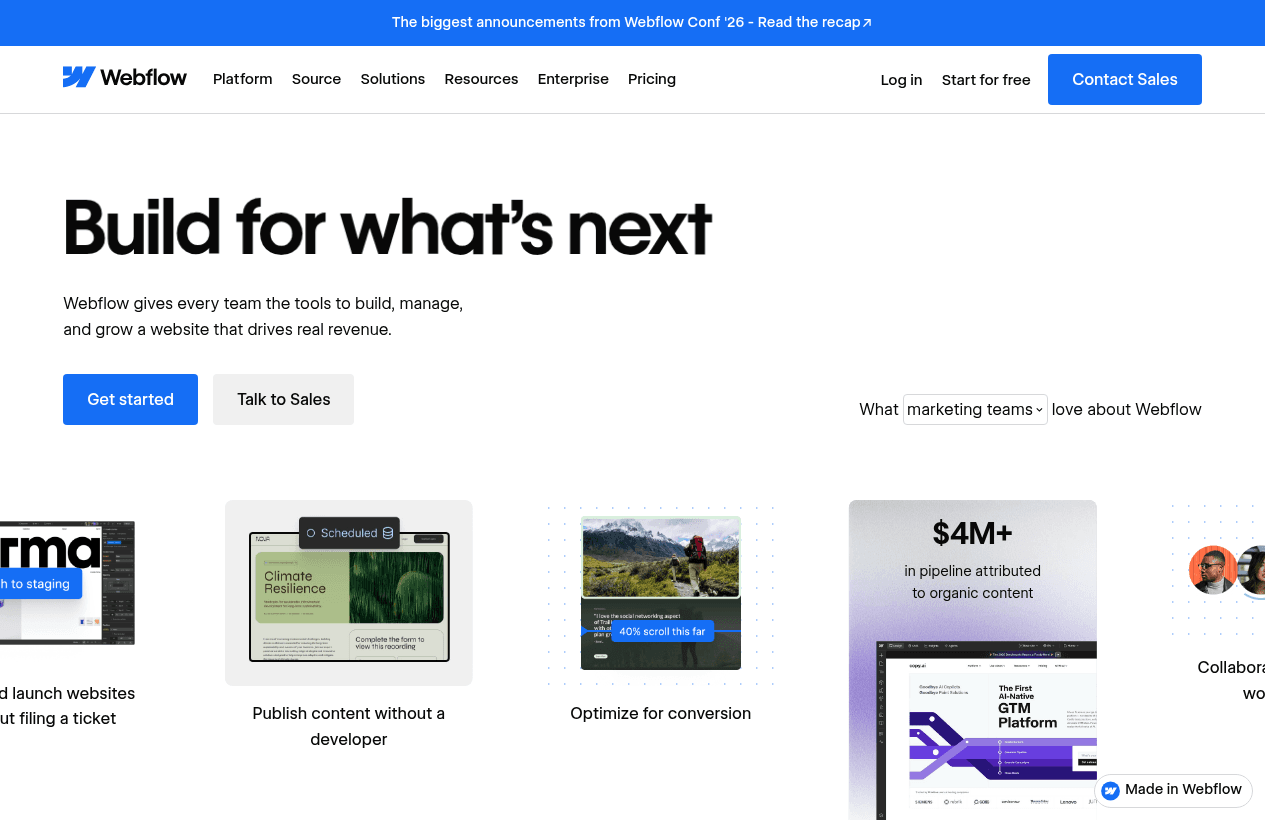
Get 40% off Webflow annual plans, build production-ready websites visually without writing code, and launch 10x faster.

Framer
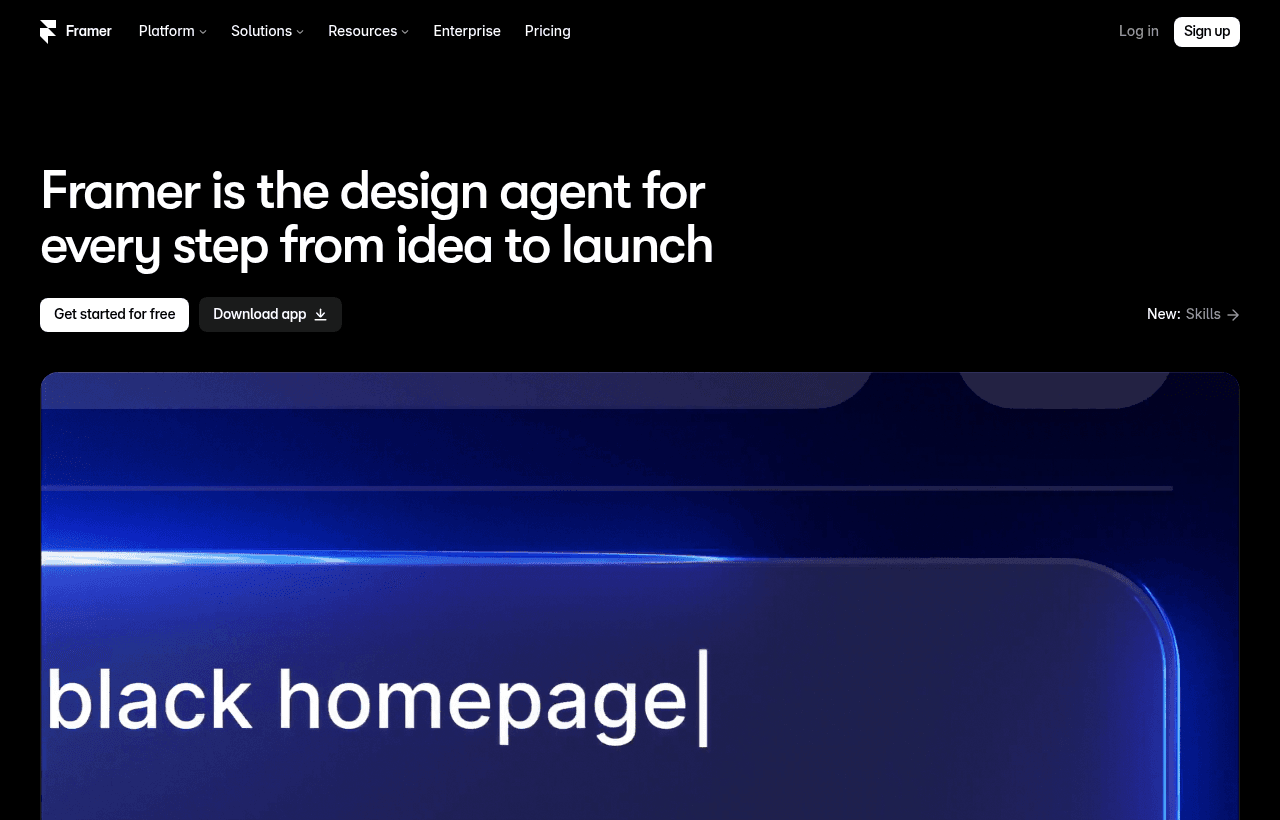
Get 1 year of Framer Pro free, worth $360. The AI-powered web builder where designers publish fast, interactive websites without writing code.
Webflow vs Framer, Detailed Comparison
What's Included in Each Startup Deal
Here is exactly what you get when claiming each deal through SaaSOffers:
WWebflow
- 40% off any Webflow annual plan
- Custom domain hosting included
- CMS for dynamic content
- E-commerce functionality
- SEO controls and sitemap generation
FFramer
- 1 year of Framer Pro free ($360 value)
- Custom domain publishing
- AI site generation
- CMS for dynamic content
- Advanced animations and interactions
The short verdict
Pick Webflow if your site is content-heavy or needs to sell: it allows 20,000 CMS items on its Premium plan, has native ecommerce plans, unlimited form submissions from Basic up, and exports HTML and CSS. Pick Framer if a designer will build and run the marketing site alone and wants a Figma-like canvas, staging and branching on Pro, and cheaper editor seats. Pricing models set them apart most: Webflow bills a site plan, a Workspace plan and seats separately, while Framer bills one site plan with editors as a flat add-on. For a seed-stage startup with a 20-page site and a blog, the two land within a few hundred dollars a year of each other, so the deal and the CMS limits usually decide it.
Our deals for Webflow and Framer
Webflow deal: 40% off annual plans. Requirements: New Webflow account, startup with fewer than 50 employees.
Framer deal: 1 year of Framer Pro free. Requirements: Pre-seed or seed startup new to Framer, with a live website and a professional business email. Agencies and companies selling services are not eligible.
Webflow's pricing page labels yearly billing "Save up to 40%" against monthly prices, so anyone paying yearly already gets that cut on Basic ($15 instead of $25). Webflow's help center also says its own Webflow for Startups program stopped taking applications on June 30, 2026. Our listing says 40% off annual plans. With Webflow's own startup program closed, confirm that the offer is still available, whether it stacks with yearly pricing and which plans it covers before you count on it.
Framer runs its program itself at framer.com/startups: "Save $360 with a free year of Framer Pro". Its application form asks you to confirm that you are pre-seed or seed, that you have not used Framer before, and that you are backed by a Framer approved partner. Check that last point with your investor before you apply.
We checked both tools' plans and prices against their official pricing and help pages in November 2026.
Webflow vs Framer head to head
| Dimension | Webflow | Framer |
|---|---|---|
| How you pay | Site plan per site, plus optional Workspace plan, plus seats | Site plan per site, plus editors |
| Free plan | Starter: webflow.io domain, 2 static pages, 50 CMS items, 1 GB, 50 form submissions | Free: Framer domain, 1 GB bandwidth; Framer calls it ideal for non-commercial use |
| Cheapest custom domain plan | Basic, $15 a month billed yearly, no CMS | Basic, $10 a month billed yearly, 2 CMS collections |
| Main CMS plan | Premium, $25 a month yearly: 20,000 items, 40 collections | Pro, $30 a month yearly: 2,500 items, 10 collections, both expandable |
| Static pages | 300 on Basic and Premium | 30 on Basic, 150 on Pro (up to 700 with add-ons) |
| Included bandwidth | 10 GB Basic, 50 GB Premium | 50 GB Basic, 100 GB Pro |
| Editor seats | Full $39, Limited $15 per month yearly; owner seat included | $20 per editor, $10 per content editor; owner free |
| Ecommerce | Plans from $29 a month yearly, 500 items, 2% fee on Standard | No ecommerce plan on the pricing page |
| Localization | Localize Essential $9 per locale per month yearly, up to 3 locales; Localize Advanced from $29, up to 10 | $20 per locale, up to 20 |
| A/B testing | Optimize add-on from $299 a month yearly | Convert add-on, $50 per 500,000 events |
| Staging | Free webflow.io staging; branch staging on Team at $2,500 a month | Staging environment and branching on Pro |
| Hosting | Global CDN on every site plan | 20 CDN locations on Basic, 300+ on Pro |
Pricing side by side
| Plan | Billed yearly | Billed monthly | Key limits |
|---|---|---|---|
| Webflow Starter site | $0 | $0 | webflow.io domain, 2 pages, 1 GB, 50 form submissions |
| Webflow Basic site | $15 per month | $25 per month | Custom domain, 300 pages, 10 GB, unlimited form submissions, no CMS |
| Webflow Premium site | $25 per month | $39 per month | CMS with 20,000 items and 40 collections, 50 GB, site search, code components |
| Webflow Team | $2,500 per month, annual contract | Same | 5 Full and 5 Limited seats, 2 locales, 100 collections, 500 pages |
| Webflow Core Workspace | $19 per month | $28 per month | 10 staging sites, code export, shared libraries |
| Webflow Growth Workspace | $49 per month | $60 per month | Unlimited staging, site-level roles, publishing permissions |
| Webflow seats | Full $39, Limited $15 | Full $45, Limited $19 | One Full seat included; free reviewer seats |
| Framer Free | $0 | $0 | Framer domain, 1 GB bandwidth |
| Framer Basic | $10 per month | Not shown in the page text we could read | 30 pages, 2 collections, 1,000 CMS items, 50 GB, 30 days of analytics |
| Framer Pro | $30 per month | Not shown in the page text we could read | 150 pages, 10 collections, 2,500 items, 100 GB, redirects, staging, 90 days of analytics |
| Framer Enterprise | Custom | Custom | Unlimited editors, SSO, SCIM, uptime guarantee |
| Framer editors | $20 per editor, $10 per content editor | Same | Owner and viewers free; 10 seats on Basic and Pro |
Webflow publishes both rates in its page data, and its Premium bandwidth add-ons run from +50 GB at $20 a month yearly ($30 monthly) to +2.45 TB at $974 yearly ($1,460 monthly). Framer's page says "All prices are monthly and billed according to the billing cycle selected at checkout", and only the yearly figures appear in its text. Framer's $360 deal value equals 12 × $30.
Framer Pro grows with add-ons: pages at $20 per 100, collections at $40 per 10, CMS items at $20 per 10,000, and bandwidth at $40 per 100 GB. Built-in analytics differ too: Framer includes 30 days of history on Basic and 90 on Pro, while Webflow's Analyze is an optional add-on on Basic and Premium, from $9 a month yearly for 2,000 sessions.
Example 1: a 3-person seed startup
A 20-page marketing site with a blog. One designer builds it, the founder edits blog posts, and the engineer only reviews.
- Webflow: the blog needs the CMS, so Premium at $25 a month yearly. The designer uses the included Full seat. The founder needs a Limited seat at $15. The engineer gets a free reviewer seat. Total $40 a month, or $480 a year. On monthly billing: $39 + $19 = $58 a month, or $696.
- Webflow with our deal: if the 40% applies to the Premium site plan, the plan costs $300 × 0.6 = $180, and year one is $180 + $180 = $360. If it also covers the seat, $480 × 0.6 = $288.
- Framer Pro: the designer is the free workspace owner, the founder a $10 content editor, the engineer a free viewer. $30 + $10 = $40 a month, or $480 a year. Framer Basic would also fit 20 pages and a blog: $10 + $10 = $20 a month, or $240 a year.
- Framer with our deal: the free year covers the $360 Pro plan; the content editor remains, so year one costs 12 × $10 = $120, assuming the deal does not cover seats.
Example 2: a 10-person startup
About 100 pages, 3,000 CMS items (blog, changelog, customer stories), two languages besides English. Two designers build, three marketers edit content.
- Webflow: Premium $25 + 1 extra Full seat $39 + 3 Limited seats $45 + Localize Essential with 2 locales $18 = $127 a month yearly, or $1,524 a year. 3,000 items and 100 pages fit inside Premium's 20,000 items and 300 pages.
- Webflow with our deal: if the 40% applies to the site plan only, Premium drops to $15 and year one is $1,404. If it covers everything, $1,524 × 0.6 = $914.40.
- Framer Pro: $30 + 1 extra editor $20 + 3 content editors $30 + 2 locales $40 = $120. 3,000 items exceeds Pro's 2,500, so add $20 for the next 10,000 items: $140 a month, or $1,680 a year. Five seats fit under the 10-seat cap.
- Framer with our deal: $1,680 minus the $360 Pro plan = $1,320 in year one.
Who the site is built for
Framer's canvas works like a design tool. Its code components are React components, and it ships an official Figma to HTML plugin that pastes Figma layers onto the canvas, so a designer coming from Figma is productive fast. One person can design, publish and run the site.
Webflow exposes the box model, classes and CSS properties visually. That gives a developer-minded builder more control, and it shows in the extras: custom code on Basic, code components on Premium, Webflow Cloud app hosting with D1, KV and R2 storage, and HTML and CSS export from the Core Workspace. Exported code leaves out CMS content, so an export is a static snapshot.
CMS and content scale
This is where the two diverge most for a content team. Webflow Premium includes 20,000 CMS items and 40 collections with per-item publishing, scheduled publishing and RSS feeds. Framer Pro includes 2,500 items and 10 collections, and you buy more: $20 per 10,000 items up to 40,000, and $40 per 10 collections up to 40.
Pages flip the picture. Webflow's Basic and Premium plans both allow 300 static pages. Framer Basic allows 30 and Pro 150, extendable to 700 at $20 per 100. A startup with a large docs-style site of static pages hits Framer's cap first; one with a big blog hits it on Framer's CMS items first.
Seats and team cost
Webflow's seat prices are higher. A Full seat costs $39 a month yearly and a Limited seat, for editing content or building pages from components, $15. Free seats cover reviewers and commenters. Framer charges $20 for an editor who designs and publishes and $10 for a content editor, with a 10-seat cap on Basic and Pro.
For one designer and one content editor, the seat lines are $15 on Webflow and $10 on Framer. For three designers and five editors, they are 2 × $39 + 5 × $15 = $153 on Webflow and 2 × $20 + 5 × $10 = $90 on Framer, each with the owner free. Teams above ten editors must move to Framer Enterprise.
Selling, testing and growth tools
Webflow has three ecommerce plans: Standard at $29 a month yearly with 500 items and a 2% transaction fee, Plus at $74 with 5,000 items and no fee, and Advanced at $212 with 15,000 items. Framer's pricing page lists no ecommerce plan or transaction fees, so check its docs before you plan a store there.
For conversion work, Framer's Convert add-on costs $50 per 500,000 events and runs up to 5 A/B tests, with funnels and triggers. Webflow Optimize starts at $299 a month yearly for 25,000 page views. Framer Pro also includes a staging environment and branching with previews, while Webflow reserves branch staging and publishing workflows for its $2,500 a month Team plan.
Pick Webflow if
- Your CMS will pass 2,500 items, or you want 20,000 items without add-ons.
- You plan to sell products on the same site.
- You want to export HTML and CSS, or host a small app alongside the site.
- You need more than 150 static pages without buying page packs.
- A front-end developer will own the site and wants class-level CSS control.
Pick Framer if
- A designer will build and publish alone, starting from Figma.
- You want staging and branching without a $2,500 a month plan.
- Your editors are cheap seats: $10 content editors instead of $15.
- You need more than 10 languages: Framer allows up to 20 locales, and Webflow's Localize Advanced stops at 10.
- You are pre-seed or seed, partner-backed, and new to Framer, so the free Pro year applies.
Switching between them
Webflow to Framer: Framer documents the move as a rebuild. Its guide says to export each Webflow CMS collection as a CSV, create matching collections in Framer, import one at a time and map fields, then rebuild pages, starting with one representative page and turning repeated sections into components. For large sites, Framer describes page-by-page migration with its $200 Advanced hosting add-on, where finished Framer pages are served and other paths fall back to the Webflow site. Add redirects only for URLs that change.
Framer to Webflow: Webflow's CMS imports CSV files of up to 4 MB, with column-to-field mapping. Image URLs must be public, file fields are not filled from the CSV, and reference fields need rebuilding after import. Pages and interactions are rebuilt by hand.
If your designer works in Figma today, our Figma vs Framer comparison covers how the two fit together.
Final take
For a seed-stage team whose designer runs a marketing site with a modest blog, Framer is the easier tool, and a free Pro year from Framer's own program is the cleaner offer if your investor is on its partner list. Webflow earns its higher seat prices once content, commerce or developer control matters: 20,000 CMS items, native stores and code export. Price both with your real page count, CMS items and number of editors, and confirm our Webflow 40% is still available and how it applies before you commit to a yearly plan.
Frequently Asked Questions
Common questions about Webflow vs Framer for startups.
Can I use both Webflow and Framer together?
Yes. There are no restrictions on claiming startup deals from multiple tools. Many startups use both Webflow and Framer simultaneously, each serving different needs. Claim both through SaaSOffers for maximum savings.
Which has a better startup deal, Webflow or Framer?
Framer offers 1 year of Framer Pro free, while Webflow offers 40% off annual plans. However, the "better" deal depends on which tool you actually need, a larger credit on a tool you won't use is worth less than a smaller credit on a tool that's essential to your stack.
Is Webflow free for startups?
Webflow offers 40% off annual plans through its startup program on SaaSOffers. The deal type is "premium", available to SaaSOffers Premium members ($79/year). New Webflow account, startup with fewer than 50 employees
Is Framer free for startups?
Framer offers 1 year of Framer Pro free through its startup program on SaaSOffers. The deal type is "premium", available to SaaSOffers Premium members ($79/year). Pre-seed or seed startup new to Framer, with a live website and a professional business email. Agencies and companies selling services are not eligible.
What does the 40% off annual plans deal cover?
It is Webflow's public yearly billing saving: up to 40% (40% on Basic, 36% on Premium). There is no separate code.
Does the Webflow for Startups program still exist?
Webflow's help center says the program closed to new applications on June 30, 2026, and Webflow has no plans for a new early-stage program. Existing members keep their benefit.
Is the Framer Pro year free for any startup?
No. Framer's form is for pre-seed or seed startups that have not used Framer before and are backed by a Framer approved partner. Framer decides eligibility.
What does Framer Pro cost without the program?
Framer's pricing page shows Pro at $30 a month in its default yearly-billing view, or $360 over twelve months. The monthly-billed rate is not in the page text we could read.
Does Framer have a free plan?
Yes. Free is $0 with a Framer domain, 1 GB of bandwidth and 500 AI credits to try. A custom domain needs a paid plan, and Framer says Free is ideal for non-commercial use.
We've helped 10,000+ startup founders unlock $500,000+ in SaaS credits and discounts. Every comparison is based on real deal data from our platform.