
Auvik Coupon: 14-day free trial
Get a 14-day free trial of Auvik, the cloud-based network management platform that auto-discovers, maps, monitors, and backs up your entire network in under an hour.
Free · No account required
Free · No account required.
Deal Highlights
The SaaSOffers Auvik deal
Offer: 14-day free trial.
Requirements (from our listing): new Auvik customers only. The trial covers full platform access with no device limits. The Auvik collector runs on Windows or Linux inside your network and needs outbound HTTPS to Auvik's cloud. Available worldwide. There is no promo code; you start the trial through the SaaSOffers link.
We checked these plans and prices against Auvik's official pricing and help pages in November 2026.
Auvik is cloud-based network management for internal IT teams and MSPs. You install a small collector on one machine inside the network. It discovers routers, switches, firewalls and everything plugged into them, draws a live topology map, starts polling performance, and backs up device configurations.
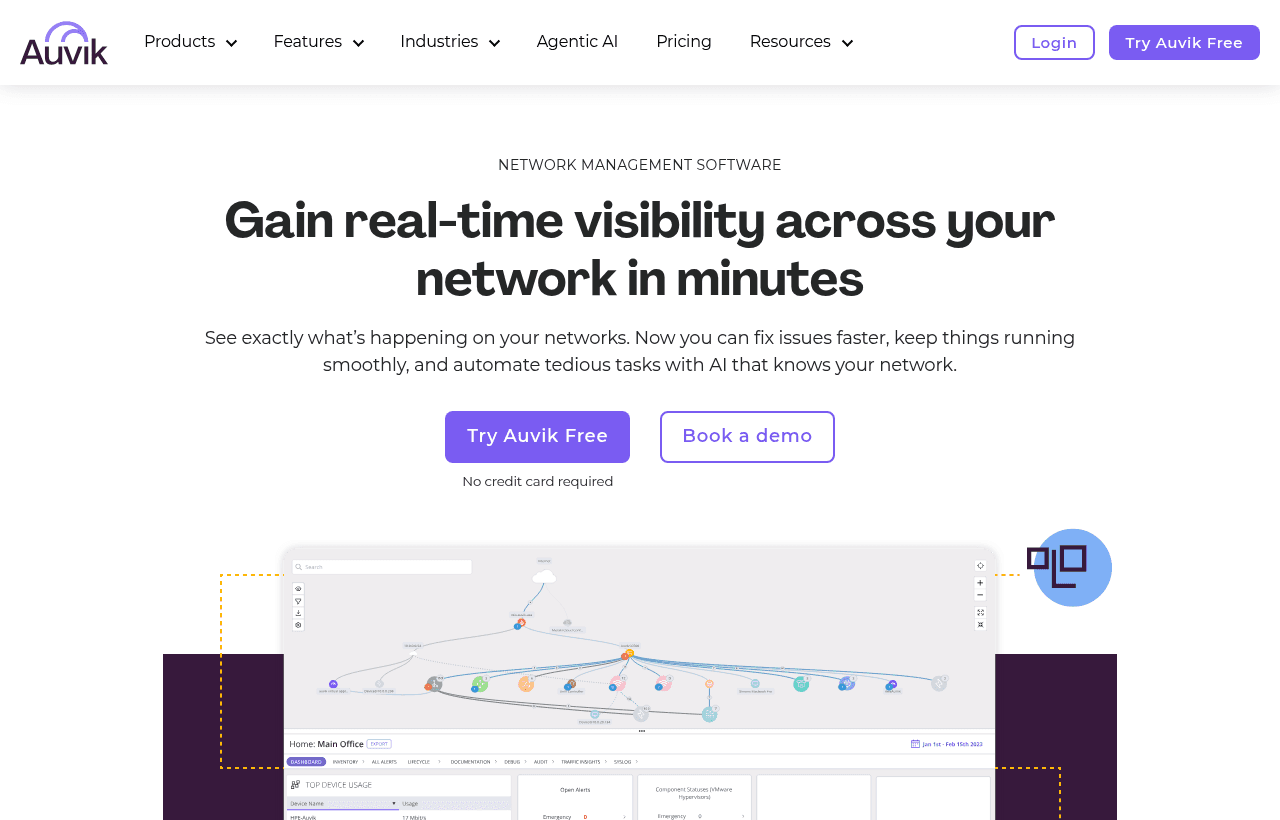
Auvik gives the same 14-day trial to anyone who signs up on its site. Its trial page says it covers all features for 14 days with no credit card required. Our link does not add days or a discount. What it gives you is a direct route in, plus this page's pricing math so you know the bill before day 15.
What the trial covers and what it leaves out
Auvik's trial explainer describes a free 14-day test of Auvik Network Management (ANM). It includes all ANM features except data export. Extensions are possible by contacting Auvik Sales.
Our listing says the trial has no device limits. Auvik's trial page agrees: it says you can monitor unlimited sites and devices.
Auvik's help center says the trial starts as soon as you finish registration. You can subscribe at any time during the trial, and the paid period does not begin until the trial ends.
Setup timing from Auvik's own explainer:
- Environment provisioning takes about 30 seconds.
- Setup takes less than 15 minutes, with results in about an hour.
- The onboarding wizard has 5 steps: welcome, site setup, collector setup, network confirmation and SNMP credentials.
What you need before starting:
- At least one test network with several devices. Auvik suggests testing one network you know and one you don't.
- SNMP credentials for discovery and monitoring.
- SSH credentials with enough privilege to pull configurations, for backup and comparison.
- Read-only accounts for WMI (Windows) and VMware monitoring.
Students and home users are sent to a preconfigured sandbox instead of a trial. The pricing page says "Auvik is built for business."
You pay for network devices, not endpoints
Auvik's online store lists two plans priced per network device per month.
| Plan | Price billed yearly | Billed monthly | Key limits |
|---|---|---|---|
| Essentials | $15 per network device per month | $15 per network device per month | Discovery and mapping, performance monitoring and alerting, configuration management, remote management, global dashboards, APIs and integrations. Unlimited users, sites, endpoints and support |
| Performance | $25 per network device per month | $25 per network device per month | Everything in Essentials plus network flow monitoring, machine-learning application visibility, Geo IP tracking, forensic traffic data, centralized syslog collection, syslog search and export, unified troubleshooting dashboards |
The store says billing frequency (monthly or annual) does not change the price. It only changes how you pay. You can switch Performance on for a single site while staying on Essentials elsewhere; billable devices at that site then cost the Performance rate. Downgrades take effect at the start of the next billing cycle.
Only 4 device types are billable on the store plans: routers, switches, firewalls and physical Wi-Fi controllers. Access points, servers, workstations, printers and other endpoints are managed at no extra charge.
Auvik's quote model may differ
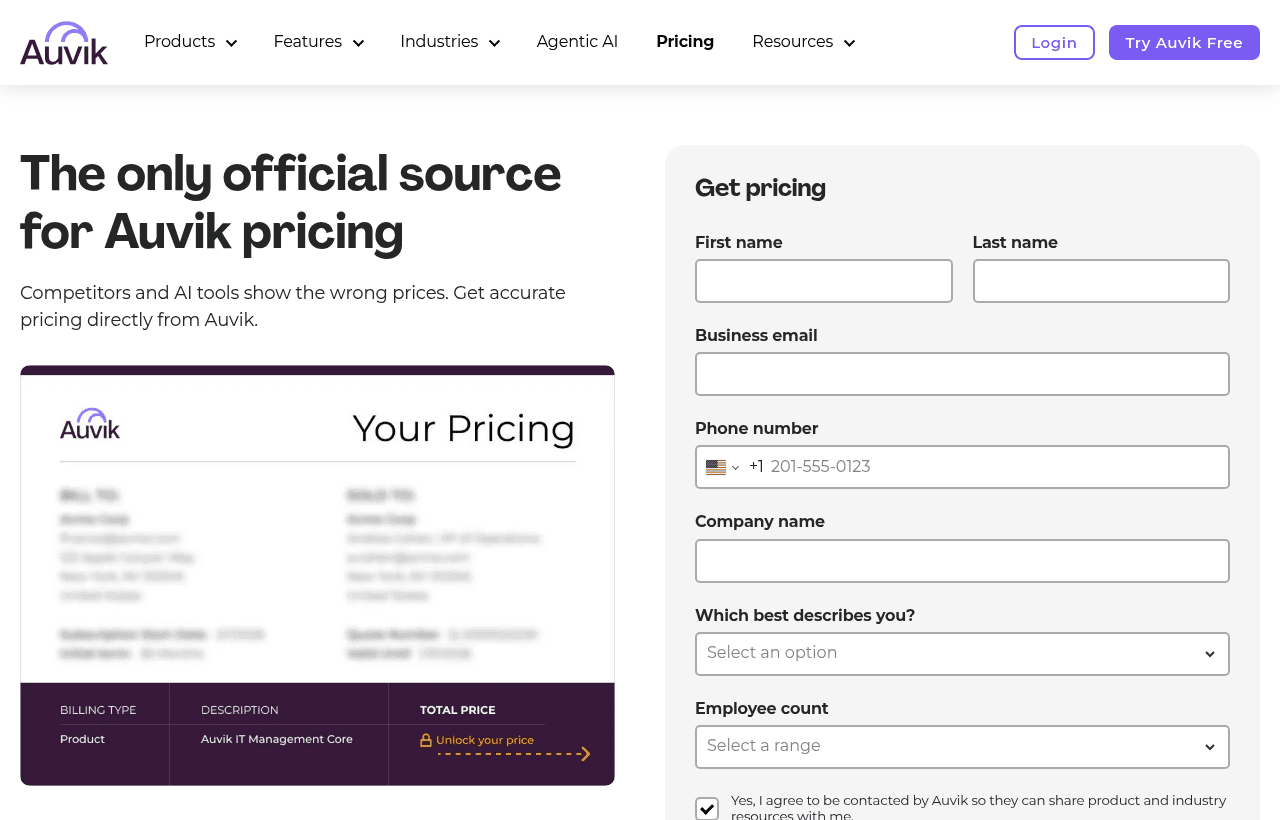
Auvik's main pricing page publishes no prices. It asks for your company details and gives a quote. An Auvik blog post on pricing, last updated September 11, 2025, describes a different structure with Basic and Core tiers. Its Core examples use $27 per network device, $6 per server and $1.50 per workstation per month, with volume discounts. It also says subscriptions are annual contracts, payable monthly or annually. A later Auvik post from October 2, 2026 also describes custom quotes based on network, infrastructure and edge device counts.
So there are two published models on Auvik's own site. The store's $15 and $25 rates are the only self-serve prices. If you buy through sales, your quote may count servers and workstations too. Ask which model your quote uses.
How Auvik counts devices
For network devices, Auvik tracks billable devices daily and averages the count at the end of the month. Servers and hypervisors with the Auvik agent are counted on a high-water mark through the month, and must be online 4 hours from first discovery. You can see which devices were billable on which days under Billing > Usage.
What the trial doesn't include
- Data export
- Auvik SaaS Management, which has its own separate trial and is priced per user rather than per device
Two worked examples
These use the store's per-device prices. Endpoints and access points are free on that model.
Example 1: a startup office with 8 network devices
One firewall, one router and 6 managed switches. 40 laptops, 12 access points and 3 printers are not billable.
- Essentials: 8 x $15 = $120 a month, or $1,440 a year
- Performance: 8 x $25 = $200 a month, or $2,400 a year
- The difference is $80 a month, $960 a year, for flow monitoring and syslog tools
The trial lets you run Performance features for 14 days at $0, then decide whether the traffic data is worth $960 a year.
If Auvik's sales quote uses the blog's Core model instead, the same office would pay 8 x $27 = $216 for network devices plus 40 x $1.50 = $60 for workstations, or $276 a month before volume discounts. That is why you should ask which model applies.
Example 2: a 3-site company with 60 network devices
Headquarters has 20 network devices. Two branch offices have 40 between them.
- All Essentials: 60 x $15 = $900 a month, $10,800 a year
- All Performance: 60 x $25 = $1,500 a month, $18,000 a year
- Performance at HQ only: 20 x $25 + 40 x $15 = $500 + $600 = $1,100 a month, $13,200 a year
Turning on Performance at one site instead of three saves $400 a month, $4,800 a year, against an all-Performance setup.
Collector requirements
The collector is the only thing you install. Auvik lists these options:
- Windows: native service on Windows 11 or higher, or Windows Server 2016 or higher. Minimum 2-GHz dual-core CPU, 6 GB RAM and 12 GB of storage beyond the operating system.
- Linux: a bash-script installer for a dedicated Ubuntu Server VM, physical host or cloud instance. Minimum 2-GHz dual-core CPU, 4 GB RAM and 20 GB disk. Auvik says not to install it on an existing production server or desktop.
- Docker and a VMware virtual appliance (OVA) are also listed.
The collector talks to devices with SNMP, SSH, ping (ICMP) and WMI. It needs to stay online, because monitoring stops when it does.
How long Auvik keeps your data
From Auvik's help center:
- Configuration backups: kept forever, removed only if the device is deleted from Auvik
- 1-minute statistics: 62 days, then rolled up
- 1-hour statistics: 731 days
- Custom monitors: 1 year
- Jitter and latency: 30 days
- TrafficInsights flow data: up to 14 days
- Syslog: 14 days
- Audit log of user activity: kept until the tenant is deleted
The 14-day TrafficInsights window matters for Performance buyers. It is enough for troubleshooting but not for quarterly bandwidth reports.
Integrations and compliance
Auvik's integrations page lists ConnectWise (inventory and alerts into tickets), Autotask PSA (inventory sync with two-way ticket sync), Microsoft Teams and Slack (any alert to a channel), and PagerDuty (incidents created from alerts and resolved when the alert clears). Both store plans include APIs and integrations.
Auvik says its SOC 2 Type II certification covers Auvik Network Management, Auvik SaaS Management and Endpoint Network Monitoring. We found no ISO 27001 claim on Auvik's site.
Who gets the most from Auvik
- IT leads at a company with no network engineer. The topology map and config backups replace a spreadsheet of switch ports and a folder of exported configs.
- MSPs onboarding client networks. Unlimited sites and users on both plans, PSA integrations, and the collector-per-site model fit a multi-client setup.
- Teams that must prove config history for audits. Backups kept indefinitely give a change record for every managed device.
- Offices with many access points. Access points are free on the store model, so a dense Wi-Fi rollout does not raise the bill.
Who Auvik is not for
- Teams with fewer than 5 managed network devices and no growth plan. A consumer router setup does not need SNMP polling.
- Anyone who wants on-premises software. Auvik is SaaS only. Its pricing blog says it does not sell a perpetual license.
- Teams that need long flow history. TrafficInsights keeps 14 days.
- Server and application monitoring buyers. Auvik is network first. If you mainly need host metrics and APM, look at an observability platform.
Auvik vs Datadog and PRTG
| Auvik | Datadog Network Device Monitoring | PRTG Network Monitor | |
|---|---|---|---|
| Pricing unit | Per network device | Per device, plus at least one infrastructure host | Sensor packs, about 10 sensors per device |
| Entry price | $15 per device per month (Essentials) | From $7 per device per month billed annually, $10.20 on demand | PRTG 500: $200 a month paid annually, about 50 devices |
| Access points | Free | From $4 per device per month, $5.76 on demand | Use sensors |
| Host requirement | None beyond the collector | Infrastructure Pro host $15 a month annual, $18 on demand | Self-hosted server |
| Trial | 14 days, no card | Not covered here | 30 days, unrestricted sensors |
| Free option | Sandbox only | Not covered here | Freeware, 100 sensors (about 10 devices) |
| Deployment | Cloud | Cloud | On-premises software |
For the office in Example 1, Datadog's starting rates work out to 8 x $7 for the network devices + 12 x $4 for the access points + one $15 Infrastructure Pro host = $119 a month on annual billing, against $120 on Auvik Essentials, where the access points are free. Auvik includes config backup and a topology map in Essentials. PRTG 500 covers about 50 devices for $200 a month ($2,400 a year) but runs on your own Windows server and Paessler sells it on a subscription billed annually.
Pick Datadog if you already run it for servers and want network devices in the same place. Pick PRTG if you want self-hosted software and a fixed sensor budget. Pick Auvik if you want cloud network mapping and config backups without running a monitoring server.
Auvik setup tips
- Install the collector on a dedicated VM. Auvik's Linux installer is meant for a dedicated machine, and the collector must stay online. A laptop that sleeps will drop monitoring.
- Load SSH credentials on day 1. Without them you get maps and metrics but no config backups, which is half the value.
- Test Performance on one site. Flow data and syslog search only bill at the higher rate where you turn them on.
- Check Billing > Usage before the trial ends. Count your billable routers, switches, firewalls and Wi-Fi controllers so the first invoice holds no surprise.
- Wire alerts into your PSA or chat. Send alerts to Teams, Slack or PagerDuty early, so you see the alert volume you will live with.
- Ask for an extension if discovery is incomplete. Auvik says extensions are available through Sales.
Claiming the Auvik offer, step by step
- Click through the SaaSOffers link to Auvik's trial page.
- Register with your business email. No credit card is required and no promo code exists.
- Choose your deployment location, then follow the 5-step onboarding wizard.
- Install the collector on Windows, Ubuntu, Docker or the VMware appliance.
- Add SNMP and SSH credentials and let discovery run.
- Before day 14, check Billing > Usage, decide between Essentials and Performance, and request a quote if you want annual terms.
Who Is This Deal For?
Early-Stage Startups
Seed and pre-seed companies looking to move fast without overspending on tools.
Growing SaaS Teams
Series A+ companies scaling their stack and optimizing software costs.
Solo Founders
Indie hackers and bootstrapped founders who need enterprise tools at startup prices.
Get 14-day free trial off Auvik
Free for all startups. Claim instantly.
!Eligibility Requirements
New Auvik customers only. The 14-day free trial covers full platform access with no device limits. The Auvik collector runs on Windows or Linux and requires outbound HTTPS connectivity to Auvik's cloud. Available worldwide.
Frequently Asked Questions
Everything you need to know about this startup deal.
Get the weekly deals digest
New verified startup deals every week. No spam, ever. Unsubscribe anytime.
Related Offers

Retool
Used by 1,559 members
1 year free, up to $60K
Build internal tools 10x faster with the low-code platform used by companies like Amazon, DoorDash, and Mercedes-Benz.
View offer
Zoom
Used by 1,090 members
$20 off per user
Get $20 off per user on Zoom, the video conferencing platform used by hundreds of thousands of businesses for meetings, webinars, and team collaboration.
View offer
ZoomInfo
Used by 2,014 members
Free Trial
B2B data platform for sales and marketing intelligence with contact databases.
View offer
Chore
15% off your first month
Chore runs your startup's back office for you: payroll, HR, bookkeeping, compliance and equity, inside the tools you already use. 15% off your first month through SaaSOffers.
View offerDeal Summary
Looking for more startup deals?
Browse all offers