
6 Best Miro Alternatives & Competitors in 2026
Looking for tools like Miro? We compared 6 alternatives on price, free plan and limits, using each vendor's own pricing page.
Looking for a discount? See the Miro promo code and deal: 14 days free on the Business plan.
The 6 best Miro alternatives
- 1.Mural: best for workshops and remote facilitation
- 2.FigJam: best for product and design teams
- 3.Whimsical: best for flowcharts, mind maps and wireframes
- 4.Excalidraw: best cheap whiteboard with a free tier
- 5.draw.io: best free tool for technical diagrams
- 6.ClickUp: best for whiteboards inside a task manager

Figma
#1 AlternativeUp to 1 year of Figma Professional free via Figma for Startups (approved VC or accelerator partner, under $10M raised, new customers).

Whimsical
#2 AlternativeVisual collaboration tool for flowcharts, wireframes, mind maps, and documentation.

ClickUp
#3 AlternativeUp to $3,000 in ClickUp credits plus an upgraded workspace via an approved funding partner. ClickUp puts tasks, docs, goals, whiteboards, chat, and time tracking in one workspace.
Miro alternatives compared
By Ilyas Lemzouri, founder of SaaSOffers. Updated November 2026.
How we checked: we list a tool only after talking with its team and trying it. Every price and limit below comes from each vendor's own pricing page, checked in November 2026.
The best Miro alternatives are Mural for workshops and facilitation, FigJam for product and design teams already on Figma, and Whimsical for fast flowcharts and wireframes. The cheapest paid option is a FigJam collab seat at $3 a month on Figma Professional. Excalidraw Plus at $6 per user a month is the cheapest paid standalone whiteboard. The best free option is draw.io, which is open source with no sign-up, followed by Excalidraw's free plan with unlimited collaborators. If you want a Miro replacement that also tracks tasks, ClickUp includes whiteboards on every plan.
Why teams look for Miro alternatives
Miro's pricing page shows a few specific limits that push teams to compare.
- 3 editable boards on Free. You can create unlimited boards, but only the 3 most recent stay editable. After that, older boards turn read-only until you upgrade.
- Every member is a billed seat on Starter. Starter is $8 per member a month billed yearly (about $10 billed monthly). Starter has no guest role. Clients can edit as visitors through a public link, or join as paid members.
- A $12 jump to get guests. Business is $20 per member a month billed yearly, and it is the first plan with unlimited guests and SAML SSO.
- Small AI allowances. Starter includes 25 AI credits per member a month, about 12 document summaries or 5 diagrams. Business raises that to 50.
If one of these is your problem, the tools below solve it in different ways.
Miro alternatives at a glance
| Tool | Starting price | Free plan | Main difference from Miro | Best for |
|---|---|---|---|---|
| Miro | $8 per member per month (Starter, yearly) | Yes, 3 editable boards | 7,000+ templates and 250+ integrations | Workshops, roadmaps, large teams |
| Mural | $9.99 per member per month (Team+, yearly) | Yes, 3 editable murals | Facilitation tools, guests only on Business | Workshops and remote facilitation |
| FigJam | $3 per collab seat per month (Figma Professional) | Yes, on Figma Starter | Included with every Figma seat | Product and design teams |
| Whimsical | $10 per editor per month (Pro, yearly) | Yes, 50 board objects a month | Fast flowcharts, mind maps and wireframes | Documentation and quick diagrams |
| Excalidraw | $6 per user per month (Plus) | Yes, unlimited collaborators | Hand-drawn style, open source | Sketching and engineering teams |
| draw.io | $0 | Free forever | Diagrams only, no sticky-note workshops | Technical diagrams |
| ClickUp | $9 per user per month (Core, yearly) | Yes, 3 whiteboards | Whiteboards sit inside a task manager | Teams that want one tool |
1. Mural: best for workshops and remote facilitation
Price: Team+ $9.99 per member a month billed yearly ($12 billed monthly), Business $17.99 billed yearly | Free plan: Unlimited members, 3 editable murals, view-only visitors
Mural is the closest like for like replacement. It has sticky notes, templates and facilitation tools, and its Free plan has the same 3 editable boards cap as Miro. Team+ at $9.99 is the same price tier as Miro Starter at $8 and adds private rooms and unlimited editable murals.
Guests are the catch. Mural only offers unlimited external users on Business at $17.99, which is close to Miro Business at $20. Private rooms start on Team+.
Pick Mural if you run workshops weekly and mostly need sticky notes, voting and templates.
2. FigJam: best for product and design teams
Price: Included with every Figma seat. Professional full seat $16 a month, collab seat $3, Organization full seat $55 billed yearly | Free plan: Yes, on Figma Starter
FigJam is Figma's whiteboard, and Figma's pricing page states it comes with all seats on every plan. If your designers already pay for Figma, a separate whiteboard bill goes away. It also has a timer, tables, stamps and stickers for workshops.
A whiteboard-only user can take a $3 collab seat, which includes FigJam, Slides and view access to Design files.
Pick FigJam if your team designs in Figma and wants the whiteboard in the same file system. See the Figma offer.
3. Whimsical: best for flowcharts, mind maps and wireframes
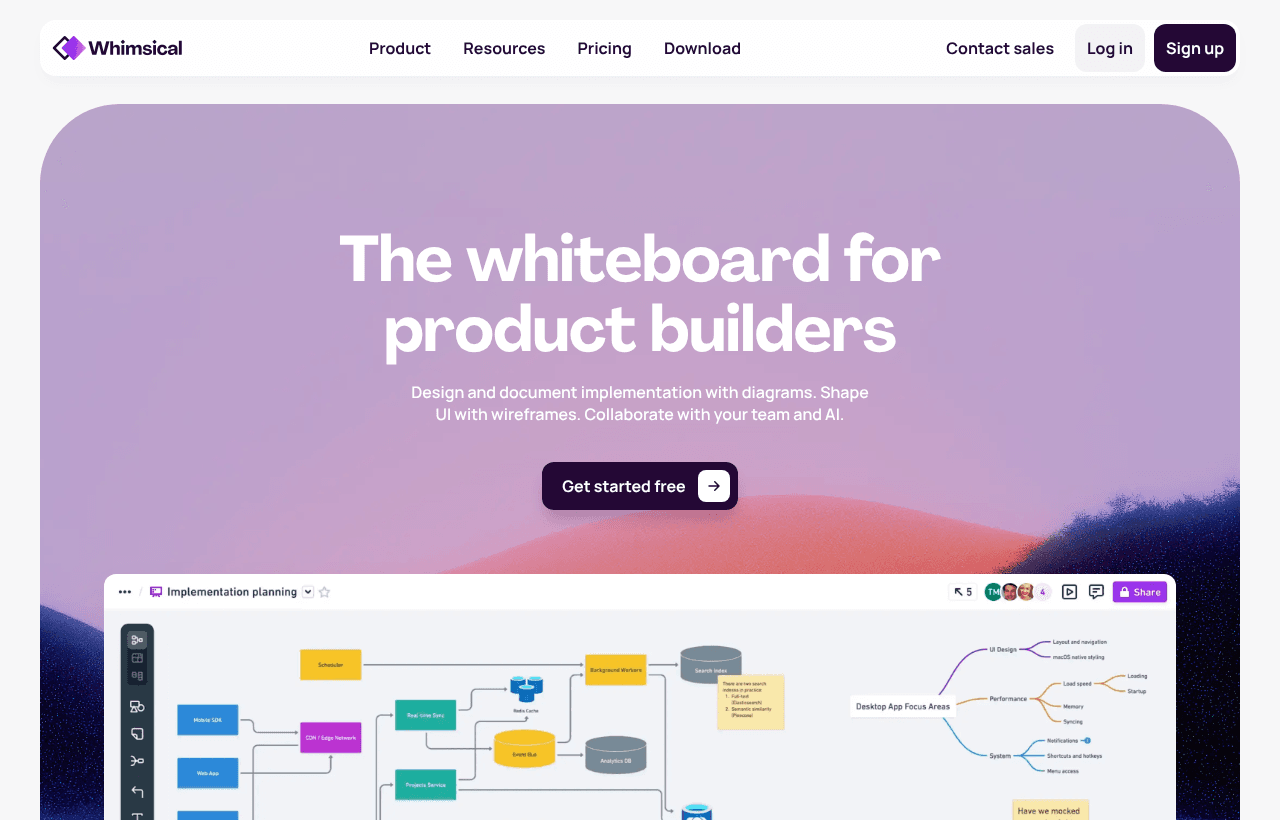
Price: Pro $10 per editor a month, Business $20 per editor a month, annual billing shown | Free plan: 50 board objects and 50 doc blocks a month, watermark on exports, 7-day version history
Whimsical focuses on structured diagrams over open canvases. It does flowcharts, mind maps, wireframes and docs, and viewers are always free, so only the people who edit pay. That can be cheaper than Miro when many stakeholders only read.
The free limit is tight: 50 objects a month runs out fast. It has no sticky-note workshop tooling at Miro's depth.
Pick Whimsical if you draw process maps and wireframes and most of your team only views. See the Whimsical offer.
4. Excalidraw: best cheap whiteboard with a free tier
Price: Plus $6 per user a month (14-day trial, annual saves 14%) | Free plan: Full editor, 1 scene, unlimited collaborators, 10 AI requests a day
Excalidraw is open source, with a hand-drawn look. The free version supports unlimited collaborators on one scene. Plus adds unlimited scenes saved to the cloud, sharing permissions, comments, PDF and PPTX export, and 100 AI requests a day.
It does not match Miro for templates, voting or enterprise controls. The free version stores work in your browser rather than a team workspace.
Pick Excalidraw if you want the cheapest paid whiteboard or a free one for sketching and engineering reviews.
5. draw.io: best free tool for technical diagrams
Price: $0 | Free plan: Free forever, no sign-up required
draw.io is Apache 2.0 licensed and runs in the browser or as a desktop app. It stores files in Google Drive, OneDrive, GitHub, Confluence and other places you choose. It supports real-time collaboration with shared cursors.
It is built for diagrams, so it lacks sticky-note boards, voting and facilitation tools.
Pick draw.io if you mainly make architecture diagrams, flowcharts and network maps and do not want to pay.
6. ClickUp: best for whiteboards inside a task manager
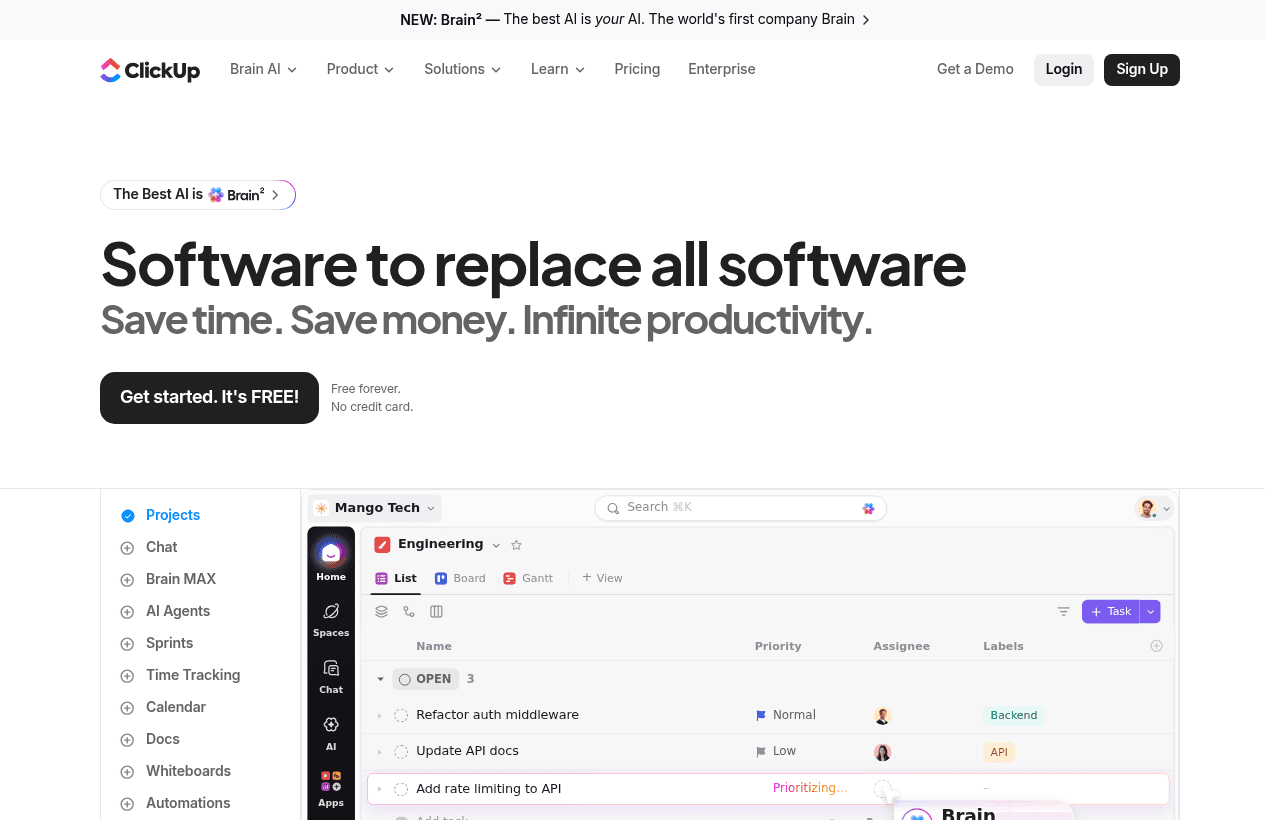
Price: Core $9 per user a month billed yearly, Business $17 billed yearly (listed regular prices $12 and $25) | Free plan: Free Forever, unlimited free members, 3 whiteboards
ClickUp includes whiteboards and mind maps with its tasks, docs and Gantt charts. Core allows 10 whiteboards, Business and above are unlimited, and private whiteboards start on Business.
Its whiteboard is simpler than Miro's, with no equivalent of the template library or workshop tools. The upside is that a sticky note can become a task.
Pick ClickUp if you brainstorm lightly and want ideas and delivery in one tool. See the ClickUp offer.
Free Miro alternatives
- draw.io: free forever, open source, no account needed.
- Excalidraw: free, full editor, 1 scene, unlimited collaborators, 10 AI requests a day.
- Mural: free, unlimited members, 3 editable murals at a time.
- FigJam: free through Figma Starter, with limited access.
- Whimsical: free, 50 board objects and 50 doc blocks a month.
- ClickUp: free forever, 3 whiteboards.
Miro's own Free plan gives you 3 editable boards, 10 AI credits a month and free members. draw.io has no cap. Whimsical Free allows unlimited boards but only 50 new objects a month, and Excalidraw Free keeps 1 scene.
Cheapest Miro alternative for a small team
Take a team of 5 editors, with prices billed yearly unless noted.
| Tool | Per month | Per year |
|---|---|---|
| Miro Starter ($8) | $40 | $480 |
| Miro Business ($20) | $100 | $1,200 |
| Mural Team+ ($9.99) | $49.95 | $599.40 |
| Whimsical Pro ($10) | $50 | $600 |
| ClickUp Core ($9) | $45 | $540 |
| FigJam collab seat ($3) | $15 | $180 |
| Excalidraw Plus ($6, monthly price) | $30 | $360 |
| draw.io | $0 | $0 |
Billed monthly, Miro Starter is about $10 per member, so 5 seats cost $50 a month, and Mural Team+ at $12 is $60. FigJam collab seats are cheapest, then Excalidraw Plus, and Miro Starter is cheaper than Mural and Whimsical on yearly billing. If you need guests, compare Miro Business at $100 a month with Mural Business at $17.99 per member, or $89.95 a month.
How to choose
- Need workshops, voting and templates for a team of 20 or more: stay with Miro or pick Mural.
- Already pay for Figma: use FigJam, since it is included.
- Need guests and clients on the board: Mural Business or Miro Business. Miro Starter has no guest role.
- Draw diagrams, not brainstorm: Whimsical or draw.io.
- Budget is zero: draw.io or Excalidraw Free.
FAQ
What is the best free alternative to Miro?
draw.io is fully free with no sign-up and no board cap. Excalidraw's free plan is the best whiteboard option, with unlimited collaborators on one scene. Mural's Free plan is the nearest to Miro's, with 3 editable murals.
What is cheaper than Miro?
A FigJam collab seat at $3 a month is the lowest listed price. Excalidraw Plus at $6 per user a month is cheaper than Miro Starter at $8 billed yearly. ClickUp Core at $9 and Mural Team+ at $9.99 are close to Starter. All three are well below Miro Business at $20.
Who are Miro's main competitors?
Mural, FigJam, Lucid, Whimsical and Excalidraw are its main competitors. ClickUp and Notion also cover some whiteboard use cases for teams that want everything in one tool.
Is there an open-source alternative to Miro?
Yes. Excalidraw has open-source software for developers, and draw.io's source code is Apache 2.0 licensed. Neither matches Miro's workshop tools.
What is better than Miro for flowcharts?
Whimsical is built around flowcharts, mind maps and wireframes. draw.io is better when you need detailed technical diagrams and no cost.
Prices checked on each vendor's pricing page in November 2026.
Still considering Miro?
Claim the Miro startup deal through SaaSOffers. Verified and free to access.
Claim Miro deal