
Figma Promo Code: 6 months free Professional
Get Figma Professional free for 6 months. The collaborative design tool used by Airbnb, Twitter, Uber, and 4M+ design teams worldwide.
Free · Opens in new tab
Already have an account? Log in
Deal Highlights
What Is Figma?
Figma is the collaborative design platform that has become the standard tool for product teams at companies of every size, from two-person startups to 10,000-person enterprises. It's where designers create interfaces, product managers annotate wireframes, and engineers inspect designs and extract production-ready CSS and assets.
What separates Figma from every tool that came before it is that it runs entirely in the browser with real-time multiplayer collaboration. No more "who has the latest version of the Sketch file", everyone on your team works in the same file simultaneously, like Google Docs for design. This shift to browser-based, collaborative design is why Figma captured over 70% of the professional design tool market and why Adobe tried to acquire it for $20 billion in 2022.
In 2026, using Figma is table stakes for any startup building a digital product. Investors, potential hires, and enterprise customers will ask to see your designs and they'll expect them to be in Figma.
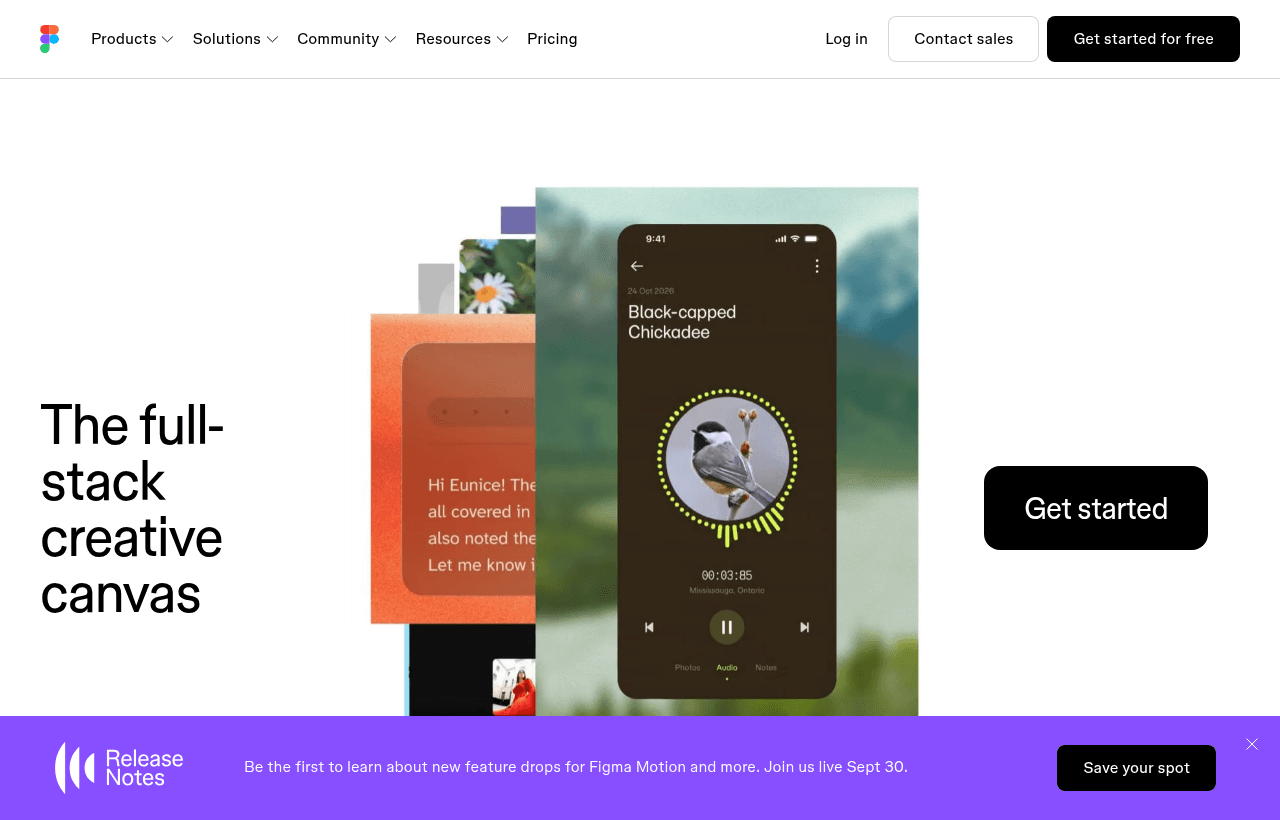
Figma, one of the tools included in this startup deal.
Why This Deal Matters for Startups
Six months of Figma Professional free is worth $450 for a small team, but the strategic value is higher. The first 6 months of a startup's product development cycle are when design decisions get made that are expensive to reverse later. Having the full Professional plan during this critical window means you're not cutting corners on your design process when it matters most.
Figma Professional removes the free plan's biggest limitations: multiple editors, unlimited version history, and advanced sharing controls. On the free tier, only 2 editors can work in a file simultaneously. For a founding team of 3 where multiple people need to edit designs, that constraint is immediately painful.
The dollar math in 2026: Figma Professional costs $15/editor/month (annual billing). For 3 editors, that's $45/month or $270 over 6 months. The deal saves you $270 that's better spent on user research, prototyping tools, or your first design hire.
What's Included in the Deal
- 6 months of Figma Professional at no cost (~$450 value for 3 editors)
- Unlimited editors. No cap on how many team members can edit files simultaneously
- Unlimited projects and files. No storage or project limits
- Advanced prototyping, interactive flows, transitions, and smart animate
- Dev Mode, engineers get a dedicated view of designs with CSS values, measurements, and asset exports
- Shared component libraries, publish and share design systems across your organization
- Version history, see every change, restore any previous version
- FigJam (collaborative whiteboard), included in Professional
- Advanced sharing controls, restrict access to specific team members
What is NOT included:
- Figma's Organization or Enterprise plan features (SSO, org-wide libraries, advanced admin)
- After 6 months, billed at the standard Professional rate ($15/editor/month annual)

A look at Figma before the discount, so you can see what the deal saves you.
Eligibility Requirements
- Startup must have raised less than $5M in total funding
- Must not have an existing paid Figma subscription, free tier users qualify, paid subscribers do not
- Sign up through SaaSOffers to apply the deal correctly
- One deal per company
Borderline eligible? If you've raised just over $5M but are genuinely early-stage (pre-Series A, small team), it's worth contacting Figma's startup program team directly. The $5M threshold is a guideline, not a hard cutoff, and exceptions are made for companies that are clearly still in the early stage despite the funding level.
How to Claim This Deal Step by Step
- Create a free account on SaaSOffers at saasoffers.tech
- Click "Get Deal" on the Figma page to receive your promo code or program link
- Go to figma.com and log in or create a new account with your business email
- Navigate to your team settings and go to the Billing section
- Enter your promo code or follow the startup program link to activate the Professional plan
- Confirm your plan is active, you'll see "Professional" in your team dashboard with the expiry date
- Start designing and save up to $450 in 2026 on Figma Professional
Figma Key Features for Startups
Real-Time Collaboration for the Whole Team
Figma's multiplayer capability means your designer, co-founder, and a potential investor can all be in the same file simultaneously. Each with their own cursor, each making edits or comments in real time. For a startup where everyone wears multiple hats, this eliminates the bottleneck of waiting for a designer to export PNGs before anyone else can see the work.
Dev Mode. Designs to Code Without the Back-and-Forth
Dev Mode gives your engineers a separate view of designs with exact measurements, spacing values, and auto-generated CSS snippets. Instead of constantly interrupting the designer to ask "what's the border radius on this button?", engineers can inspect the design directly. For small teams, this eliminates a surprisingly large amount of coordination overhead.
Component Libraries and Design Systems
Figma's component and library system lets you build a design system once and reference it everywhere. When you update a button component, every button across every file updates automatically. For a startup building a consistent product, this prevents the visual inconsistency that accumulates when designs are done file by file without a shared system.
Prototyping for User Testing and Investor Demos
Figma's prototyping features let you link frames together into interactive flows without writing code. You can share a prototype link that lets anyone click through your product's core flows in a browser. For user testing, investor demos, and design reviews, this is invaluable. You can show how the product works before a single line of code is written.
FigJam for Brainstorming and Planning
FigJam is Figma's collaborative whiteboard. Think digital sticky notes, diagrams, and freeform drawing. It's useful for product discovery sessions, user journey mapping, retrospectives, and roadmap planning. Having FigJam included in the Professional plan means you don't need a separate whiteboard tool for team workshops.
Figma Pricing. What You Pay Without This Deal
| Plan | Monthly Cost (per editor) | For 3 editors |
|---|---|---|
| Free | $0 | $0 (max 2 editors, 3 projects) |
| Professional | $15/editor/month (annual) | $45/month |
| Organization | $45/editor/month | $135/month |
Without this deal, 3 editors on Figma Professional pay $45/month or $540/year. The 6-month free deal saves $270 and more importantly, removes the free tier's 2-editor cap at the exact moment your team needs flexibility.
This deal pays for itself the moment you claim it.
How Figma Compares to Alternatives
| Feature | Figma | Sketch | Adobe XD |
|---|---|---|---|
| Browser-based | Yes | No (Mac only) | No |
| Real-time collaboration | Yes | Plugin only | Limited |
| Dev Mode | Yes | Zeplin (separate) | Yes |
| Startup deal | 6 months free | Limited | CC subscription |
| Community templates | Massive | Large | Medium |
| FigJam (whiteboard) | Included | No | No |
For startups at the early stage, Figma wins because it's the industry standard, runs in the browser so anyone can view designs without installing software, and has the largest community of templates, plugins, and component libraries.
Who Is This Deal Best For?
If you are a pre-revenue startup, you're likely doing a lot of product exploration and prototype testing. Figma's prototyping features and real-time collaboration are perfect for this phase. You can quickly sketch ideas, build interactive prototypes, and share them with potential users for feedback, all without writing code.
If you have just raised a seed round, you're probably preparing to make your first design hire. Onboarding a new designer into Figma is instant. No software installation, no license management, no file format compatibility issues. The Professional plan's shared component libraries let your first designer build a design system that scales with every subsequent hire.
If you are scaling past 10 employees, the shared libraries and version history become critical. At this scale, design inconsistency across features becomes a real product quality issue. Figma's component system is the primary tool for maintaining visual consistency as your product grows.
Real Use Cases
Clearpath, a 3-person fintech startup, used Figma to design their entire onboarding flow before writing a line of code. They built an interactive prototype and ran 12 user tests using a shared Figma prototype link. No app install required for testers. The insights from those tests changed 4 key flows before engineering started, saving an estimated 3 weeks of rework.
Nomad Stack, a two-founder SaaS startup, used Figma's Dev Mode to eliminate their weekly "design handoff" meeting. Their engineer would inspect completed designs directly in Figma and ask clarifying questions via comments, rather than scheduling time to walk through designs together. They estimate this saved 2–3 hours per week in coordination time.
Groundwork, a product studio, built their first client's design system entirely in Figma's component library. When the client requested a rebrand 4 months later, updating the primary color across the entire design system took 8 minutes. A change that would have taken days in non-component-based tools.
Tips to Maximize This Deal
- Build your design system in the first month. Create a component library with buttons, typography, colors, and form elements before you start designing screens. Everything you build on top of that system will be faster and more consistent.
- Share prototype links instead of screenshots. For investor updates, user tests, and design reviews, always share a prototype link. It communicates far more than static images and takes no extra effort to generate.
- Use Dev Mode from day one. Set up Dev Mode access for your engineers immediately so they develop the habit of inspecting designs directly instead of asking you questions.
- Explore the Figma Community. Thousands of free templates, UI kits, and design systems are available in the Figma Community. Before building something from scratch, check whether a high-quality template already exists.
- Evaluate your seat count before the trial ends. Two weeks before the 6-month trial ends, audit how many editors actually use Figma regularly. You might be able to reduce to a smaller number of paid seats than you expected.
Seat Types: The Biggest Lever on Your Figma Bill
Figma no longer charges one flat rate per person, and understanding the seat tiers is worth more than any discount code.
| Seat type | Professional (annual) | What it allows |
|---|---|---|
| Full | $16/user/mo | Complete design editing, unlimited files, Dev Mode |
| Dev | $12/user/mo | Inspect and hand off designs, cannot create or fully edit files |
| Collab | $3/user/mo | Comment and collaborate, no design work |
The savings come from matching seats to actual behavior. A ten-person team with three designers, two engineers, and five stakeholders who only review work pays roughly $87 a month on a correct seat mix, against $160 if everyone is assigned a Full seat. That is nearly half the bill, recovered purely by assigning the right seat type.
The common mistake is defaulting everyone to Full because it is simpler. Founders, PMs, marketers, and executives almost never need editing rights; they need to look at work and leave comments, which is exactly what a $3 Collab seat does. Engineers usually need inspection and specs rather than editing, which is the $12 Dev seat.
Billing cadence matters too. Monthly billing carries a steep premium: Collab seats rise to $5, Dev to $15, and Full to $20. Committing annually saves roughly a quarter on Full seats and more proportionally on Collab.
Audit seat assignments quarterly. Teams accumulate Full seats through onboarding defaults and rarely downgrade anyone, so the bill drifts upward without a matching increase in people actually designing.
Figma Alternatives
Looking for Figma alternatives? While Figma is a strong choice for design, it is not always the right fit for every team. Compare Figma against the top alternatives in our category. Each with verified startup deals and credits. See all Figma alternatives →
Many startups end up using a combination of tools, and there are no restrictions on claiming multiple deals through SaaSOffers. Whether you need a cheaper option, different features, or a better startup deal, there is an alternative worth considering.
Get 6 months free Professional off Figma
Premium deal. Upgrade once, unlock everything.
Frequently Asked Questions
Everything you need to know about this startup deal.
This deal gives you 6 months of Figma Professional at no cost. Figma also has a permanent free tier that allows up to 2 editors and 3 projects — useful for very early stage, but limiting once you have a team. The Professional plan removes those caps.
Get the weekly deals digest
New verified startup deals every week. No spam, ever. Unsubscribe anytime.
Related Offers

UserTesting
Used by 1,757 members
$1,000 off first package
On-demand user research, get video feedback from real users testing your product within hours, not weeks.
View offer
UserWay
Used by 640 members
Free accessibility audit + trial
Make your website ADA and WCAG compliant with an accessibility widget, automated scanning, and AI-powered remediation. Trusted on over a million sites and now part of Level Access.
View offer
Shutterstock
Used by 320 members
10% off any plan
10% off any Shutterstock plan or purchase. Stack it with the 30-day free trial on Flex subscriptions and get up to $600 a year off the 350-image tier.
View offer
Webflow
Used by 1,019 members
40% off annual plans
Get 40% off Webflow annual plans, build production-ready websites visually without writing code, and launch 10x faster.
View offerMaze
Used by 1,416 members
6 months free
User testing platform, run unmoderated usability tests, prototype tests, and surveys to validate design decisions.
View offerAbstract
Used by 1,658 members
6 months free Business
Design version control, branch, merge, and collaborate on Sketch and Figma files like Git for design.
View offerDeal Summary
Looking for more startup deals?
Browse all offers