

Cursor vs Replit for Startups in 2026
Choosing between Cursor (1 year free Pro) and Replit (6 months free Hacker) for your startup? This side-by-side comparison covers features, startup deals, pricing, and which tool fits your stack, with verified deals you can claim through SaaSOffers.
Quick Answer
Cursor offers 1 year free Pro and is best for startups needing ai & data. Replit offers 6 months free Hacker and is best for developer & it. Cursor provides a higher-value startup deal, but Replit may be the better fit depending on your stack. You can claim both through SaaSOffers, there are no restrictions on using multiple startup deals.

Cursor
The AI-first code editor that understands your entire codebase, free Pro plan for startup developers.

Replit
Cloud IDE and deployment platform, write, run, and ship code from your browser with AI assistance.
What Is Cursor?
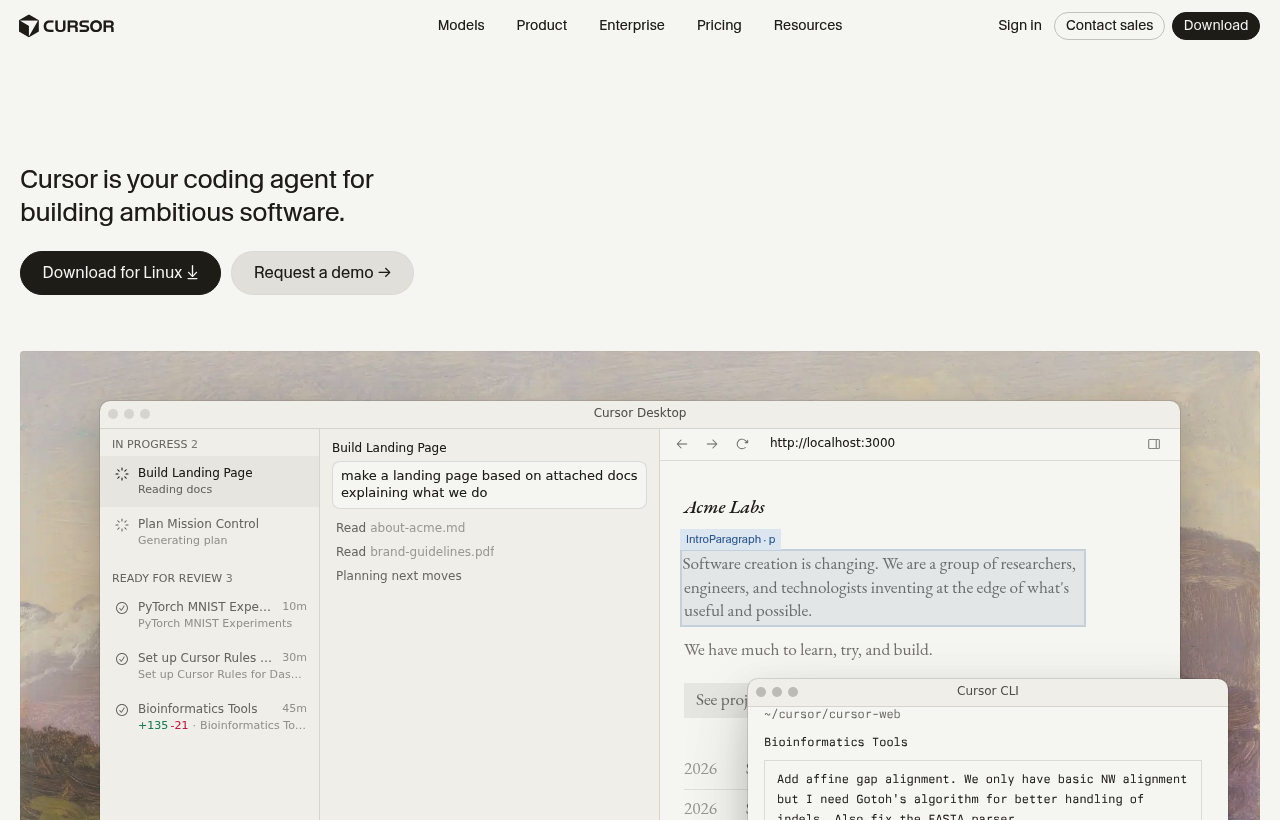
Cursor is the AI-first code editor that understands your entire codebase. Built on VS Code's foundation, Cursor adds AI-powered code completion, multi-file editing, codebase-aware chat, and intelligent refactoring, powered by GPT-4 and Claude models running against the full context of your project, not just the open file. In 2026, Cursor has become the default editor for AI-forward engineering teams who want GitHub Copilot-level completions plus codebase-level understanding.
The difference between Cursor and adding Copilot to VS Code: Cursor indexes your entire repository and uses it as context for every AI interaction. When you ask "how does the authentication flow work?" Cursor reads your auth middleware, route handlers, database models, and test files to give an answer grounded in your actual code. Not generic documentation.
Key Features
- Codebase-Aware AI. Not Just Autocomplete
- Multi-File Editing. Describe Once, Change Everywhere
- Inline Editing (Cmd+K)
- AI Chat with Code Context (Cmd+L)
- Privacy Mode
What Is Replit?
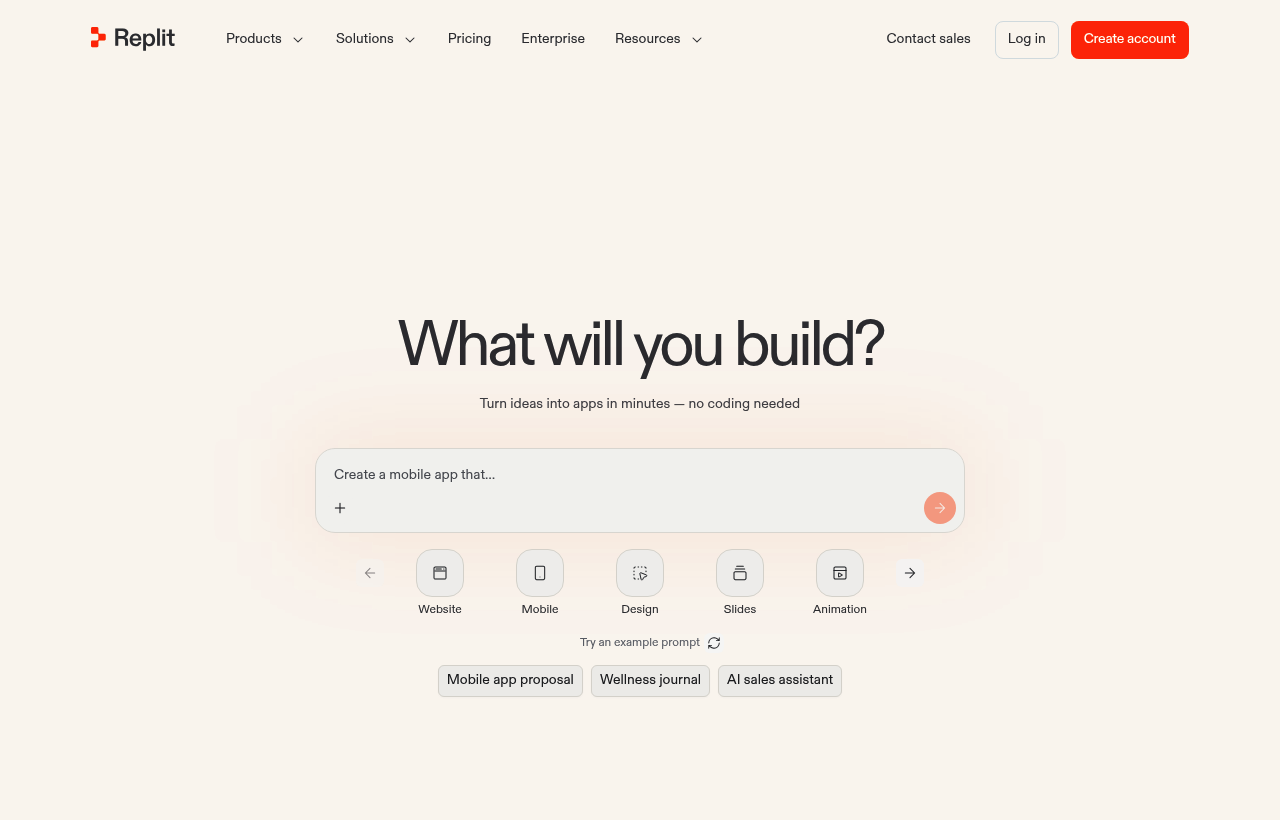
Replit is a cloud IDE and deployment platform where a team writes, runs, and ships code from the browser, with AI assistance built in. The deal is six months free on the Hacker plan, available to developers and startup teams, which gives real access to the paid tier long enough to build and ship actual projects. For an early team, that means a full development and deployment environment that lives in the browser, with no local setup to maintain and nothing to configure before the first line of code runs.
The idea behind Replit is that the whole loop of software development, writing code, running it, and deploying it, can happen in one place in the cloud. There is no local toolchain to install, no environment to configure, and no gap between the editor and the deployment. The team opens a browser, writes code, runs it, and ships it. The six months free on the Hacker plan lets a startup work this way for a meaningful stretch, long enough to judge whether a cloud-based, all-in-one workflow fits how the team builds.
Cursor vs Replit, Detailed Comparison
What's Included in Each Startup Deal
Here is exactly what you get when claiming each deal through SaaSOffers:
CCursor
- 1 year of Cursor Pro plan
- GPT-4 and Claude powered code completion
- Codebase-aware AI chat
- Multi-file editing with AI
- Unlimited AI completions
RReplit
- 6 months of Replit Hacker plan
- Cloud development environment
- AI code completion (Ghostwriter)
- One-click deployment
- Collaborative multiplayer coding
Who Should Use Cursor vs Replit?
The right tool depends on what your startup actually needs day-to-day. Both Cursor and Replit serve different use cases, and many startups use tools from the same category for different purposes. Here is when each makes sense:
Choose Cursor if:
- You need ai & data as a core part of your product or operations
- 1 year free Pro in credits covers your usage for 6–12 months
- Your team has experience with Cursor or similar tools in its category
- You want a premium-tier deal with SaaSOffers Premium
Choose Replit if:
- You need developer & it as a core part of your product or operations
- 6 months free Hacker in credits covers your usage for 6–12 months
- Your team has experience with Replit or similar tools in its category
- You want a premium-tier deal with SaaSOffers Premium
Can you use both? Yes, there are no restrictions on claiming multiple startup deals. Many startups use Cursor and Replit simultaneously for different needs. Claim both through SaaSOffers.
Startup Deal Comparison: Which Saves More?
Both Cursor and Replit offer startup deals through SaaSOffers. Here is how the deals compare for a typical early-stage startup in 2026:
Frequently Asked Questions
Common questions about Cursor vs Replit for startups.
What is the difference between Cursor and Replit?
Cursor offers 1 year free Pro and is categorized as AI & Data. Replit offers 6 months free Hacker and is categorized as Developer & IT. Both offer startup deals through SaaSOffers. The right choice depends on your specific needs, Cursor is best for teams needing ai & data, while Replit excels at developer & it.
Can I use both Cursor and Replit together?
Yes. There are no restrictions on claiming startup deals from multiple tools. Many startups use both Cursor and Replit simultaneously, each serving different needs. Claim both through SaaSOffers for maximum savings.
Which has a better startup deal, Cursor or Replit?
Cursor offers 1 year free Pro, while Replit offers 6 months free Hacker. However, the "better" deal depends on which tool you actually need, a larger credit on a tool you won't use is worth less than a smaller credit on a tool that's essential to your stack.
Is Cursor free for startups?
Cursor offers 1 year free Pro through its startup program on SaaSOffers. The deal type is "premium", available to SaaSOffers Premium members ($79/year). Startup developer, new Cursor account
Is Replit free for startups?
Replit offers 6 months free Hacker through its startup program on SaaSOffers. The deal type is "premium", available to SaaSOffers Premium members ($79/year). Developer or startup team
Is Cursor the same as VS Code?
Cursor is a fork of VS Code — it uses the same core editor, supports the same extensions, and imports your VS Code settings. The difference: Cursor adds AI features (codebase indexing, multi-file editing, inline AI editing, codebase-aware chat) that are deeper than what VS Code provides with GitHub Copilot. You can run both editors simultaneously.
Is Cursor free?
Cursor has a free plan with limited AI completions (2,000 per month). The Pro plan ($20/user/month) provides unlimited completions, faster models, and unlimited chat. The startup deal provides 1 year of Pro free — unlimited AI features for your entire team.
How does Cursor compare to GitHub Copilot?
Cursor provides deeper AI integration: full codebase indexing (Copilot sees limited context), multi-file natural language editing (Copilot does not offer this), and inline Cmd+K editing. Copilot provides good line-by-line completions at lower cost ($10/month). For maximum AI development speed, Cursor is more capable. For basic autocomplete at lower cost, Copilot is sufficient.
The Bottom Line: Cursor vs Replit
Both Cursor and Replit offer genuine value for early-stage startups in 2026. The decision comes down to your specific needs:
Cursor provides 1 year free Pro and is the stronger choice for startups that need ai & data. The deal is accessible as a premium offer through SaaSOffers.
Replit provides 6 months free Hacker and is the stronger choice for startups that need developer & it. The deal is accessible as a premium offer through SaaSOffers.
The best approach for most startups is to claim both deals, there are no restrictions, and each tool serves a different part of your stack. Start by claiming the tool you need first, then add the second when you need it.
We've helped 10,000+ startup founders unlock $500,000+ in SaaS credits and discounts. Every comparison is based on real deal data from our platform.