5 Best Coda Alternatives & Competitors in 2026
Looking for tools like Coda? We compared 5 alternatives on price, free plan and limits, using each vendor's own pricing page.
The 5 best Coda alternatives

Notion
#1 AlternativeGet Notion Business free for up to 3 months. The all-in-one workspace for notes, docs, wikis, and project management that 20M+ teams love.

ClickUp
#2 AlternativeUp to $3,000 in ClickUp credits plus an upgraded workspace via an approved funding partner. ClickUp puts tasks, docs, goals, whiteboards, chat, and time tracking in one workspace.

Airtable
#3 AlternativeBuild custom apps and workflows with the relational database platform, free credits for startup teams.

Confluence
#4 AlternativeGet Confluence Standard free for 1 year. The team wiki and documentation platform that keeps your engineering and product knowledge organized.

Slite
#5 AlternativeThere is currently no promo code for this product. Knowledge base and documentation tool for modern teams with AI-powered search.
Coda alternatives compared
By Ilyas Lemzouri, founder of SaaSOffers. Updated November 2026.
How we checked: we list a tool only after talking with its team and trying it. Every price and limit below comes from each vendor's own pricing page, checked in November 2026.
The best Coda alternatives are Notion for the closest all-round replacement, ClickUp for task-heavy teams, and Airtable for database-style apps. The cheapest option is Confluence Standard at $5.78 per user per month, and the best free option is Confluence Free (up to 10 users) or ClickUp Free Forever (unlimited tasks and unlimited free members). Coda is now called Superhuman Docs, so you may see both names on vendor pages.
Why teams look for Coda alternatives
Coda Pro is $12 per member per month billed yearly, or $15 billed monthly. Business is $33 per member per month billed yearly, or $40 billed monthly. That is a jump of $21 per seat between the two tiers.
The free plan is the second reason. Private docs have no cap, but pages and objects are limited in shared docs, with 1 GB of attachments per doc.
The last reason is the move to Superhuman. Coda is now Superhuman Docs, and coda.io/pricing now redirects to Superhuman's plans page. Teams that just wanted a doc and table tool sometimes prefer to stay with a vendor that sells only that.
Coda alternatives at a glance
| Tool | Starting price | Free plan | Main difference from Coda | Best for |
|---|---|---|---|---|
| Coda | $12 per member per month, billed yearly | Yes, shared docs limited | Bundled with Superhuman Mail and Go on paid plans | Docs that act like apps |
| Notion | $10 per member per month, billed yearly | Yes, for individuals | Every member pays | Wikis, notes and light databases |
| ClickUp | $9 per user per month, billed yearly | Yes, Free Forever | Built around tasks and projects | Project management |
| Airtable | $20 per user per month, billed yearly | Yes | Database and interface first | Structured data apps |
| Confluence | $5.78 per user per month, billed monthly | Yes, up to 10 users, 2 GB | Wiki only, no tables as apps | Team documentation |
| Slite | $10 per user per month, billed yearly | No, 14-day free trial | Verified knowledge base with AI search | Company handbooks |
1. Notion: best for wikis and light databases
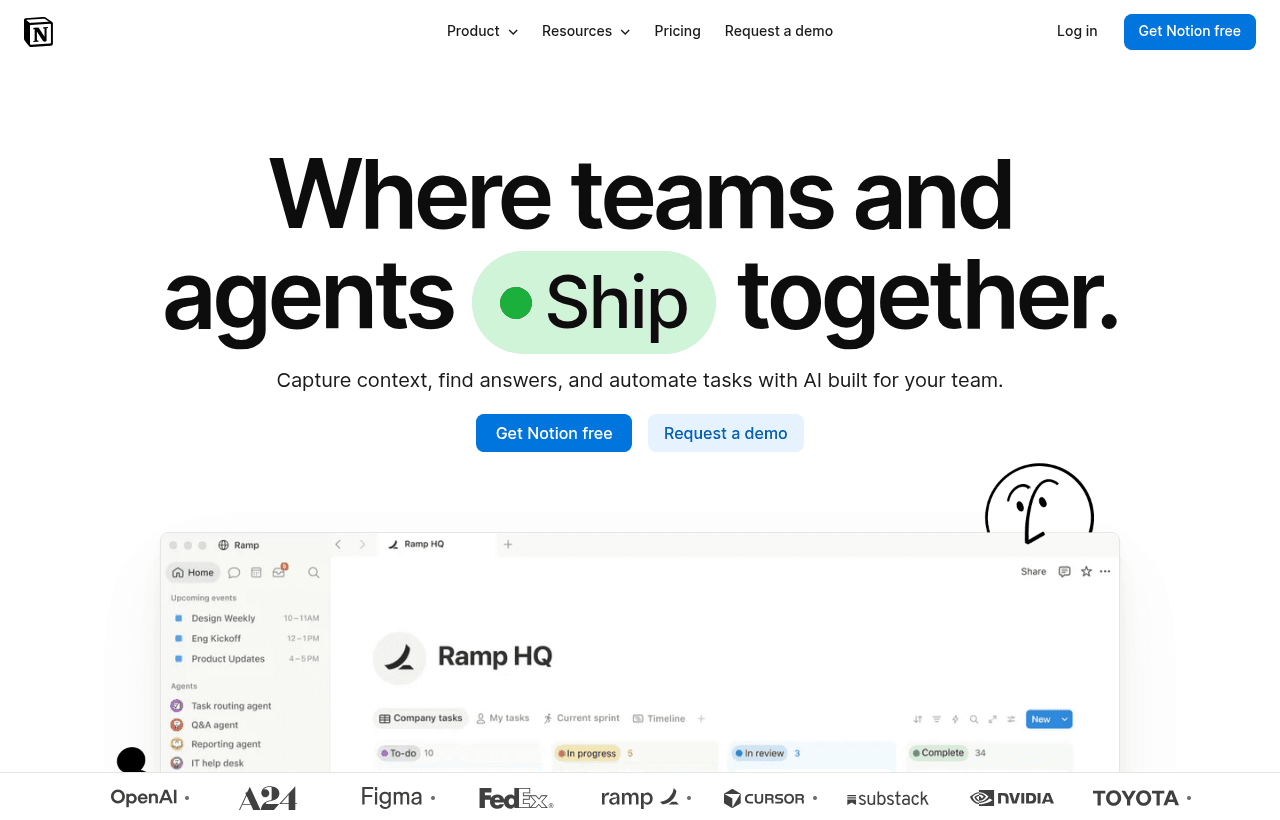
Price: Plus $10 per member per month billed yearly, Business $20 | Free plan: Yes, aimed at individuals, with a trial of Notion AI
Notion is the closest swap if you use Coda mostly for docs, notes and simple tables. It has databases with subtasks, dependencies and custom properties, charts, forms, and sites you can publish from a page.
It does less than Coda on custom logic. Coda lets you build buttons, formulas across tables and packs inside a doc, while Notion databases are lighter. Notion also bills every member on Plus and Business.
Pick Notion if your team lives in docs and wikis and wants a widely used tool.
2. ClickUp: best for teams that run on tasks
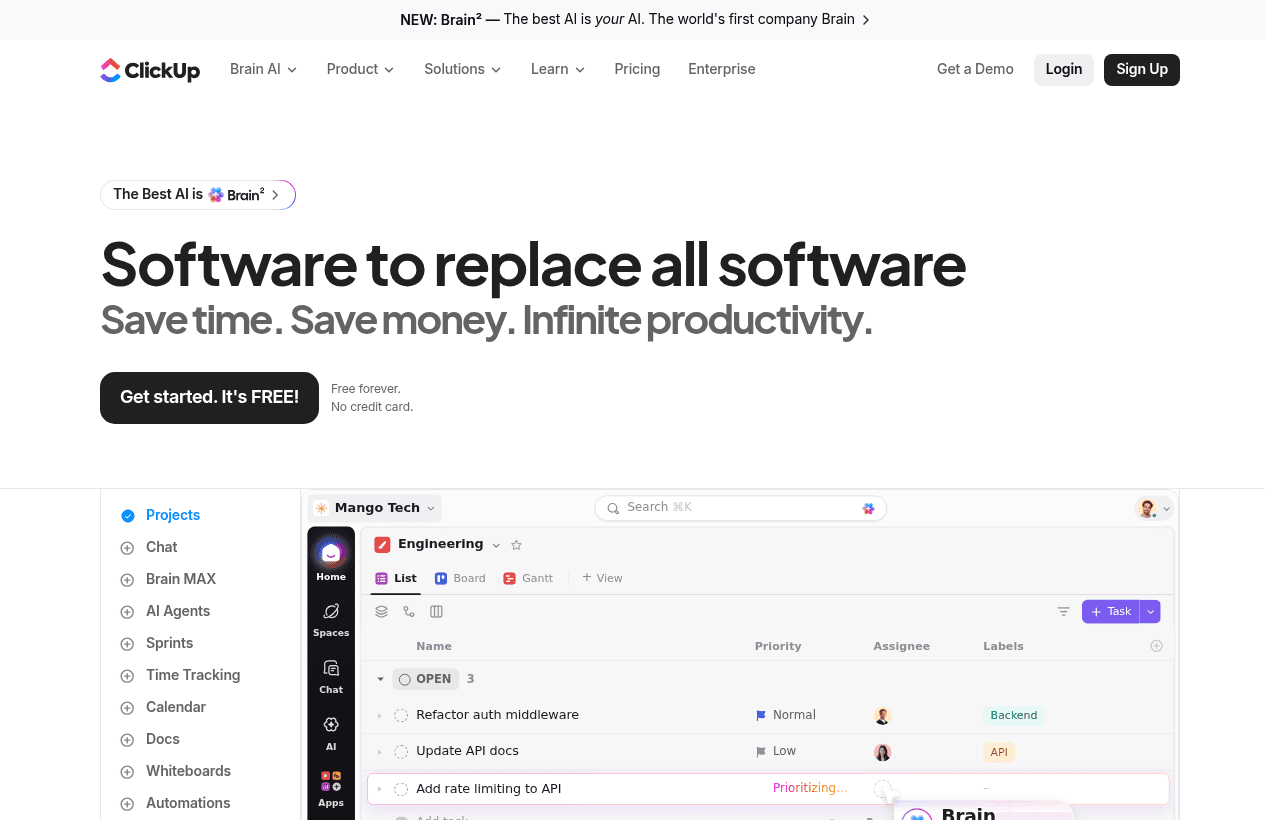
Price: Core $9 per user per month billed yearly (regular price shown as $12), Business $17 (regular $25) | Free plan: Free Forever, unlimited tasks and subtasks, unlimited free members, 60 MB storage
ClickUp starts from the task, not the doc. The free plan includes docs, Kanban boards, calendar view, sprint management, time tracking and one form. Core adds unlimited storage, unlimited Gantt charts, custom fields and 1,000 automations a month.
It is weaker as a free-form doc canvas. Docs live beside tasks rather than being the whole product, and 60 MB of storage on Free runs out fast. It is stronger than Coda on time tracking, sprints and dashboards.
Pick ClickUp if your Coda docs are mostly project trackers.
3. Airtable: best for database-style internal apps
Price: Team $20 per user per month billed yearly, Business $45 | Free plan: Yes, free for all users on the plan
Airtable is the pick when your Coda doc is really a database with views. It offers relational databases, automations, custom interfaces and reporting, and it charges per seat for people with edit access to a base. Read-only collaborators, form submissions and share links are free.
It is more expensive than Coda per seat. At $20 for Team it costs more than Coda Pro at $12. It is also weaker as a place to write long documents.
Pick Airtable if records, views and interfaces matter more than prose.
4. Confluence: best for cheap team documentation
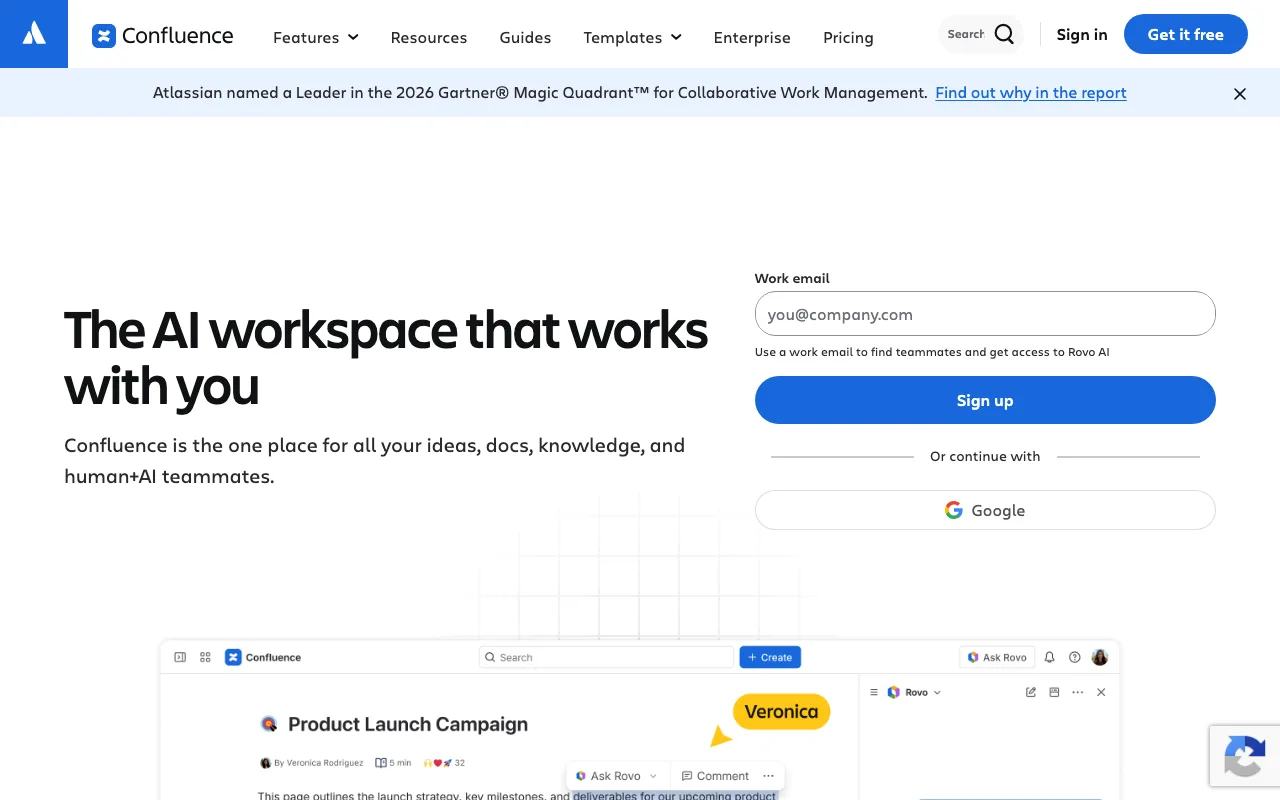
Price: Standard $5.78 per user per month, billed monthly, Premium $11.16 | Free plan: Up to 10 users with 2 GB of storage and community support
Confluence is Atlassian's wiki. It handles pages, spaces, whiteboards (up to 3 active per user on Free) and automation, and it connects tightly to Jira.
It is the cheapest paid option here, but it does not replace Coda's tables, buttons and formulas. Think of it as a replacement for the documentation half of Coda only.
Pick Confluence if you already use Jira or you need a low-cost wiki for 10 people or fewer.
5. Slite: best for a verified company handbook
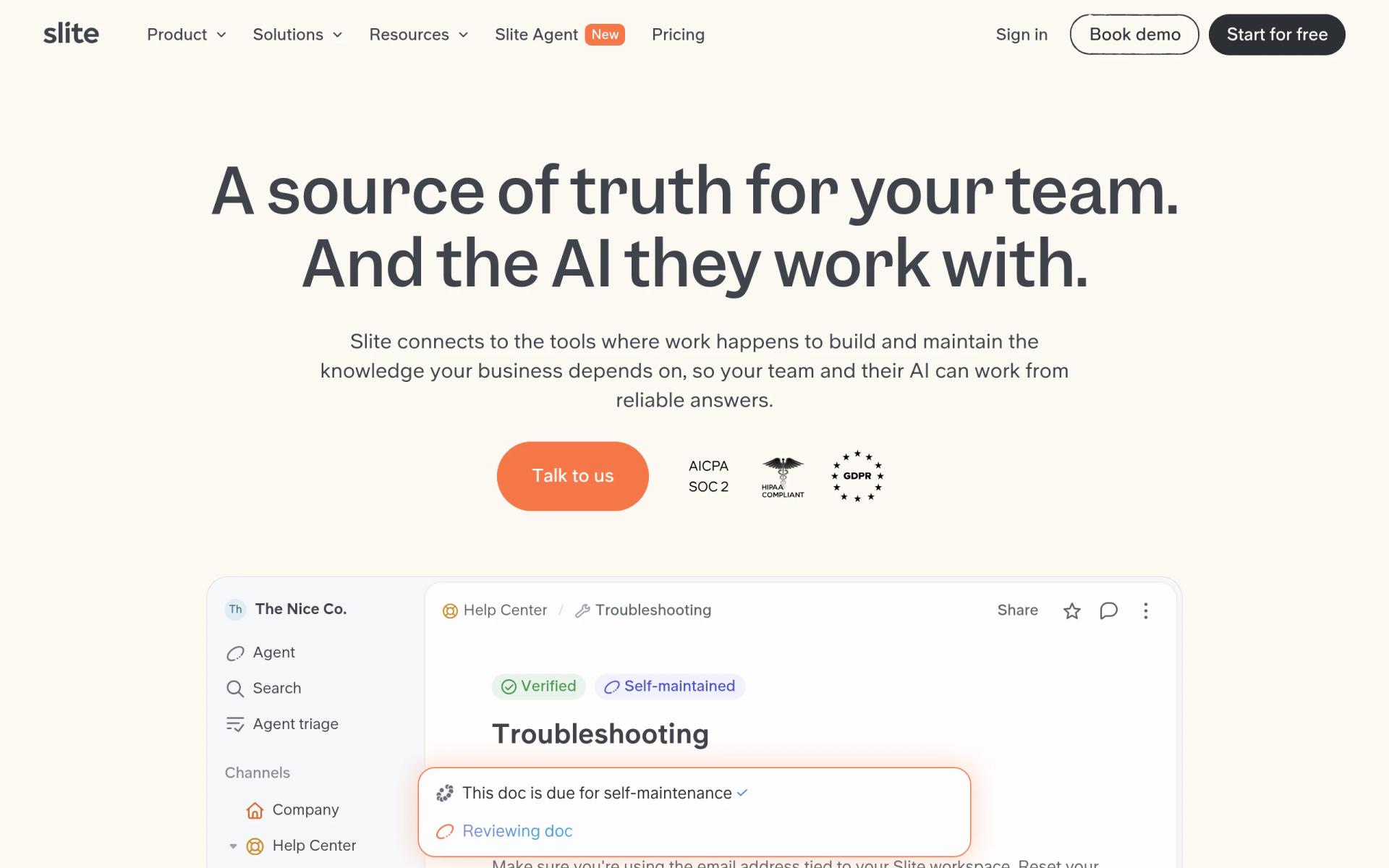
Price: Basic $10 per user per month billed yearly, Pro $20 | Free plan: No, 14-day free trial
Slite is built for knowledge bases. Basic includes unlimited docs, AI search and answers (30 monthly questions per seat), a doc verification workflow, a Knowledge Management Panel, and MCP and API access. Pro adds the Slite Agent, agent workflows with 50 monthly credits per seat, and OpenID SSO.
It has no tables-as-apps layer, so it will not replace Coda for trackers or CRMs. It is better at keeping documents current, with owners and verification dates.
Pick Slite if the goal is a handbook people trust, not an internal tool builder.
Free Coda alternatives
- Confluence Free: up to 10 users, 2 GB of storage, community support.
- ClickUp Free Forever: unlimited tasks and subtasks, unlimited free members, 60 MB storage, docs, Kanban boards, calendar view, sprint management and time tracking.
- Notion Free: for individuals, with databases, basic forms, basic sites and a trial of Notion AI.
- Airtable Free: available at no cost for individuals, very small teams and light needs.
- Nuclino Free: up to 50 items, up to 3 canvases and 2 GB total storage.
- Coda Free, for comparison: shared docs have limited pages and objects and 1 GB of attachments per doc.
Cheapest Coda alternative for a small team
Take a team of 5 people who all create content. At Coda's prices, all 5 are paid members.
- Coda Pro: 5 x $12 = $60 a month billed yearly, $720 a year. Billed monthly it is 5 x $15 = $75 a month.
- Notion Plus: 5 x $10 = $50 a month billed yearly, $600 a year.
- Slite Basic: 5 x $10 = $50 a month billed yearly, $600 a year.
- ClickUp Core: 5 x $9 = $45 a month billed yearly, $540 a year. At the $12 regular price it is $60 a month.
- Confluence Standard: 5 x $5.78 = $28.90 a month, about $347 a year.
- Airtable Team: 5 x $20 = $100 a month billed yearly, $1,200 a year.
How to choose
- You need wikis and notes for a team under 10 and want the lowest bill: pick Confluence.
- Your Coda docs are really project trackers: pick ClickUp.
- You need relational data, views and custom interfaces: pick Airtable.
- You want a handbook with doc owners and verification: pick Slite.
FAQ
What is the best free alternative to Coda?
Confluence Free is the best for a small team, with up to 10 users and 2 GB of storage. ClickUp Free Forever is the best if you need tasks, with unlimited tasks and unlimited free members. Notion Free works well for one person.
What is cheaper than Coda?
Confluence Standard at $5.78 per user per month and ClickUp Core at $9 per user per month billed yearly are both below Coda Pro at $12 per member.
Who are Coda's main competitors?
Notion, ClickUp, Airtable, Confluence and Slite are the main ones. Notion is the closest on docs, Airtable on databases and ClickUp on project management.
Is Coda now Superhuman Docs?
Yes. Coda became Superhuman Docs, and existing docs moved over automatically.
What is better than Coda for project management?
ClickUp. It includes sprints, time tracking, Gantt charts on paid plans, and dashboards, and its free plan has no cap on tasks.
Prices checked on each vendor's pricing page in November 2026.
Still considering Coda?
Claim the Coda startup deal through SaaSOffers. Verified and free to access.
Claim Coda deal