
Reclaim.ai Coupon: Free Plan
AI-powered scheduling and time management tool that automatically finds time for your priorities.
Free · No account required
Free · No account required.
Deal Highlights
The SaaSOffers Reclaim.ai deal
Offer: Free Plan.
Requirements: none listed.
You sign up through the SaaSOffers link. There is no promo code to enter.
We checked these plans and prices against Reclaim.ai's official pricing and help pages in November 2026.
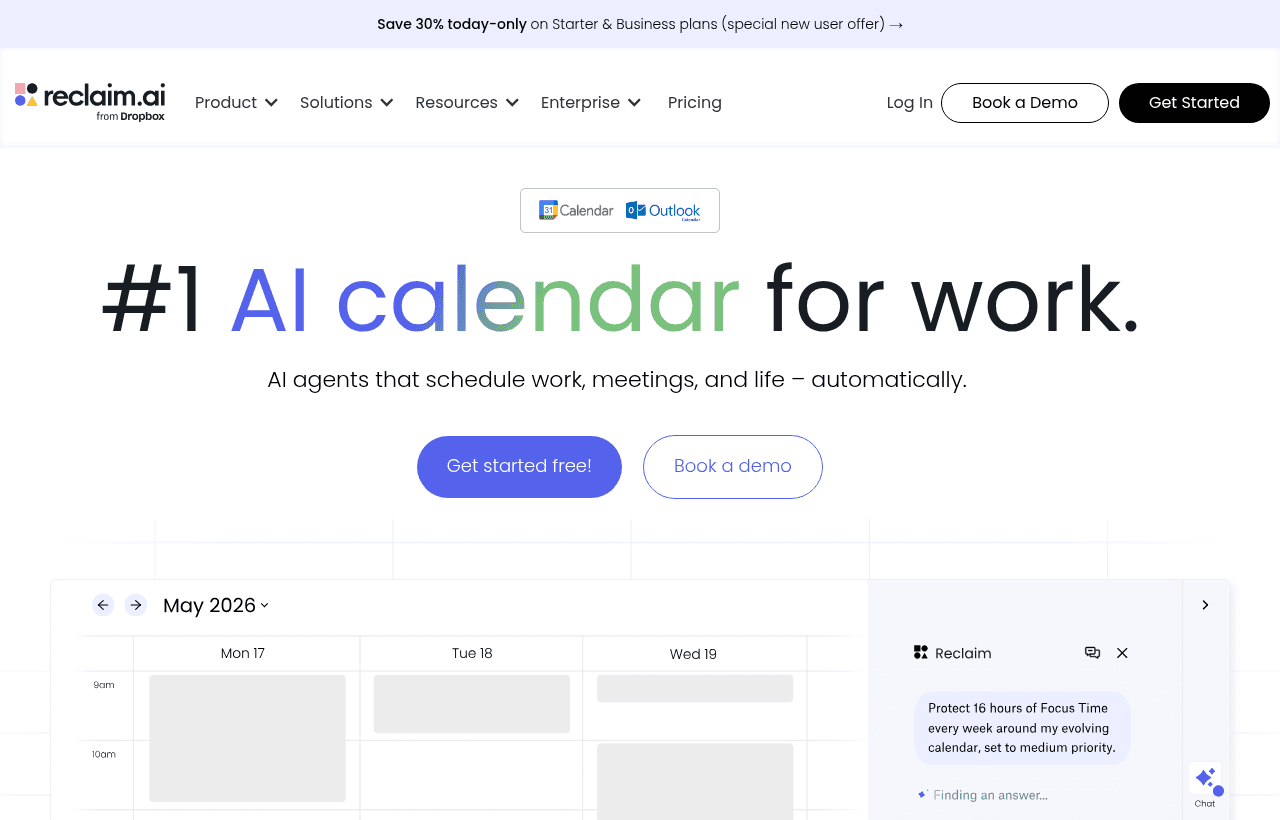
Reclaim.ai is an AI calendar assistant. It reads your Google or Outlook calendar and books time for focus work, recurring habits, tasks, breaks and meetings around what is already there. When a meeting moves, Reclaim moves the blocks around it. It also has scheduling links, so people outside your company can book you.
The free plan here is Reclaim's own Lite plan. Reclaim gives Lite to any single user at no cost, so signing up through this listing does not get you a lower price than signing up directly. Reclaim also runs a public startup discount of 20% for 3 years on paid plans, which we explain further down.
Reclaim.ai plans and prices
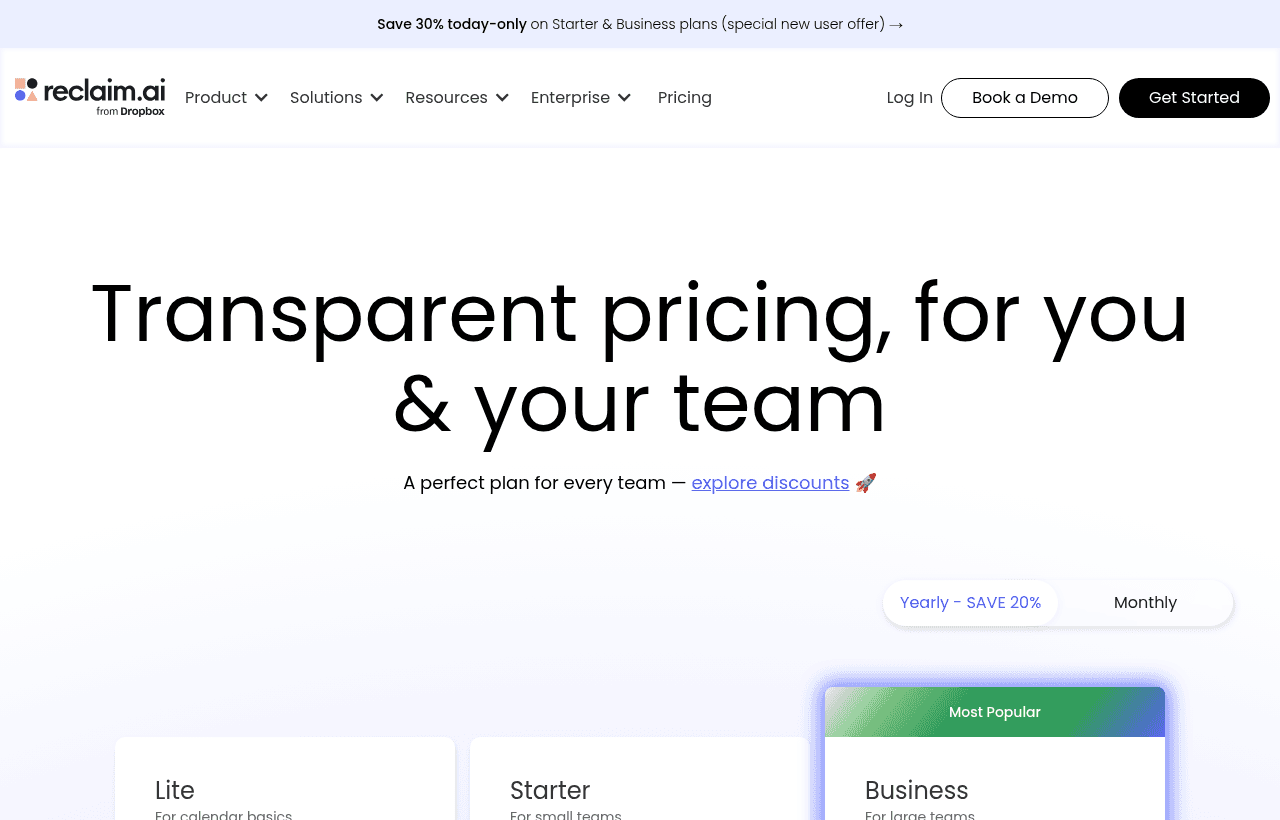
Reclaim sells four plans. Prices are per seat per month.
| Plan | Price billed yearly | Price billed monthly | Seats | Key limits |
|---|---|---|---|---|
| Lite | Free | Free | 1 user | 5 AI Agents, 1 week scheduling range, 1 scheduling link, 1 calendar sync, 2 connected calendars, limited integrations |
| Starter | $10 | $12 | Up to 10 | 10 AI Agents per seat, 8 weeks range, 3 scheduling links, 3 calendar syncs, unlimited calendars and integrations |
| Business | $15 | $18 | Up to 100 | 100 AI Agents per seat, 12 weeks range, unlimited links and syncs, webhooks, Team OOO calendar, delegated access |
| Enterprise | $22 | Not available | Over 100 (100 minimum) | Unlimited AI Agents, 12 weeks range, SSO and SCIM, security reviews |
Yearly billing cuts Starter from $12 to $10 and Business from $18 to $15. That is a 16.7% saving on both. Reclaim's pricing toggle says "save 20%" and its FAQ says 29%, so go by the dollar figures on the pricing page.
Lite
Lite is free forever for one user. On the pricing page it includes:
- 5 AI Agents. Reclaim calls its scheduling features agents: Focus Time, Habits, Buffer Time, Smart Meetings and Meeting Quality.
- Focus Time. You set a weekly goal and Reclaim defends that time around your existing events.
- Habits. Recurring blocks like lunch, a workout or a weekly review that float to the best open time.
- Buffer Time. Breaks after video calls.
- Smart Meetings. 5 as organizer. You convert a recurring meeting in one click and Reclaim finds a time that works for everyone.
- 1 scheduling link and 1 calendar sync.
- 2 connected calendars.
- Limited integrations: Google Tasks, Slack, Zoom and Google Meet.
Reclaim's help center describes Lite with slightly different limits, such as 1 habit, 3 Smart Meetings and unlimited calendar syncs. The pricing page is the newer source, so we used its numbers. Check your account settings after signup for the limits that apply to you.
Starter
Starter is for small teams of up to 10 seats. The big change is the scheduling range: Reclaim plans 8 weeks ahead instead of 1. You also get 10 AI Agents per seat, 10 Smart Meetings as organizer, 3 scheduling links, 3 calendar syncs, unlimited connected calendars and unlimited integrations, including the task tools.
Business
Business covers up to 100 seats and plans 12 weeks ahead. It removes the caps on scheduling links and calendar syncs, raises Smart Meetings to 100 as organizer, and adds webhooks, a Team OOO calendar and delegated access, so an assistant can manage a founder's calendar.
What the free plan does not include
- More than 1 week of planning. Lite schedules habits, tasks and focus time only 1 week out. Starter goes to 8 weeks.
- Task tool integrations. The pricing page lists Todoist, Asana, ClickUp, Jira and Linear as unlimited on paid plans. Lite's integrations are Google Tasks, Slack, Zoom and Google Meet. The help center lists more task tools on Lite, so test this before you rely on it.
- More than 1 scheduling link. One link is enough for a sales call page, not for separate intro, demo and support links.
- Team features. Lite is for 1 user. No Team OOO calendar, no delegated access.
- Webhooks. They start on Business.
- SSO and SCIM. Enterprise only.
Attendee Users
Reclaim sells Attendee Users as an add-on, for people who join Smart Meetings but do not need a full seat. On Starter it costs $8 a month for 3 on yearly billing, or $10 on monthly. On Business it is $12 a month for 6 yearly, or $15 monthly. On Enterprise it is $18 a month for 10.
The 14-day trial
Every new user gets a free 14-day trial of the Business plan. When it ends, you either pay or drop to Lite. Plan the trial: set up your habits, task integrations and Smart Meetings during the 14 days, then check which ones still work within Lite's limits.
What a paid plan costs: worked examples
Lite costs nothing, so the free plan saves a solo founder the $120 a year Starter would cost on yearly billing ($10 × 12). The examples below show what a team pays once it outgrows Lite, and what Reclaim's public startup discount takes off.
Example 1: a 5-person startup on Starter
- Yearly billing: 5 seats × $10 × 12 months = $600 a year.
- Monthly billing: 5 seats × $12 × 12 months = $720 a year.
- Yearly billing saves $120.
- With the 20% startup discount on yearly billing: $600 × 0.8 = $480 a year. That saves $120 a year, or $360 over the 3 years the discount runs.
Five seats is the minimum for the startup discount, so this team just qualifies.
Example 2: a 10-person team on Business
- Yearly billing: 10 × $15 × 12 = $1,800 a year.
- Monthly billing: 10 × $18 × 12 = $2,160 a year.
- Yearly billing saves $360.
- With the startup discount on yearly billing: $1,800 × 0.8 = $1,440 a year, a saving of $360 a year and $1,080 over 3 years.
The same 10 people on Starter would pay $1,200 a year on yearly billing. Business costs $600 more a year. It is worth it if you need more than 3 scheduling links per person, 12 weeks of planning, or delegated access.
Example 3: a team that is switching
If you move from Clockwise, Motion or Calendly, Reclaim offers 20% off for 6 months instead. On 10 Business seats billed monthly, that is $180 × 0.8 = $144 a month for the first 6 months, saving $216. Reclaim's discounts cannot be combined, so a startup should compare this with the 3-year startup discount and pick one.
Reclaim's public discounts
| Discount | Amount | Who qualifies |
|---|---|---|
| Startup | 20% for 3 years | At least 5 seats, fewer than 100 employees, under $10 million raised, founded less than 5 years ago. Starter and Business |
| Nonprofit | 20% for 3 years | 501(c)(3) or equivalent, renewable |
| Education | 50% for up to 12 months | Students, educators and faculty, with a school email |
| Switching | 20% for 6 months | Teams moving from Clockwise, Motion or Calendly |
Enterprise is excluded from these discounts. Existing customers can apply for the startup discount.
Calendars, integrations and security
- Google Calendar: full support, plus a Google Calendar and Gmail add-on.
- Outlook Calendar: Reclaim announced Outlook support in May 2025. Its help center now says it fully supports Google Calendar and Microsoft Outlook. Events write back as native Outlook events with Teams links.
- Other calendars: iCloud and other calendars are not fully supported. Reclaim can read their availability as Connected Calendars, or copy their events into Google with Calendar Sync.
- Task tools: Google Tasks, Todoist, Asana, ClickUp, Jira and Linear. Reclaim schedules work time for each task before its due date.
- Meeting tools: Zoom, Google Meet and Slack status.
- Security: the pricing page shows SOC 2 Type 2 and GDPR compliance badges. Reclaim's security team handles security reviews on request.
- Payment: all major credit cards. Other methods may need a minimum purchase.
Where Reclaim.ai fits best
- Founders whose calendars are mostly meetings. Focus Time defends deep-work hours and moves them when a meeting lands.
- Engineers on Jira or Linear. On paid plans, issues turn into calendar blocks before their due dates.
- Small teams with recurring syncs. Smart Meetings find a slot that works for everyone. Lite includes 5 as organizer and Starter 10.
- People with a work and a personal calendar. Calendar Sync copies events across so neither one shows you as free when you are not.
- Startups with 5 or more people. At 5 seats the startup discount takes 20% off for 3 years.
Reasons to pass on Reclaim.ai
- People who only need a booking page. A scheduling tool like Calendly or SavvyCal does that with less setup.
- Teams on iCloud or other non-Google, non-Outlook calendars. Reclaim only reads their availability or syncs them into Google.
- Solo users who need tasks from Asana or Linear but will not pay. Lite's integration list is limited.
- Teams over 10 people who want the cheapest plan. Starter stops at 10 seats, so you move to Business at $15 a seat.
Reclaim.ai compared with alternatives
| Tool | Free plan | Paid price billed yearly | Paid price billed monthly | Best fit |
|---|---|---|---|---|
| Reclaim.ai | Lite: 1 user, 1 week range, 1 scheduling link | Starter $10, Business $15 per seat | Starter $12, Business $18 per seat | Auto-scheduling focus time, habits and tasks |
| Calendly | 1 event type, 1 calendar connection | Standard $10, Teams $16 per seat (shown with the yearly toggle) | Not shown on the page we checked | External booking pages and routing |
| SavvyCal | No free booking. Links and polls only | Basic $10, Premium $17 per user | Basic $12, Premium $20 per user | Paid booking links with a 30-day money-back guarantee |
Reclaim vs Calendly. Calendly is a booking tool. Its free plan gives you 1 event type and 1 calendar connection. Reclaim's scheduling link is one feature among many, and its main job is planning your own week. Many teams use both, but if booking is all you need, Calendly's Standard plan at $10 a seat yearly matches Reclaim Starter on price.
Reclaim vs SavvyCal. SavvyCal has no free booking plan and no self-serve trial. It offers a 30-day money-back guarantee instead. Basic is $10 a user yearly or $12 monthly, the same as Reclaim Starter. SavvyCal does not auto-schedule focus time or tasks.
Tips for your first weeks on Reclaim.ai
- Connect every calendar on day one. Lite allows 2 connected calendars and 1 sync. Start with your work and personal calendars so Reclaim sees your real availability.
- Set working hours and meeting hours separately. Reclaim books focus time only inside the windows you give it.
- Start with one Focus Time goal. Pick a weekly number of hours you can defend, then raise it once the blocks hold.
- Convert your biggest recurring meeting into a Smart Meeting. You get 5 as organizer on Lite.
- Use the 14-day Business trial to test task integrations. Connect Linear or Jira and see whether the blocks are useful before you pay.
- Count seats before choosing. At 5 seats you qualify for the startup discount. At 11 you need Business.
Steps to get the Reclaim.ai deal
- Click the Get deal button on this page. It opens Reclaim.ai through the SaaSOffers partner link.
- Sign up with your Google or Microsoft account in the same browser session.
- Use the 14-day Business trial, then stay on Lite at no cost, or pick a paid plan.
- If your startup has 5 or more seats, contact Reclaim to apply for its public 20% startup discount before you pay for a yearly plan.
There is no promo code. The free plan is Reclaim's Lite plan, open to any single user.
Who Is This Deal For?
Early-Stage Startups
Seed and pre-seed companies looking to move fast without overspending on tools.
Growing SaaS Teams
Series A+ companies scaling their stack and optimizing software costs.
Solo Founders
Indie hackers and bootstrapped founders who need enterprise tools at startup prices.
Get Free Plan off Reclaim.ai
Free for all startups. Claim instantly.
Frequently Asked Questions
Everything you need to know about this startup deal.
Get the weekly deals digest
New verified startup deals every week. No spam, ever. Unsubscribe anytime.
Related Offers

Replicate
Used by 1,772 members
$500 in credits
Run open-source ML models in the cloud, deploy Llama, Stable Diffusion, and custom models via API without GPU management.
View offer
Consensus
Used by 1,544 members
Free Plan
AI-powered research platform that finds, summarizes, and synthesizes scientific papers.
View offer
Laxis
Used by 2,176 members
Free Plan
AI meeting assistant that records, transcribes, and generates actionable meeting notes.
View offer
ZoomInfo
Used by 2,014 members
Free Trial
B2B data platform for sales and marketing intelligence with contact databases.
View offerDeal Summary
Looking for more startup deals?
Browse all offers