
SST: Free and Open Source Tool
Framework for building serverless applications on AWS with live Lambda development.
Premium: $79/year for unlimited deals
Already have an account? Log in
Deal Highlights
Our SST listing: Free & Open Source
Offer: Free & Open Source. Our listing sets no extra requirements and there is no promo code. This is a Premium deal on SaaSOffers. The redemption link sits behind the Premium upgrade box on the live page.
SST is free for anyone, with or without Premium. The framework is open source, so there is nothing to redeem to get the code. You install it with npm i sst and start building. The costs you will meet are the AWS bill for what you deploy and, optionally, the SST Console, which has its own pricing covered below.
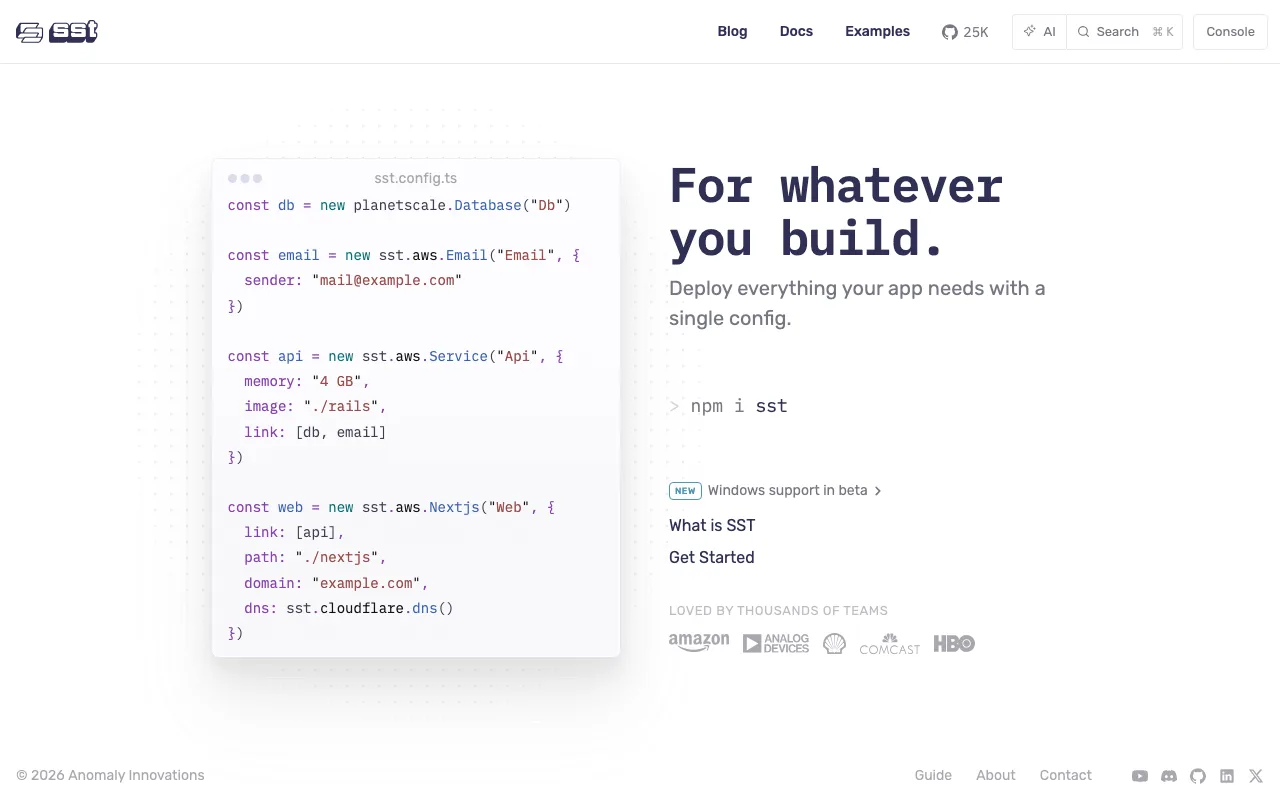
We checked these plans and prices against SST's official pricing and help pages in November 2026.
SST describes itself as a framework for building full-stack apps on your own infrastructure. You write one file, sst.config.ts, and declare the pieces your app needs: a Next.js site, a container service, a Postgres database, a bucket, a cron job. SST creates those resources in your own AWS account, with no trip through the AWS Console. The home page shows 25K GitHub stars and the line "Deploy everything your app needs with a single config."
The license is MIT, and the code is on GitHub
The license file in SST's sst/sst repository is the MIT License, with the copyright line "Copyright (c) 2024 SST". MIT lets you use, copy, modify and sell software built with it, with no fee and no usage cap. The docs call SST "open source and free to use".
That covers the CLI and the components. The Console at console.sst.dev is a separate hosted service, and it is the only part with a bill. Your app does not need the Console to deploy or run. sst deploy works from your laptop or your own CI.
What SST actually builds on
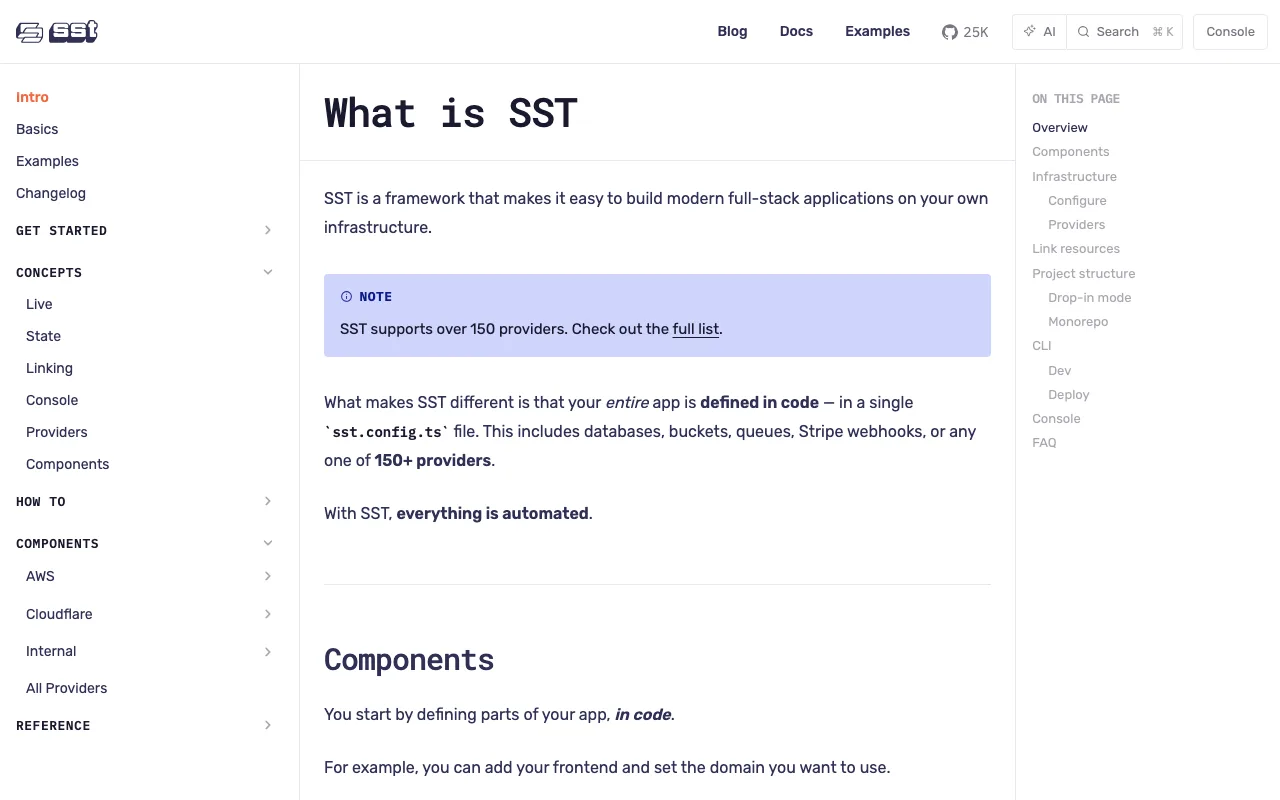
SST uses Pulumi behind the scenes for providers and the deployment engine. Terraform providers are bridged through Pulumi. The docs say you do not need a Pulumi account, and that your app data stays on your side.
Built-in components cover AWS and Cloudflare. The docs also say you can use components from over 150 Pulumi and Terraform providers, and they give Vercel as an example. The home page config sample shows a PlanetScale database next to AWS components.
Components named in the docs include:
- Frontends: Next.js, Remix, Astro, SvelteKit and SolidStart.
- Backends:
sst.aws.Function,sst.aws.Servicerunning on ansst.aws.Clusterfor containers,sst.aws.Postgres,sst.aws.Bucketandsst.aws.Cron. - Linking: a
linkprop connects resources, and the SDK exposes them at runtime, for exampleResource.MyBucket.name, so you do not hardcode names. - Escape hatch: a
transformprop changes the low-level resources a component creates, such as the IAM Role behind a Function.
The docs position SST for application developers. They say CDKTF and Pulumi are primarily for DevOps engineers, and they name higher-level components, resource linking and a unified dev mode as SST's differences.
sst dev and Live: how the fast loop works
sst dev starts a local environment. It watches and deploys infrastructure changes, runs functions "Live", opens a tunnel to resources inside a VPC, and starts frontend and container services in dev mode.
Live works by deploying a stub Lambda. In the docs' words, it works "by proxying requests from AWS to your local machine, executing it locally, and proxying the response back." The transport is AWS AppSync Events. Version 2.0.0 used AWS IoT, and the docs say the switch from the original design was roughly 2-3x faster. Then the docs say v3.3.1 replaced it with AppSync Events, described as "even faster and handles larger payloads better."
Code changes reload in under 10ms. That is reload time, and the page gives no round-trip latency, so do not read it as invocation speed. And AppSync Events is serverless, with no charge while idle. The docs put it at roughly $1.00 per million messages and $0.08 per million connection minutes.
A rough bill for a heavy day: 5 million messages through Live is about $5.00. Eight hours of one developer's open connection is 480 minutes, which at $0.08 per million is a fraction of a cent. Live is cheap, and it runs only in your AWS account.
Live gotchas
- Live mode persists after
sst devstops. The stub functions stay in AWS and time out when they try to reach a machine that is no longer listening. The docs say "Only usesst devin your personal stage." - Live runs your functions locally as a Node.js Worker. Functions can check
SST_DEVto detect live mode. - For VPC resources you need a tunnel (a
bastionhost in the VPC plus a one-timesudo sst tunnel install) or an AWS Client VPN. - Safari and Brave need HTTPS via
sst certto stream local logs into the Console.
Where your state lives, and what it leaves in your account
SST generates the state file locally and backs it up to the home provider you set in sst.config.ts. Today aws and cloudflare are supported as homes. The state is a JSON file of your app's resources, and a passphrase encrypts the secrets inside it.
On AWS you will find these in your account:
- A state bucket, typically named
sst-state-<hash>, in your home region. - An SSM parameter with the passphrase at
/sst/passphrase/<app>/<stage>. The docs warn: "Do not delete the SSM parameter that stores the passphrase for your app." Without it SST cannot read the state. - If the app has a Lambda function or a container, an assets bucket (
sst-asset-<hash>), an ECR repository namedsst-asset, an SSM parameter under/sst/bootstrap, and the AppSync Events endpoint behind Live.
Removing an app does not remove its state or bootstrap resources, because SST cannot tell whether other apps use them. To clean up fully, delete them by hand in each region you deployed to.
By default SST keeps every completed state snapshot. Setting state.retention limits how many are kept per stage. The docs warn that lowering it permanently removes older history, including the S3 object versions on AWS. The docs do not describe state locking, and we did not verify it.
SST Console pricing: per active resource
The Console is the optional paid layer. Under the pricing that began on February 1, 2025, you are billed per active resource, counted per workspace each month.
| Active resources in a workspace | Price |
|---|---|
| 350 or fewer | Free |
| First 2,000 | $0.086 each |
| Beyond 2,000 | $0.032 each |
The docs state that once you pass the free tier, the whole count is billed, not only the overage. Their example: 351 active resources at $0.086 is about $30.2 a month. No yearly price is published, so this is monthly only.
A resource is active if its stage has existed for at least 2 weeks and was updated during the month. A stage created 12 days ago is not active. A stage created 5 months ago and deployed this month is active. A stage created and removed within 2 weeks does not count, and recreating a stage with the same name does not reset the 2-week clock. A stage created 20 days ago and removed 10 days ago is not active either.
Resources include those from SST components such as Function, Nextjs and Bucket, and any Terraform or Pulumi provider resources. For scale, the docs say the Console itself, which is an SST app, has about 320 resources.
Worked examples at list price
- A small team with 300 active resources across stages: $0 a month.
- A team with 1,000 active resources: 1,000 x $0.086 = $86 a month.
- A larger team with 2,500 active resources: 2,000 x $0.086 = $172, plus 500 x $0.032 = $16, so $188 a month.
The jump at the edge is steep. Going from 350 to 351 resources moves you from $0 to about $30.2. Trim stages you no longer need before month end.
The older invocation pricing
The docs also describe the earlier plan. The first 1 million Lambda invocations were free, 1 million to 10 million cost 0.00002 dollars each, and above 10 million cost 0.000002 dollars each. Personal stages were free forever. Under the old plan, locally invoked functions were not counted. Existing customers are not switched automatically, and the docs say the old plan will be removed eventually, with no timeline. For 5 million invocations the old math is 4,000,000 x $0.00002 = $80.
What the free Console tier lacks, and what it needs
You can create an account and invite your team without a credit card. Above the free tier, production and deployed stages are blocked until you add billing details. Personal stages still work if sst dev is running locally. The docs say personal stages remain accessible above the free tier.
Console limits to know:
- Only apps deployed to AWS are supported.
- Connecting AWS needs a CloudFormation stack created in us-east-1. By default the IAM role gets
AdministratorAccess. You can edit the template toReadOnlyAccessplus specific write permissions and upload it to S3. - Each workspace links to one GitHub org. The docs allow unlimited workspaces and recommend one per organization.
- The docs say a BAA is available on request, and that data-sensitive users should wait for the planned self-hosted option.
Issues, and its AWS cost
The Console's Issues feature sends real-time error alerts by Slack or email. It supports Node.js Lambda functions and containers only, and errors must be logged with console.error on an Error object. Source maps are handled automatically.
Issues runs a Lambda log subscriber in your AWS account. Max concurrency is 10, log retention is 1 day, and alerts can lag up to 10 minutes during bursts. The docs cap the worst case at about $430 a month per monitored region (10 concurrent x $43). Each region supports a maximum of 2 subscribers, and you can switch Issues off in workspace settings.
Autodeploy
Autodeploy builds on git push to GitHub branches, pull requests or tags. Builds run in AWS CodeBuild in your account, so you pay only CodeBuild minutes. Branch stages persist, and PR stages are removed when the PR closes. A new PR such as PR#12 auto-deploys a stage called pr-12. You configure it in sst.config.ts under console.autodeploy, with target and runner options, custom timeouts, VPC execution and caching.
SST against other ways to ship
| Tool | What it is | Free tier and entry price |
|---|---|---|
| SST | Open source framework, deploys to your AWS account | MIT code; Console free up to 350 active resources |
| Pulumi | Infrastructure as code with its own cloud service | Free tier at $0 for 1 user; Essentials is $40 a month with 40 credits and unlimited users, and Pro is $400 a month |
| Vercel | Hosted platform for frontends | Hobby at $0, non-commercial use only; Pro is $20 a month per seat, including $20 of usage credit |
SST and Pulumi overlap, since SST runs on Pulumi's engine. Pulumi's paid cloud tiers add seats and concurrent updates, while SST's paid product is the Console. Vercel hosts your site for you. SST deploys the same kind of Next.js app into your own AWS account, so you own the bill and the setup work.
Who it's for
- A team that already runs on AWS and wants one TypeScript config instead of hand-written CloudFormation.
- Developers who want Lambda code to run on their laptop against real cloud resources.
- A founder who wants preview environments per pull request through Autodeploy, billed to their own AWS account.
- Teams that want an MIT-licensed tool they can fork.
Who should skip it
- Teams that want a hosted platform with no AWS account. Vercel or Netlify fits better.
- Teams deploying outside AWS and Cloudflare, since the Console only supports AWS apps.
- Anyone who needs a published state-locking guarantee. We could not verify one.
- Teams that would sit just above 350 active resources and cannot absorb the jump to $30 a month.
How to claim the deal
- Upgrade to SaaSOffers Premium, then open this deal's claim link on SaaSOffers.
- Install the CLI with
npm i sst, or the curl script if your project is not JavaScript. - Run
sst devin a personal stage and deploy your first component. - Add the Console only when you want Autodeploy or Issues, and watch the 350 resource line.
Setup tips
Keep one stage per developer and use sst dev only there. Set state.retention early if you deploy often. Back up the passphrase parameter. After an app is removed, check each region for leftover sst-state and sst-asset buckets.
Who Is This Deal For?
Early-Stage Startups
Seed and pre-seed companies looking to move fast without overspending on tools.
Growing SaaS Teams
Series A+ companies scaling their stack and optimizing software costs.
Solo Founders
Indie hackers and bootstrapped founders who need enterprise tools at startup prices.
Get Free & Open Source off SST
Premium deal. Upgrade once, unlock everything.
Frequently Asked Questions
Everything you need to know about this startup deal.
Get the weekly deals digest
New verified startup deals every week. No spam, ever. Unsubscribe anytime.
Related Offers

Replicate
Used by 1,772 members
$500 in credits
Run open-source ML models in the cloud, deploy Llama, Stable Diffusion, and custom models via API without GPU management.
View offer
ZoomInfo
Used by 2,014 members
Free Trial
B2B data platform for sales and marketing intelligence with contact databases.
View offer
Chore
15% off your first month
Chore runs your startup's back office for you: payroll, HR, bookkeeping, compliance and equity, inside the tools you already use. 15% off your first month through SaaSOffers.
View offerDeal Summary
Looking for more startup deals?
Browse all offers