
Zapier Startup Credits: $500 in credits
Connect 6,000+ apps and automate workflows without code. The glue that holds your SaaS stack together.
Free · Opens in new tab
Already have an account? Log in
Deal Highlights
What Is Zapier?
Zapier connects 6,000+ apps and automates workflows without writing code. When something happens in one app (a new signup in your product), Zapier automatically triggers an action in another app (create a contact in HubSpot, send a Slack notification, add a row to Google Sheets). These automated workflows, called Zaps, eliminate the manual data transfer and repetitive tasks that consume hours of team time every week.
In 2026, Zapier is the default automation layer for startups that use 10+ SaaS tools and need them to work together without custom API integrations. The platform handles the "glue" between tools so your engineering team builds product features, not internal integrations.
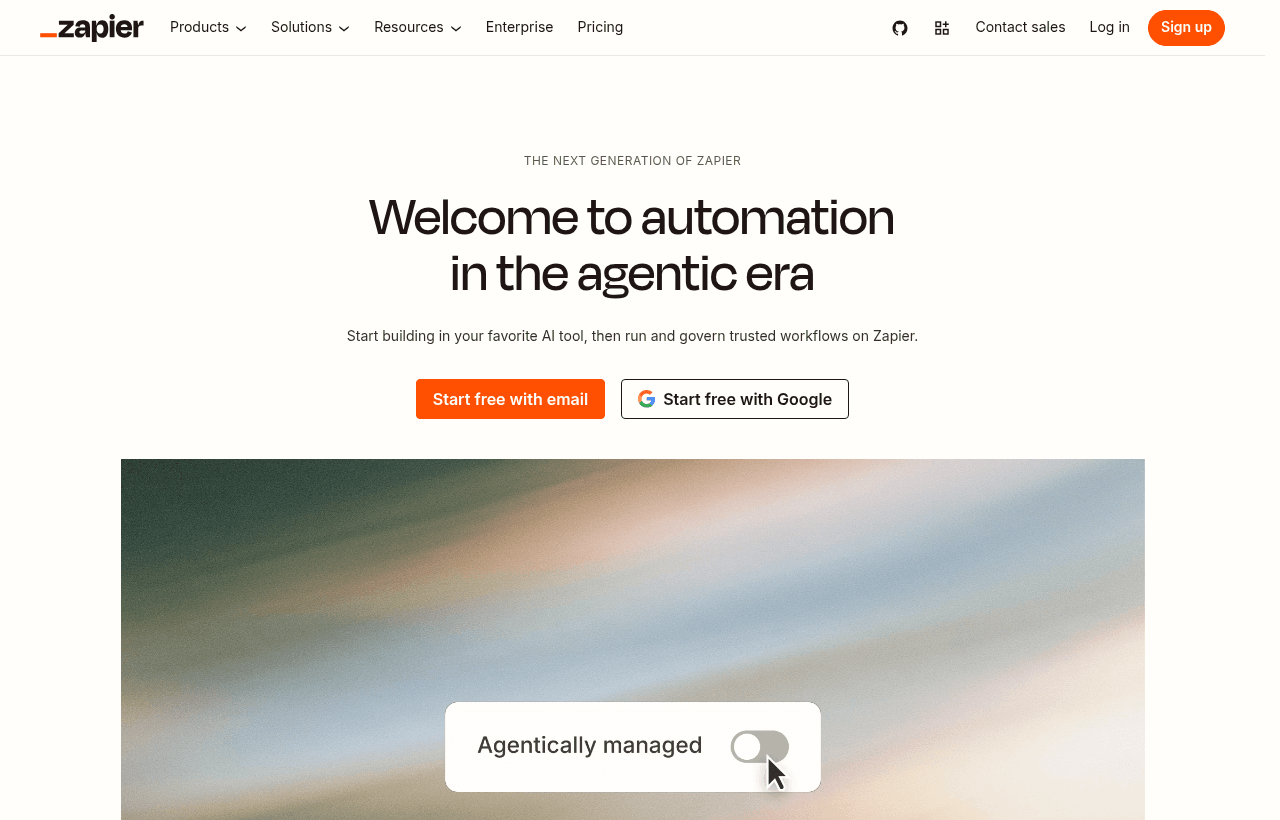
Zapier, one of the tools included in this startup deal.
Why This Deal Matters for Startups
A 5-person startup uses 10–15 SaaS tools. Each tool has data that other tools need: a new customer in Stripe should appear in HubSpot; a support ticket in Zendesk should notify Slack; a form submission in Typeform should create an Airtable record. Without automation, a team member manually copies data between tools, spending 30–60 minutes per day on data transfer that Zapier handles automatically in the background.
The $500 Zapier credit covers 5–10 months of the Team plan, automating your most time-consuming cross-tool workflows during the phase when every hour of team capacity matters.
What's Included in the Zapier Startup Deal
- $500 in Zapier credits
- 6,000+ app connections: Every major SaaS tool is supported
- Multi-step Zaps: Chain multiple actions in a single workflow
- Filters and conditional logic: Execute actions only when conditions are met
- Paths: Branch workflows based on different conditions
- Webhooks: Trigger Zaps from any app via HTTP
- Schedule triggers: Run automations on a time-based schedule
- Tables: Built-in database for storing and managing data within Zapier
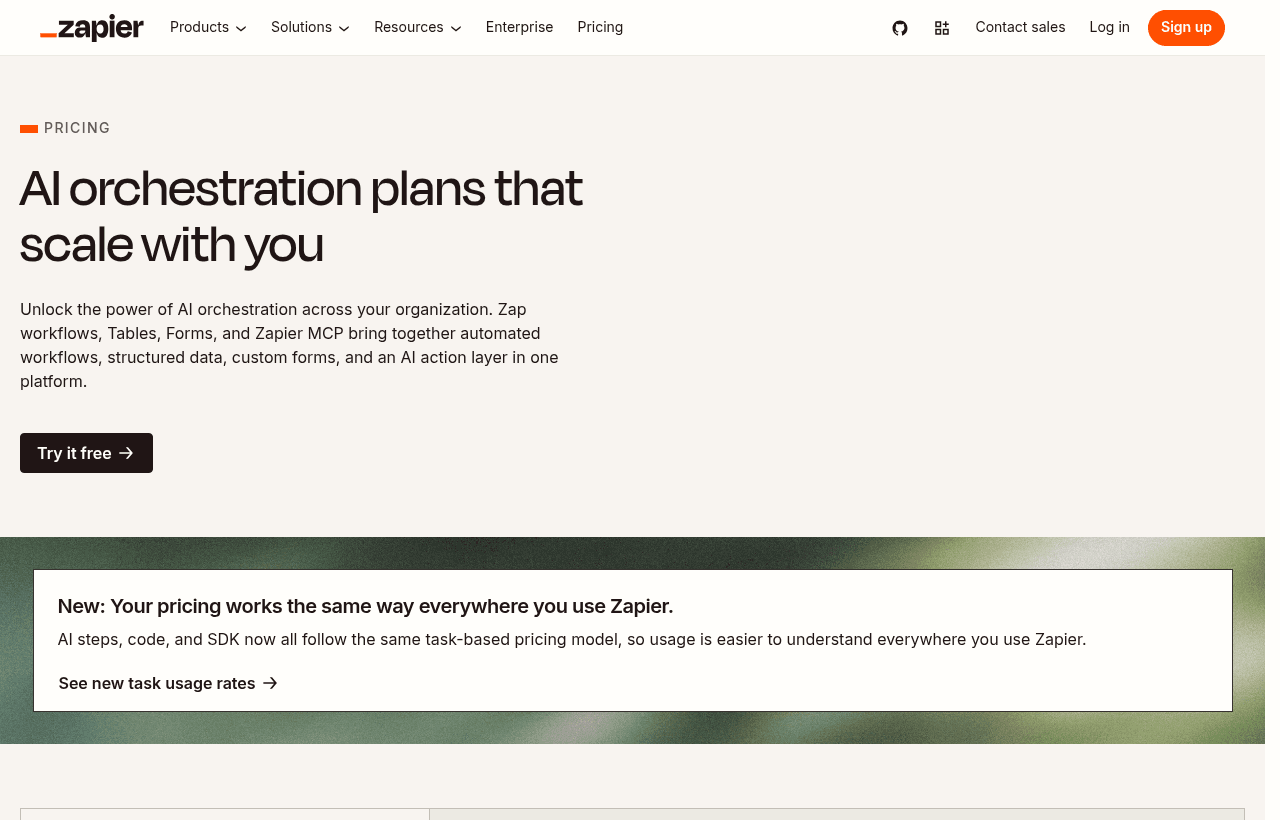
A look at Zapier before the discount, so you can see what the deal saves you.
How to Claim This Zapier Deal. Step by Step
Step 1: Create a free account on SaaSOffers at saasoffers.tech and access the Zapier deal.
Step 2: Click "Get Deal" and follow the link to Zapier's startup program.
Step 3: Create your Zapier account and connect your first two apps (e.g., your product's webhook + Slack).
Step 4: Create your first Zap: trigger (new signup in your app) → action (send Slack notification to #new-users). Test and enable.
Step 5: Build your essential Zaps, new customer → CRM, support ticket → Slack, form submission → database, payment received → notification.
Step 6: Use multi-step Zaps for complex workflows: new Stripe payment → create HubSpot contact → send welcome email via SendGrid → add to Google Sheet → notify Slack.
Step 7: Set up error notifications so you know when a Zap fails and can fix it before data is lost.
Key Features for Startups
6,000+ App Connections
Zapier connects virtually every SaaS tool your startup uses. Stripe, HubSpot, Slack, Google Sheets, Airtable, Notion, Intercom, Mailchimp, Zendesk, GitHub, and 5,990+ more. If two tools do not have a native integration, Zapier almost certainly bridges them.
Multi-Step Zaps with Conditional Logic
A single Zap can execute 5, 10, or 20+ steps. Add filters (only run if amount > $100), paths (if enterprise customer → route A, if SMB → route B), delays (wait 3 days then send follow-up), and formatters (extract domain from email, format dates). Complex workflows that would require custom code run entirely in Zapier.
Webhooks. Connect Anything
Zapier's webhook trigger accepts HTTP requests from any source. Your product's backend, a third-party service, or a cron job. This makes Zapier the universal integration endpoint for any application that can send an HTTP request.
Zapier vs Make vs n8n
| Factor | Zapier | Make | n8n |
|---|---|---|---|
| App connections | 6,000+ | 1,500+ | 400+ |
| Ease of use | Easiest | Moderate | Technical |
| Pricing | $29.99–$100+/mo | $9–$29/mo | Free (self-host) |
| Complex workflows | Good | Excellent | Excellent |
| Self-hosted option | No | No | Yes |
| Startup credits | $500 | 10,000 ops free | Free (open source) |
Zapier wins on app breadth (6,000+) and ease of use. Make wins on complex workflow visual building and price. n8n wins for technical teams wanting self-hosted, open-source automation.
Who Is the Zapier Deal For?
Any startup using 5+ SaaS tools: The more tools you use, the more integration gaps Zapier fills. At 10+ tools, Zapier saves 2–5 hours per week in manual data transfer.
Non-technical team members automating their own workflows: Marketing, sales, and operations teams can build Zaps without engineering help, connecting their tools and automating their processes directly.
Startups that cannot justify custom integration development: Building a Stripe-to-HubSpot integration takes 1–2 days of engineering. A Zapier Zap does it in 5 minutes. For non-critical integrations, Zapier is always faster.
Tips to Maximize Your Zapier Credits
- Automate your highest-frequency manual task first. Identify the task you do most often between tools (copying data, sending notifications, updating records). Automate that first for the highest time savings.
- Use multi-step Zaps to chain actions. A single Zap that does 5 things replaces 5 separate manual steps. Chain related actions into one workflow.
- Set up error alerts. When a Zap fails, data is lost until it is fixed. Configure email or Slack alerts for Zap errors so you catch failures within minutes.
- Use filters to reduce task consumption. Zapier charges by tasks (actions executed). Filters that prevent unnecessary actions (only run if status = "paid") reduce task count and extend your credits.
- Migrate high-volume Zaps to native integrations. Zapier is ideal for medium-volume automations (100–1,000 per day). For high-volume data flows (10,000+ per day), native API integrations are more cost-effective and reliable.
Why Automation Is a Force Multiplier for Small Teams
The deeper reason Zapier matters for a startup is that a small team's scarcest resource is its own time and attention, and manual data transfer between tools is a pure tax on both. Every minute a team member spends copying a new customer from Stripe into the CRM, or updating a spreadsheet after a form comes in, is a minute not spent on the work that actually moves the company. These tasks are individually small, which is exactly why they are dangerous: they never feel worth stopping to fix, so they quietly accumulate until a meaningful slice of the team's week is going to work a computer should be doing.
Automation flips that. When the routine cross-tool tasks run themselves in the background, a five-person startup operates with the leverage of a much larger team, because none of its people are spending their days as human glue between apps. That leverage compounds as the company grows and adds tools, because the number of integration points between tools rises faster than the number of tools themselves. A startup that builds the habit of automating repetitive work early keeps that overhead from ever taking hold, while one that does not finds an increasing share of its team's capacity consumed by busywork that produces nothing.
Automations That Reduce Errors, Not Just Effort
The value of automating cross-tool work is not only the time saved but the errors avoided, and for a startup the error reduction is often the bigger win. When a person manually copies data between tools, mistakes are inevitable: a customer gets entered into the CRM wrong, a notification never gets sent because someone was busy, a record gets forgotten during a hectic day. Each of these small failures has a cost, a customer who slips through the cracks, a follow-up that never happens, a number that is quietly wrong, and they are hard to catch because nobody notices the thing that did not happen.
An automated Zap does the same step the same way every time, without forgetting and without the variability of a person doing it under pressure. That consistency matters most for the processes where a dropped step has real consequences: onboarding a new customer, following up on a lead, alerting the team to a problem. A startup that automates these paths does not just save the time of doing them manually, it removes the failure mode of them being done inconsistently or not at all, which makes the whole operation more reliable at exactly the stage when the team is too small to have anyone dedicated to catching those misses.
Building Automations the Whole Team Can Own
One of Zapier's quiet advantages for a startup is that non-technical people can build and maintain their own automations, which changes who is able to solve their own problems. In a company without Zapier, connecting two tools usually means asking engineering to build an integration, which puts every automation in a queue behind product work and makes small workflow improvements not worth requesting. With Zapier, the marketing person automating their lead flow, or the operations person wiring up a notification, can build it themselves in minutes, without taking engineering time away from the product.
This distribution of capability is a real cultural advantage for a small company. It means the people closest to each process are the ones improving it, and it means the engineering team stays focused on building the product rather than becoming an internal integrations department. For a startup where engineering time is the most valuable and most contested resource in the company, keeping that time on product while everyone else automates their own workflows is a meaningful structural win. The practical guidance is to encourage the whole team to learn enough Zapier to solve their own small automation needs, so the company's process improvements are not bottlenecked on its engineers.
Managing Automations as You Scale
As a startup builds more Zaps, the automations themselves become a small system that needs a little care, and handling that well is part of getting lasting value from the tool. The two things that matter most are visibility into when a Zap fails and discipline about which workflows are worth automating. A failed Zap is worse than no Zap if nobody notices, because the team assumes the automation is running while data quietly stops flowing, so setting up error alerts on the automations that matter is essential. A team that knows within minutes when a critical Zap breaks can fix it before the gap causes real damage.
The discipline about what to automate keeps the system healthy and the costs sane. Zapier charges by tasks, so filters that stop a Zap from running when it does not need to both reduce cost and keep the automations focused on what actually matters. Automating the high-frequency, high-value workflows first, and using filters to avoid running actions that serve no purpose, is what keeps the automation layer an asset rather than a sprawling tangle of half-useful Zaps nobody understands. Treated with this light discipline, a startup's collection of automations stays reliable and affordable as it grows, quietly carrying more of the company's routine work as the business scales.
Making the $500 Credit Count
The best way to use the credit is to treat the covered period as the time to automate the workflows that are costing your team the most time and the most errors, so that by the time the credit runs out the automation layer is already load-bearing and clearly worth paying for. Start by finding the one or two cross-tool tasks your team does most often and automate those first, since they deliver the highest immediate return, then expand to the workflows where a dropped step has real consequences. Build the multi-step Zaps that chain several actions into one reliable flow, set error alerts on the ones that matter, and use filters to keep task consumption efficient so the credit stretches further. A startup that uses the window this way ends up with a set of automations quietly carrying its routine work, which is worth far more than the credit itself.
Zapier Alternatives
Looking for Zapier alternatives? While Zapier is a strong choice for automation, it is not always the right fit for every team. Compare Zapier against the top alternatives in our category. Each with verified startup deals and credits. See all Zapier alternatives →
Many startups end up using a combination of tools, and there are no restrictions on claiming multiple deals through SaaSOffers. Whether you need a cheaper option, different features, or a better startup deal, there is an alternative worth considering.
Who Is This Deal For?
Early-Stage Startups
Seed and pre-seed companies looking to move fast without overspending on tools.
Growing SaaS Teams
Series A+ companies scaling their stack and optimizing software costs.
Solo Founders
Indie hackers and bootstrapped founders who need enterprise tools at startup prices.
Get $500 in credits off Zapier
Premium deal. Upgrade once, unlock everything.
!Eligibility Requirements
Early-stage startup, new Zapier account
Frequently Asked Questions
Everything you need to know about this startup deal.
A Zap is an automated workflow connecting two or more apps. It consists of a trigger (an event in one app) and one or more actions (tasks performed in other apps). Example: new Stripe payment (trigger) → create HubSpot contact + send Slack notification (actions). Zaps run automatically in the background.
Get the weekly deals digest
New verified startup deals every week. No spam, ever. Unsubscribe anytime.
Related Offers

Slack
Used by 4,760 members
25% off first year
Get 25% off Slack Pro for your first year. The messaging platform that has replaced email for 750,000+ organizations worldwide.
View offer
Monday.com
Used by 3,110 members
6 months free Pro
Get 6 months free on Monday.com Pro, the visual Work OS that powers project management, CRM, dev sprints, and operations workflows for over 225,000 customers worldwide.
View offer
Make
Used by 990 members
10,000 ops free
Get 10,000 free operations on Make. The visual automation platform that connects 1,500+ apps to automate workflows without code.
View offer
Grammarly
Used by 1,637 members
6 months free Business
AI-powered writing assistant for your entire team, catch errors, improve clarity, and maintain brand voice across all communications.
View offer
Loom
Used by 848 members
6 months free Business
Record and share video messages to replace meetings, free Business plan for startup teams.
View offerWebex
Used by 521 members
6 months free Business
Enterprise video conferencing and collaboration from Cisco, meetings, messaging, and calling in one platform.
View offerDeal Summary
Looking for more startup deals?
Browse all offers