
Amazon SES Coupon: Free 62K emails/mo
Scalable email sending service from AWS with pay-as-you-go pricing.
Premium deal
Already have an account? Log in
Deal Highlights
Our Amazon SES listing: Free 62K emails/mo, and what AWS shows today
Offer: Free 62K emails/mo. Our listing sets no extra requirements and there is no promo code. The listing link goes to AWS's startup page at aws.amazon.com/startups/, not to a SaaSOffers referral.
Amazon SES is the email sending service inside AWS. You send through an API or SMTP, verify your domains, and AWS delivers the mail. It does not come with a campaign editor, a contact list manager or a visual template builder. It is plumbing for developers.
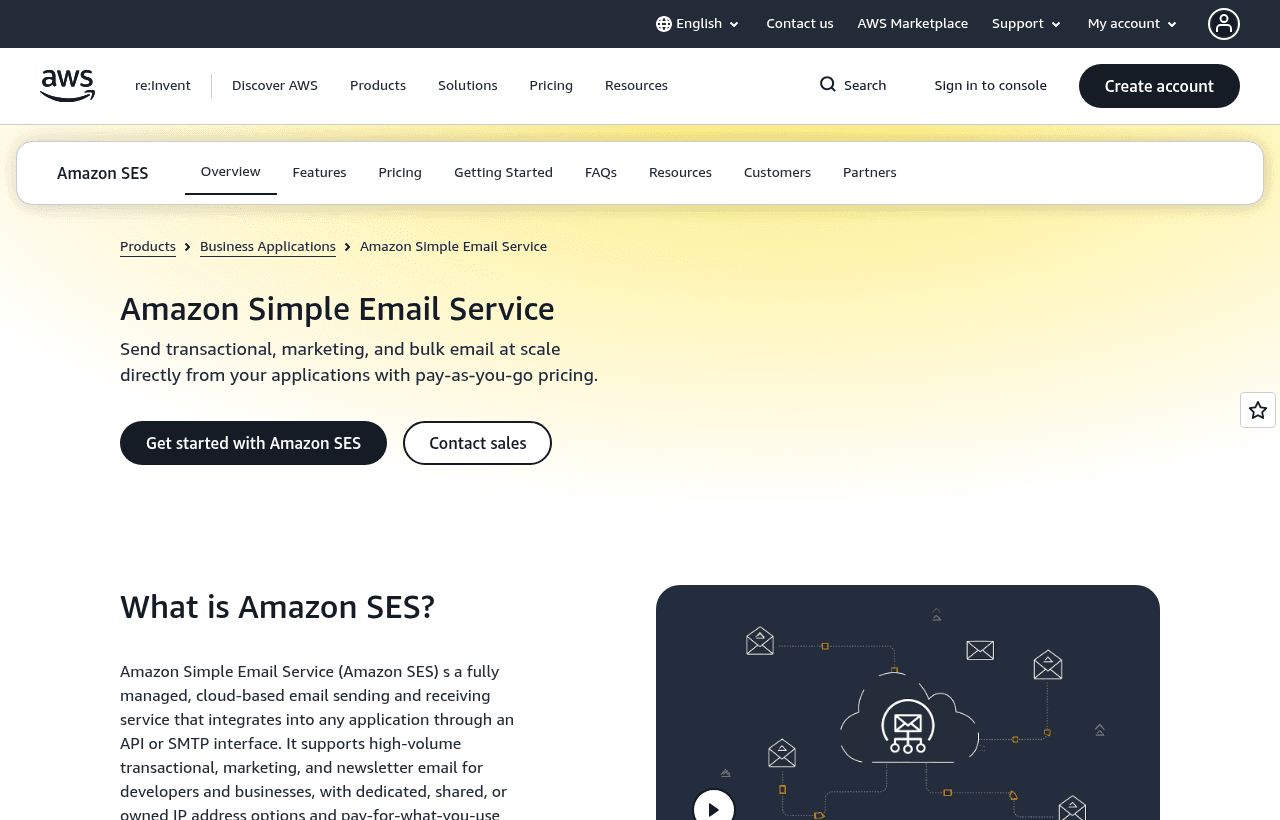
We checked these plans and prices against Amazon's official pricing and help pages in November 2026.
The "62K emails a month" figure is our listing's term. AWS's current SES pricing page does not show a 62,000-email allowance anywhere, and it does not mention sending from EC2 as a free tier route. What the page does show, as of November 8, 2026, is this: new AWS customers get up to $200 in AWS Free Tier credits that can apply to SES and other eligible services, and at AWS sign-up you pick a free plan or a paid plan, with the free plan lasting 6 months from account creation. The old SES-only free tier of 3,000 message charges a month for 12 months closed to new customers on July 21, 2026, according to AWS's own announcement. Treat 62K as outdated unless AWS confirms it for your account when you sign up.
The free-tier rules changed on July 21, 2026
AWS announced new SES pricing plans on July 21, 2026. Two changes hit new accounts.
First, all new SES accounts start on the Essentials plan. Customers who sent email through SES on or after June 1, 2025 stay on pay-per-use ("a la carte") pricing and can switch to a plan any time.
Second, the SES-specific free tier ended for new customers. People already on it keep it for the rest of their 12 months.
What replaced it is the general AWS credit offer. Per the SES pricing page:
- Up to $200 in AWS Free Tier credits for new customers, usable on SES and other eligible services
- A free plan that lasts 6 months after account creation
- Credits must be used within 12 months of account creation
- Upgrading to a paid plan applies any remaining credit to your bills
Dates for an account created on November 8, 2026: the free plan runs to May 8, 2027, and unused credits expire November 8, 2027. The page does not say whether the 6-month free plan has its own sending cap, so we have not claimed one.
Separately, AWS Activate advertises up to $200,000 in credits for startups on its startups page. That page gives no eligibility rules or expiry terms, so apply through AWS and read the terms there. We cannot tell you whether Activate credits cover SES.
What a thousand emails costs
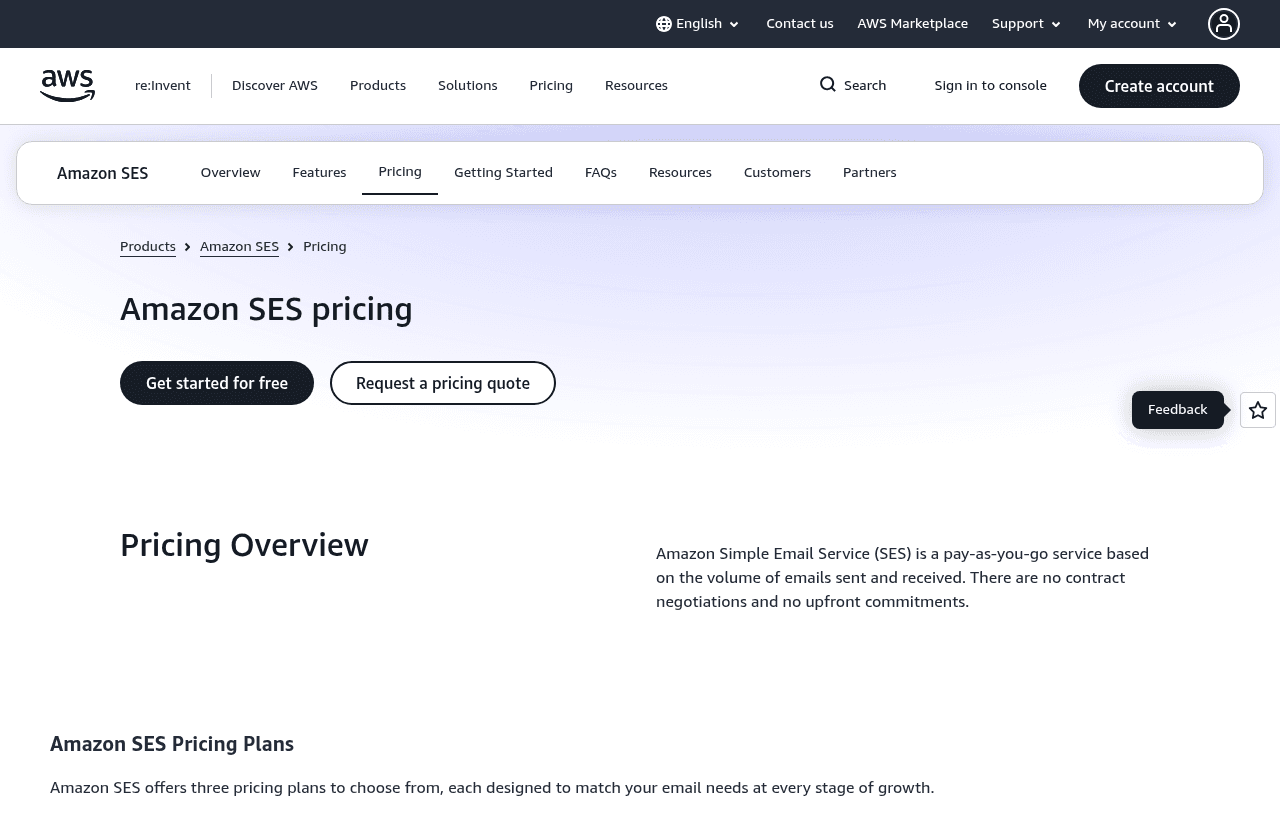
SES bills by volume, not by seat. The pricing page lists a base outbound rate and three bundled plans.
| Option | Per 1,000 emails | Fixed monthly fee | Notes |
|---|---|---|---|
| A la carte outbound | $0.10 | None | $0.12 per GB of attachment data sent |
| Essentials plan, first 10M a month | $0.16 | None | Default for new accounts |
| Pro plan, first 10M a month | $0.22 | $105 per account per region | Adds managed dedicated IPs, email validation, inbox placement visibility |
| Enterprise plan, first 10M a month | $0.23 | $500 per account per region | Adds multi-region resilience, reputation isolation per workload, annual deliverability assessment |
Volume rates fall in steps: Essentials drops to $0.14 per 1,000 between 10M and 100M emails and $0.11 above 100M. Pro goes to $0.17 and $0.12. Enterprise goes to $0.18 and $0.13. Tiers apply only to the emails inside each band.
Plans apply per AWS account and per region, so a team sending from two regions manages two plans. AWS says plans are available in all SES regions except Middle East (UAE) and Middle East (Bahrain). Choosing a plan does not switch features on by itself. You still enable each feature one at a time.
The plain outbound rate of $0.10 per 1,000 is lower than the Essentials rate of $0.16. AWS says the plans bundle features at up to 22% less than buying them separately. If you only need to send mail and never touch the deliverability tools, a la carte can cost less per email. We could not tell from the pages whether a brand-new account is allowed to opt out of Essentials on day one. AWS says that for people defaulted onto Essentials, the first downgrade to a la carte takes effect immediately.
Add-ons and what each costs
The add-on prices on the pricing page:
- Dedicated IP, standard: $24.95 per month per IP
- Dedicated IP, managed: $15 per month per account, plus $0.08 per 1,000 emails up to 10M a month, $0.04 from 10M to 50M, $0.02 from 50M to 100M
- Bring your own IP: $24.95 per IP per month, with a minimum of 256 addresses or $6,387.20 per month
- Email validation: $0.01 per validation through the API or console, or $0.01 per 1,000 for Auto Validation
- Virtual Deliverability Manager, SES Deliverability: $0.07 per 1,000 for the first 10M, $0.05 from 10M to 100M, $0.02 above, plus queries at $0.0005 per 1,000 with the first 5,000 a month free
- Virtual Deliverability Manager, Global Deliverability: $1,250 per month per region per account, covering 5 domains, 12 IPs and 25 seed list tests
- Global Endpoints: $0.03 per 1,000 emails on top of the sending price
- Tenants: $0.005 per tenant per month plus $0.005 per 1,000 emails, with 1,000 tenants included per account per region on plans
Receiving mail is separate. Inbound costs $0.10 per 1,000 emails plus $0.09 per 1,000 incoming chunks, where a chunk is 256 KB of incoming data. Mail Manager charges $50 per month per open ingress endpoint, $0.15 per 1,000 emails processed, and $2 per GB for archiving ingest.
Sandbox first, then production access
Every new SES account starts in the sandbox, and the status is separate per AWS region. In the sandbox you can send only to verified addresses and domains or to the mailbox simulator, up to 200 messages in 24 hours, at 1 message per second. Bulk suppression-list actions are also off.
To leave the sandbox you submit a request in the console, choosing Marketing or Transactional, giving your website URL, up to 4 contact addresses, and confirming you only email people who asked for it and that you handle bounces and complaints. AWS Support gives an initial response within 96 hours. If they need more information it takes longer. Verifying your domain first helps the request get approved faster.
After approval, daily volume and sending rate are set per account based on your use case, not at a fixed number the docs state. You can ask for increases. Quotas count recipients, not messages.
Limits worth knowing
- Maximum message size: 10 MB through the SES v1 API, 40 MB through the v2 API or SMTP
- Recipients per message: 50, counting To, CC and BCC
- Identities you can verify: 10,000 per region
- Email templates: 20,000 per region, 500 KB each
- Configuration sets: 10,000 per account
- Dedicated IP pools: 50
Hard bounces go onto a global suppression list, and later sends to those addresses count toward your quota and bounce rate. AWS can pause sending for high bounce or complaint rates, and its docs list account states such as Healthy, Under review and Sending paused. The docs we read give no numeric thresholds, so we leave them out.
What this deal does not give you
Judged against a marketing email tool, SES leaves out a lot:
- No visual email editor or drag-and-drop campaign builder
- No visual list manager. Contact lists and unsubscribe handling exist only through the v2 API (one list per account, up to 20 topics)
- No sandbox exit on day one, because production access is a manual review
AWS does offer email templates through the API, with 20,000 per region, but you manage lists and campaign logic in your own code or another tool.
Worked math with AWS's own rates
These use the 32 KB message size from AWS's own pricing example, which is 0.000032 GB per email. Attachment data costs $0.12 per GB.
Example 1: a SaaS app sending 50,000 transactional emails a month
- A la carte: 50 x $0.10 = $5.00. Data: 50,000 x 0.000032 = 1.6 GB x $0.12 = $0.19. Total $5.19 a month, $62.28 a year.
- Essentials: 50 x $0.16 = $8.00, plus $0.19 = $8.19 a month, $98.28 a year.
- If the $200 credit applies and you spend $5.19 a month, it would cover about 38 months of that volume, but credits expire 12 months after account creation. At most you use about $62 of it in the first year.
Example 2: 500,000 emails a month with a dedicated IP
- A la carte with a standard dedicated IP: 500 x $0.10 = $50.00, data 16 GB x $0.12 = $1.92, IP $24.95. Total $76.87 a month, $922.44 a year.
- A la carte with the managed dedicated IP: $15 + (500 x $0.08 = $40) = $55, plus $50.00 sending and $1.92 data. Total $106.92 a month, $1,283.04 a year.
- Pro plan: 500 x $0.22 = $110.00, plus $105 fixed fee and $1.92 data. Total $216.92 a month, $2,603.04 a year. A footnote on the pricing page says Pro includes 1 dedicated IP, so the Pro figure already covers one.
- Essentials without a dedicated IP: 500 x $0.16 = $80.00 plus $1.92 data. Total $81.92 a month.
If our listing's 62K free allowance applied to you in a month, 62,000 of those 500,000 would cost nothing and the sending line would drop by 62 x $0.10 = $6.20. We could not confirm it applies.
SES next to Resend, Postmark, Mailgun and SendGrid
| Amazon SES | Resend | Postmark | Mailgun | SendGrid | |
|---|---|---|---|---|---|
| Free entry | Up to $200 credits plus a 6-month free plan for new AWS accounts | Free: 3,000 emails/mo, 100/day | Free: 100 emails/mo | Free: 100 emails/day | 60-day trial, 100 emails/day |
| 50,000 emails a month | $5.00 a la carte or $8.00 on Essentials, plus data | Pro $20 | Basic $55 (50,000 tier on its volume selector) | Foundation $35 | Essentials from $19.95 (50,000 to 100,000 range) |
| Dedicated IP | $24.95 a month standard | $30 a month on Scale | From $50 a month, Pro and up, 300,000+ emails a month | $59 per IP a month | 1 included on Pro |
| Templates and editor | API templates only | React Email templates | Templates API | Template builder on Foundation | Dynamic templates |
For 50,000 emails a month SES comes out lower than every price shown in that row, before data charges and before your own engineering time. It is also the one that expects you to wire up bounce handling and templates yourself. Resend and Postmark are narrower and easier to start with. Postmark's free tier is only 100 emails a month. SendGrid and Mailgun also offer marketing-side features that SES leaves to other tools.
Who SES suits
- Teams already on AWS. Billing, IAM and CloudWatch are in the same account.
- Apps with high-volume, simple email. Password resets, receipts and alerts at 500,000 a month cost $50 in sending fees a la carte.
- Developers who want SMTP or API access. SES supports both. SMTP uses TLS: STARTTLS on ports 25, 587 or 2587, and TLS Wrapper on 465 or 2465.
- Teams that want to send and receive. Inbound mail is priced and supported.
- Companies that need many isolated senders. Tenants and configuration sets are built for that.
Who should skip Amazon SES
- Non-technical founders sending newsletters. There is no editor, no list manager in the console and no analytics dashboard built for marketers.
- Anyone who needs a fast start. The sandbox review can take up to 96 hours for the first answer.
- Low-volume apps under a few thousand emails a month. A free plan elsewhere, such as Resend's 3,000 a month, is easier to run.
Tips for your first weeks on Amazon SES
- Verify your sending domain before requesting production access. AWS says this helps approval go faster.
- Publish SPF, DKIM and DMARC records for the domain. Verification is required, and receiving servers weigh these records.
- Create SMTP credentials per region. SMTP credentials are unique to each region and are not the same as your AWS access keys.
- Handle bounces and complaints in code. Hard bounces suppress the address, and your rates are watched.
- Use a separate configuration set per product. You get up to 10,000, and each can send events to up to 10 destinations.
- If you send from EC2, change ports. EC2 throttles port 25 by default. Use 587 or 465, request removal of the throttle, or use a VPC endpoint.
- Check each AWS region separately. Sandbox status, plans and quotas are all per region.
Claiming the Amazon SES offer, step by step
- Go to aws.amazon.com/startups/ and create or sign in to your AWS account.
- At sign-up, pick the free plan if AWS offers it, which AWS says lasts 6 months from account creation.
- Open the SES console, run the Get set up wizard and verify your domain.
- Request production access, describing your use case, and wait for AWS's reply.
- Check your credit balance in AWS billing before you send volume.
Who Is This Deal For?
Early-Stage Startups
Seed and pre-seed companies looking to move fast without overspending on tools.
Growing SaaS Teams
Series A+ companies scaling their stack and optimizing software costs.
Solo Founders
Indie hackers and bootstrapped founders who need enterprise tools at startup prices.
Get Free 62K emails/mo off Amazon SES
Premium deal. Upgrade once, unlock everything.
How to get the Amazon SES deal
- The offer: Free 62K emails/mo.
- Create a free SaaSOffers account, then upgrade to Premium ($79 a year, or $250 once for lifetime access). Premium unlocks every Premium deal on the site.
- Open the Amazon SES claim page from this deal. It shows the partner link, any promo code and the exact steps Amazon SES asks for.
- Apply or sign up through that link before you pay Amazon SES directly, since most startup offers only apply to new accounts.
Frequently Asked Questions
Everything you need to know about this startup deal.
Get the weekly deals digest
New verified startup deals every week. No spam, ever. Unsubscribe anytime.
Related Offers

Retool
Used by 1,559 members
1 year free, up to $60K
Build internal tools 10x faster with the low-code platform used by companies like Amazon, DoorDash, and Mercedes-Benz.
View offer
Replicate
Used by 1,772 members
$500 in credits
Run open-source ML models in the cloud, deploy Llama, Stable Diffusion, and custom models via API without GPU management.
View offer
ZoomInfo
Used by 2,014 members
Free Trial
B2B data platform for sales and marketing intelligence with contact databases.
View offer
Chore
15% off your first month
Chore runs your startup's back office for you: payroll, HR, bookkeeping, compliance and equity, inside the tools you already use. 15% off your first month through SaaSOffers.
View offerDeal Summary
Looking for more startup deals?
Browse all offers