
Razorpay Coupon: Free to Start
Payment gateway and financial solutions platform for businesses in India and globally.
Free · No account required
Free · No account required.
Deal Highlights
Our Razorpay listing: Free to Start
Offer: Free to Start. Our listing sets no requirements and there is no promo code. You open an account at razorpay.com and pay nothing upfront: the pricing page lists a setup fee of Rs. 0 and an annual maintenance charge of Rs. 0.
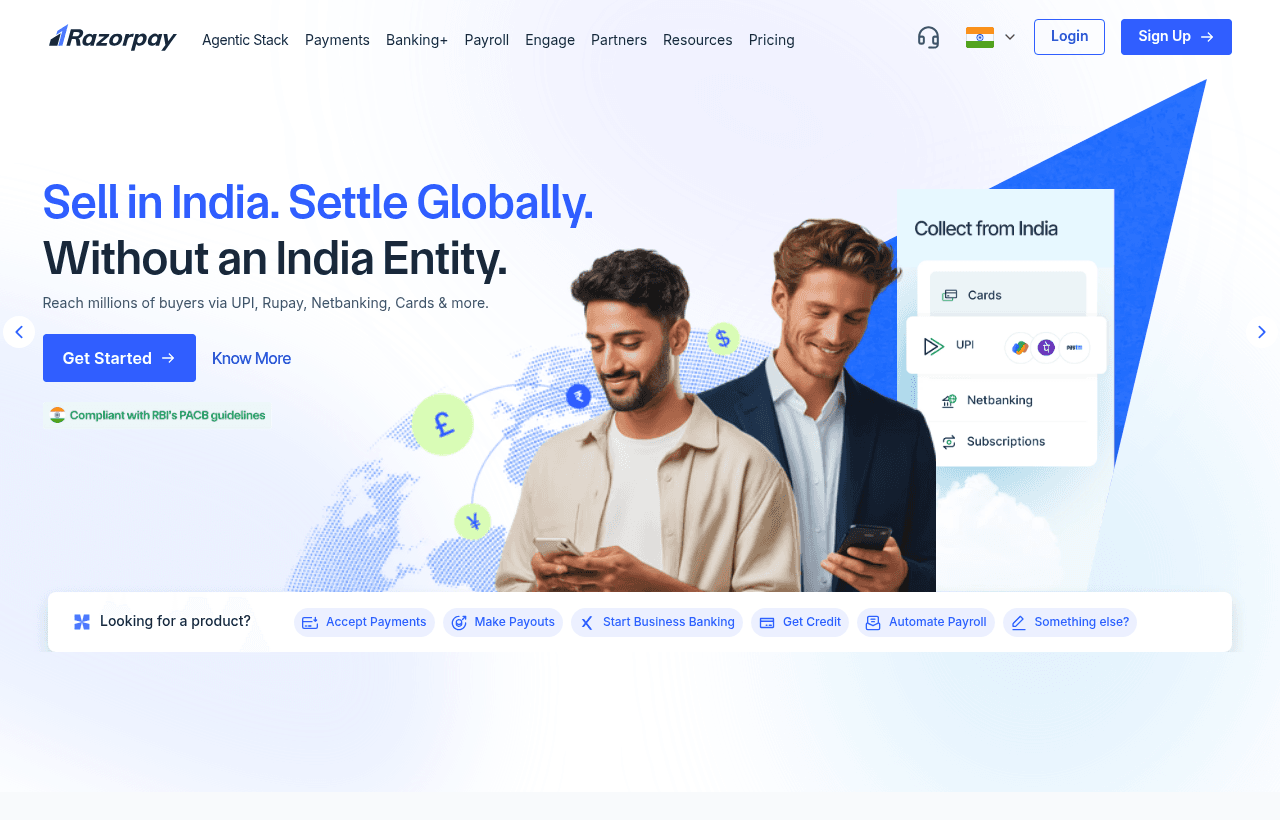
Razorpay is an Indian payment gateway. It takes card, UPI, net banking, wallet and EMI payments for your website or app, then settles the money to your bank account. Around the gateway it sells payment links, subscriptions, payouts (RazorpayX) and a point-of-sale product.
We checked these plans and prices against Razorpay's official pricing and help pages in November 2026.
"Free to start" is not a discount. Razorpay charges a fee on each successful payment, and anyone can open an account on those terms. The saving in our listing is the absence of setup and yearly charges. Razorpay also runs a separate startup perks program for funded startups, and that is worth more than the base terms if you qualify. We cover it below.
What a Rs. 1,000 payment costs you
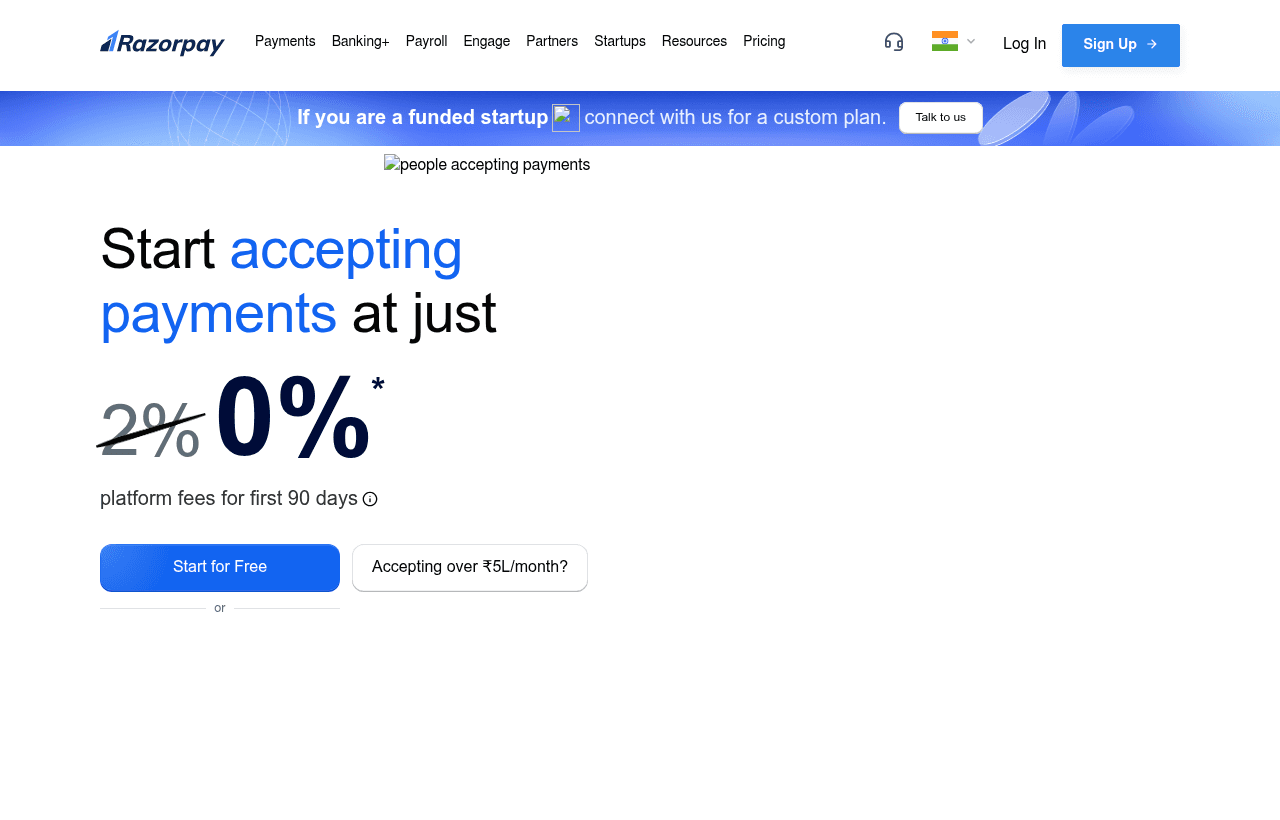
Razorpay's rate card lists most domestic methods at the same figure. It calls it a "platform fee" per successful transaction.
| Payment method | Fee per successful transaction |
|---|---|
| Cards (Visa, Mastercard, Amex, Diners, debit and credit) | 2% |
| UPI | 2% platform fee (the row also says "Zero MDR") |
| RuPay debit card | 2% platform fee (also marked "Zero MDR") |
| RuPay credit card on UPI | 2% |
| Net banking (72+ banks) | 2% |
| Wallets | 2% |
| Pay Later | 2% |
| EMI on credit and debit cards | 2% |
| Cardless EMI | 2% |
| Corporate or business credit cards | 2.15% |
| International cards | Up to 3% |
GST of 18% is added on top of Razorpay's fee, not on the payment amount. The pricing page says so directly.
Here is a Rs. 1,000 card payment:
- Platform fee at 2%: Rs. 20.00
- GST at 18% on the fee: Rs. 3.60
- Total deducted: Rs. 23.60
- Net to you: Rs. 976.40
The same payment on a corporate credit card at 2.15% costs Rs. 21.50 plus Rs. 3.87 GST, so Rs. 25.37 in all.
The UPI wording is confusing. The gateway table shows a 2% platform fee next to "Zero MDR", and the notes call the 2% a platform fee rather than MDR. We read it as: the bank-level charge is zero, Razorpay's own fee is not. Confirm the UPI rate in your dashboard before you build a margin model around it.
Amex has no separate online rate on the page. It sits inside the 2% card line. The 3% Amex and Diners figure we saw applies to the point-of-sale table only.
Setup, annual and refund charges are all Rs. 0
The pricing page lists these as Rs. 0:
- Setup fee
- Annual maintenance charge
- Refund processing fee
- Integration or support fee
That is the substance of the Free to Start label. You can integrate, test and go live without paying Razorpay anything until a customer pays you.
Instant refunds are the exception. They cost extra:
| Refund amount | Instant refund fee |
|---|---|
| Up to Rs. 1,000 | Rs. 7.99 |
| Rs. 1,000 to Rs. 25,000 | Rs. 11.99 |
| Above Rs. 25,000 | Rs. 14.99 |
Two monthly bills worked out
All figures use the published rates above, with 18% GST on the fee. They assume every payment is a single successful charge and ignore instant settlement, refunds and chargebacks.
Example 1: Rs. 10 lakh a month, all domestic
You collect Rs. 10,00,000 a month through UPI, cards and net banking at 2%.
- Platform fee: Rs. 20,000
- GST on the fee: Rs. 3,600
- Total: Rs. 23,600 a month, or Rs. 2,83,200 a year
- Setup and annual charges on top: Rs. 0
Example 2: Rs. 6 lakh a month, with some international cards
You collect Rs. 5,00,000 domestic at 2% and Rs. 1,00,000 from international cards at the "up to 3%" ceiling.
- Domestic fee: Rs. 10,000
- International fee at the ceiling: Rs. 3,000
- Fees together: Rs. 13,000
- GST: Rs. 2,340
- Total: Rs. 15,340 a month
The international line is a ceiling, not a quote. Your real rate may be lower. Treat Rs. 15,340 as the upper bound of this month.
Subscriptions and other products carry their own rates
Razorpay's rate card lists these add-ons:
| Product | Fee |
|---|---|
| Payment Links | No separate fee listed, included |
| Subscriptions (cards) | 0.9% plus platform fees per transaction |
| Subscriptions (UPI, NACH, e-mandate) | On request |
| UPI QR codes | 0.99% |
| Bharat QR card payments | 2.0% |
| Smart Collect (virtual accounts) | 1% or Rs. 10 per transaction, whichever is lower |
| No-Code Tools | 0.2% plus gateway fees |
| Route (split payments) | 0.1% plus platform fees |
| International bank transfers, standard plan | 1% plus GST, 0% FX markup |
| Magic Checkout, Optimizer, TokenHQ | Custom pricing only |
Take a Rs. 1,000 monthly card subscription. If "plus platform fees" means the usual 2%, the fees add to 0.9% + 2% = 2.9%. That is Rs. 29, plus Rs. 5.22 GST, so Rs. 34.22. The page does not spell out that sum, so this is our reading.
Smart Collect is cheap on large transfers. A Rs. 5,00,000 bank transfer would cost 1% = Rs. 5,000 on the formula, but the "whichever is lower" rule caps it at Rs. 10. Small transfers cost 1%, large ones cost Rs. 10.
Settlement: T+2 in the docs, T+1 on the pricing page
Razorpay's two pages do not agree. The pricing page says net amounts settle "on a T+1 or instant settlement cycle." The settlements help page says "The standard settlement cycle for domestic payments is T+2 working days." Plan around T+2 until your dashboard shows otherwise.
What the help page also says:
- Working days exclude bank holidays. A settlement due on a holiday moves to the next working day.
- Instant settlement can cut the wait to a few minutes. You must ask Razorpay Support to enable it, and it has separate pricing that the help page does not state.
- Your account must be KYC approved and fully activated before money settles to your bank.
- Settled amounts are net of fees.
- International payments settle on a cycle "as per applicable law(s)", with no fixed number of days.
The practical point for a startup is cash flow. A payment on Friday may not reach your bank until Tuesday or later once a weekend and a holiday are involved. Keep a working buffer if you pay suppliers on a tight schedule.
Accepting payments from outside India
Razorpay's international page says you can accept "more than 160+ foreign currencies". The table on that same page itemizes 128 currency codes, so we use 128 as the count we could see.
To switch it on:
- New users choose "Outside India (International)" during onboarding.
- You supply business details and documents, including a GSTIN certificate if you are GST-registered and a Udyam certificate for an MSME.
- KYC includes proof of business address, authorised signatory details and a video KYC using Aadhaar and PAN, which the page says takes about 3 to 4 minutes.
- Existing users go to Account & Settings, then International payments, and click Activate.
Registered businesses with a valid website can take foreign cards, International Bank Transfer, PayPal and local payment methods. Freelancers and other individuals must use PayPal, and can also use International Bank Transfer. For bank transfers, settlement lands in the Indian business's account in INR.
Non-Indian businesses can accept payments from Indian customers and have the funds settled to an overseas account. That needs a form submission to enable.
The international page states no fees. The rate card's "up to 3%" for international cards is the figure to use.
The startup perks program
Razorpay has a separate page, razorpay.com/m/startup-perks, for funded startups. It has two tiers, Angel Funded and VC Funded. The page does not list eligibility criteria and points to separate terms.
| Perk | Angel Funded | VC Funded |
|---|---|---|
| Gateway credits, domestic payments | Rs. 3 lakh | Rs. 30 lakh |
| Gateway credits, international payments | Rs. 3 lakh | Rs. 20 lakh |
| Intelligent payment routing | Not included | 1 year |
| Magic Checkout | Free for 90 days | Free for 6 months |
| Payroll | First 3 months free | First 3 months free |
| Extra GMV with the RazorpayX current account | Rs. 5 lakh | Rs. 10 lakh |
| SaaS benefit through the corporate card | Rs. 20 lakh | Rs. 50 lakh |
Both tiers also get free incorporation help through Razorpay Rize, a zero-balance RazorpayX current account, a collateral-free corporate card with up to 1% cashback on growth spends, and a dedicated manager. The page also says Razorpay Ventures can invest up to $1 million. Partner offers on the card include $2,500 of Shopify credit, up to 5% off monthly AWS billing and six months of Notion free.
Razorpay does not say whether "credits in domestic payments" means fee-free processing on that volume. If it does, the saving is easy to size. Rs. 3 lakh of domestic volume at 2% would save Rs. 6,000 in fees, or Rs. 7,080 with GST. Rs. 30 lakh would save Rs. 60,000 or Rs. 70,800 with GST. Rs. 20 lakh of international volume at the 3% ceiling would be worth Rs. 60,000 before GST. These are inferences, so ask Razorpay what the credit covers before you count on them.
What you get on the developer side
Razorpay's gateway documentation lists these:
- Payment methods: domestic and international cards, net banking, UPI, Cash on Delivery, EMI, Cardless EMI and wallets such as Paytm and PhonePe.
- Server SDKs: PHP, Ruby, Python, NodeJS, .NET, Java and Go.
- Mobile SDKs: Android, iOS, Cordova, React Native, Flutter and Capacitor.
- Plugins: WooCommerce, Shopify, Magento, WordPress and others.
- Checkout types: Standard (a JavaScript Pay button you can style), Custom (full control of the UI), Quick (an auto-generated button you cannot change) and server-to-server, where you contact Support.
We could not confirm Razorpay's PCI DSS level or test-mode details on the pages we fetched, so we do not state them here.
RazorpayX payouts and payroll cost a fixed fee
RazorpayX is the money-out side. The rate card prices it by tier:
| Product | Price (GST 18% extra) |
|---|---|
| Payouts, BB+ Core | Rs. 2,476 per quarter |
| Payouts, BB+ Pro | Rs. 14,866 per quarter |
| Payouts, BB+ Pro + API | Rs. 24,778 per quarter |
| Vendor Payments | Rs. 34,688 per quarter |
| Payroll, Prime | Rs. 2,499 a month, up to 20 employees |
| Payroll, Elite | Rs. 5,499 a month, up to 50 employees, plus Rs. 150 per extra employee up to 100 |
A company with 20 staff on Prime pays Rs. 2,499 + 18% GST (Rs. 449.82) = Rs. 2,948.82 a month. That is Rs. 35,385.84 a year. If your startup is funded, the first three months of payroll are free under the perks program.
Razorpay against two alternatives
| Razorpay | Lemon Squeezy | Paddle | |
|---|---|---|---|
| Base fee | 2% domestic, up to 3% international cards, plus 18% GST | 5% + $0.50 | 5% + $0.50 |
| Setup and monthly fees | Rs. 0 | None for ecommerce | None |
| Who is the seller | You | Merchant of record | Merchant of record |
| Settlement | T+2 working days per docs | Payouts on a fixed 1st and 15th schedule | Monthly, sent by the 15th |
| Strength | Indian methods like UPI and net banking | Digital product sales | Global SaaS billing |
Details are on Lemon Squeezy and Paddle. Both handle tax as merchant of record for global software sales. Razorpay does not describe itself that way on the pages we read, so you stay responsible for GST and other tax filings on your sales.
Who it suits and who should look elsewhere
Razorpay fits:
- An Indian startup selling to Indian customers who pay by UPI, cards and net banking
- A SaaS founder who wants a single provider for checkout, subscriptions and vendor payouts
- A funded team that qualifies for the Angel or VC tier perks
- A shop that sells in person and online and wants one vendor for both
Look elsewhere if:
- You want a merchant of record to take on global sales tax for you
- Your customers are overwhelmingly outside India and you have no Indian business entity, since the international flow needs business documents and KYC
- You need a published rate below 2% for domestic cards. The rate card shows none, and lower rates are negotiated rather than listed
Claiming the Razorpay offer, step by step
- Go to razorpay.com and create an account.
- Complete KYC. Settlement does not start until your account is approved and fully activated.
- Pick domestic or international in onboarding. International needs business documents and a video KYC.
- Integrate with the server SDK or plugin for your stack, then test.
- If you have angel or VC funding, apply through razorpay.com/m/startup-perks. Eligibility is in Razorpay's separate terms.
- Check the live rate in your dashboard before you go live. Negotiated rates and GST can change your effective cost.
Who Is This Deal For?
Early-Stage Startups
Seed and pre-seed companies looking to move fast without overspending on tools.
Growing SaaS Teams
Series A+ companies scaling their stack and optimizing software costs.
Solo Founders
Indie hackers and bootstrapped founders who need enterprise tools at startup prices.
Get Free to Start off Razorpay
Free for all startups. Claim instantly.
Frequently Asked Questions
Everything you need to know about this startup deal.
Get the weekly deals digest
New verified startup deals every week. No spam, ever. Unsubscribe anytime.
Related Offers

Retool
Used by 1,559 members
1 year free, up to $60K
Build internal tools 10x faster with the low-code platform used by companies like Amazon, DoorDash, and Mercedes-Benz.
View offer
Replicate
Used by 1,772 members
$500 in credits
Run open-source ML models in the cloud, deploy Llama, Stable Diffusion, and custom models via API without GPU management.
View offer
ZoomInfo
Used by 2,014 members
Free Trial
B2B data platform for sales and marketing intelligence with contact databases.
View offer
Chore
15% off your first month
Chore runs your startup's back office for you: payroll, HR, bookkeeping, compliance and equity, inside the tools you already use. 15% off your first month through SaaSOffers.
View offerDeal Summary
Looking for more startup deals?
Browse all offers